RESTORA360 PRODUCT · BOOKING
Every open hour,
bookable in two taps.
The customer wants a time. Your team wants a calendar that cannot be wrong. Booking is the piece that has to satisfy both without anyone phoning to check.
- Built for
- Barbers · Salons & clinics · Spa & massage
- Works on
- Web · Windows · Android tablet
- Languages
- Swedish · English · Norwegian · Danish
- Markets
- Sweden · Norway · Denmark
In short
Restora360 Appointments turns your opening hours into bookable time. A customer picks a service and sees only the slots where the right person — and the chair or room the treatment needs — is genuinely free. The booking lands in the same calendar your staff work from and in the register that will take the payment, so the appointment and the bill are one thread.
KEY FEATURES
What you get with Appointments.
- 01
Only slots that are actually free
Availability is worked out from the service length, the staff member’s shift and the room or chair it needs. A slot is offered only when all of them are open, so a double booking cannot be made.
- 02
One calendar for the whole team
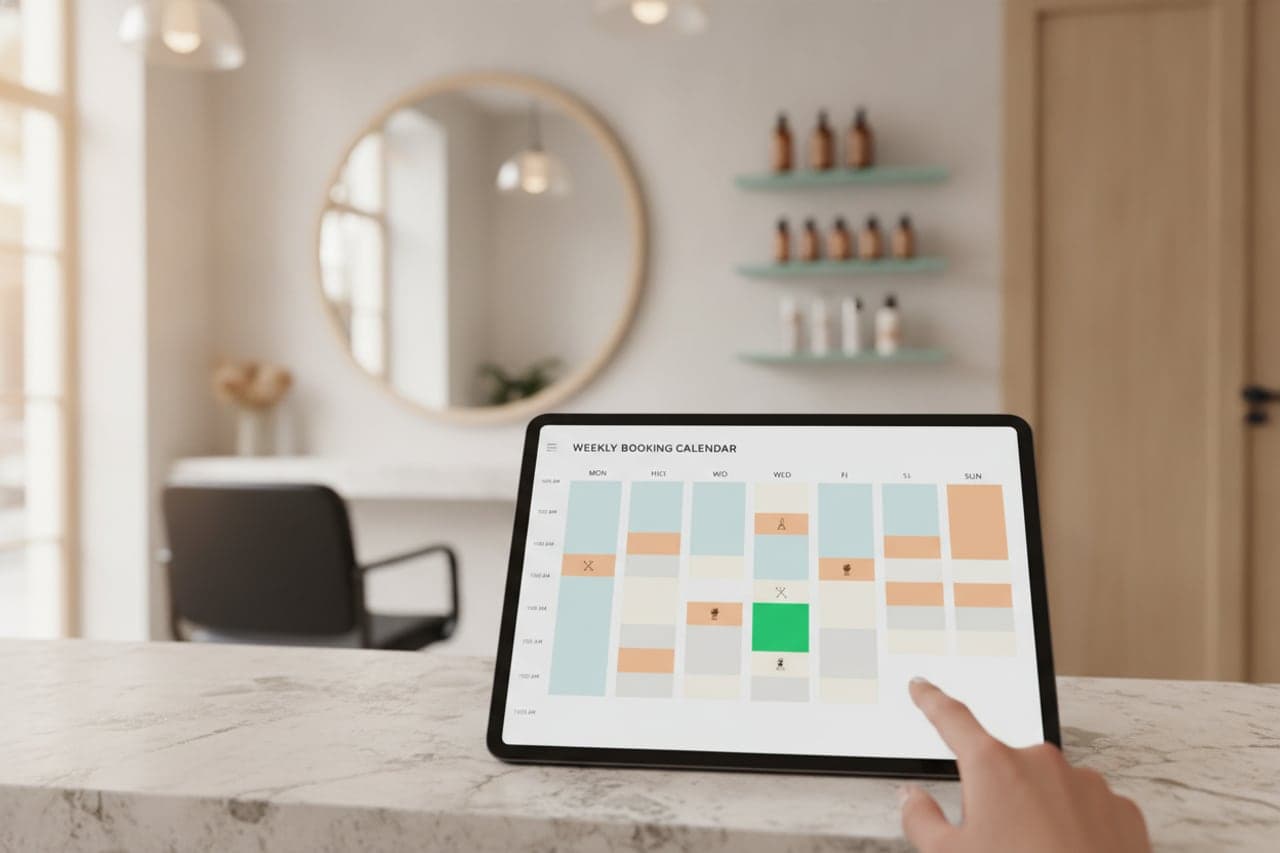
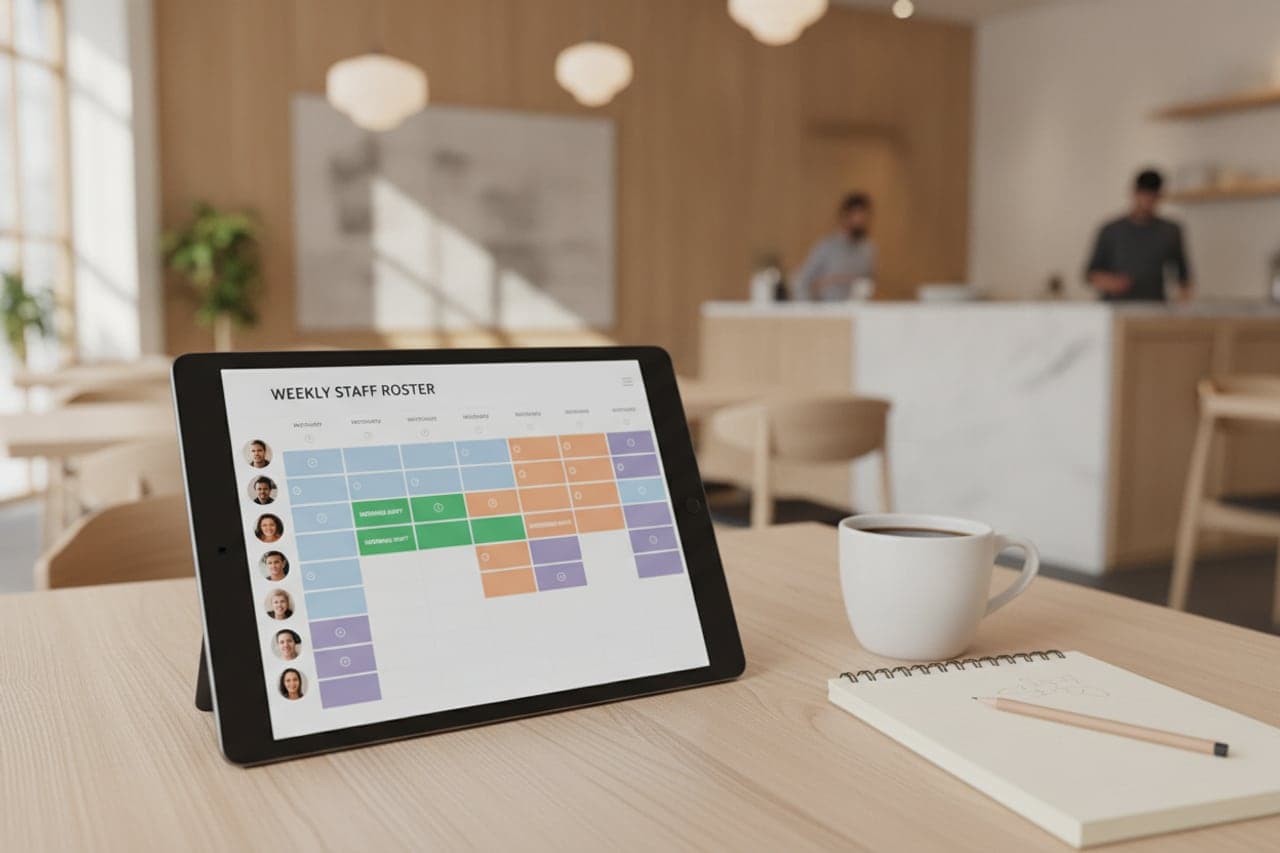
Day, week and per-person views, drag to move, colour by service or state. What the desk sees is exactly what the online form offered.
- 03
Reminders that cut no-shows
Confirmations and reminders go out automatically in the customer’s language, and they can confirm or cancel straight from the message instead of not turning up.
- 04
Deposits and prepayment
Ask for a deposit or the full price on the services where it matters. The amount is credited on the final bill when the customer arrives.
- 05
Rooms, chairs and equipment
A treatment that needs a room holds it for exactly as long as it needs. Two therapists cannot be given the same room, and it is released the moment the treatment ends.
- 06
From booking to paid bill
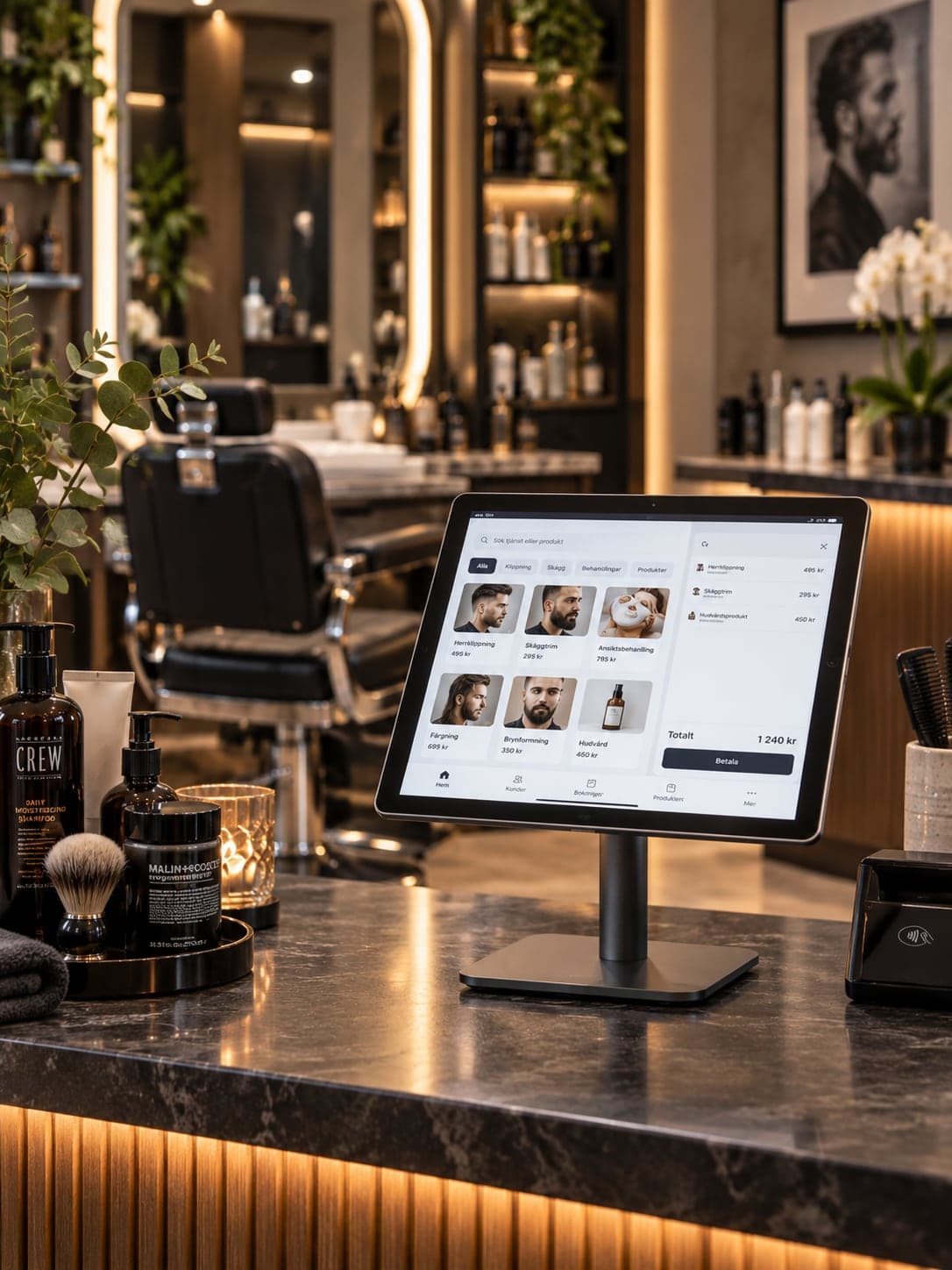
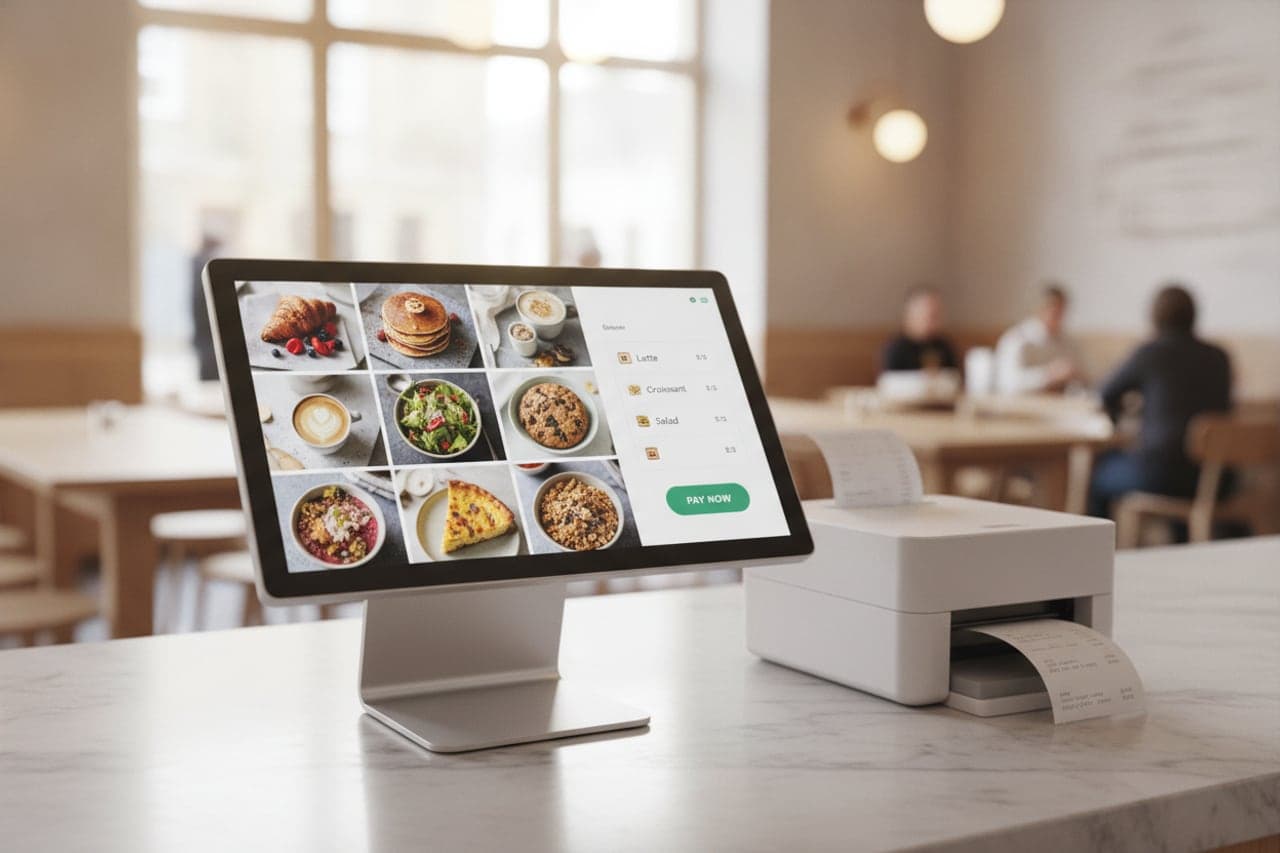
The appointment opens at the till as a bill with the service already on it. Add a product, apply the deposit and take payment without retyping anything.
HOW IT WORKS
From first login to everyday use.
List your services
Name, duration, price — and what each one needs: a person, a chair, a room.
Set who works when
Opening hours, staff shifts, and the breaks that are not bookable.
Open the online door
The booking form appears on your website and can be shared as a link of its own.
Work from one calendar
Online bookings, phone bookings and walk-ins land in the same view, and every one of them can be paid at the till.
WHO IT IS FOR
The trades that run on it.
Every trade uses the platform differently. See which products go together for yours.
QUESTIONS
Frequently asked questions
Can two staff be booked at the same time?
Yes. Each staff member has their own schedule and availability is calculated per person, so the calendar runs as many parallel columns as you have people.
What actually stops a double booking?
A slot is offered only when the service length, the staff member’s shift and any chair or room the treatment needs are all free, and the resource is held the moment the booking is made — so two customers cannot claim the same one.
Can we take a deposit?
Yes, as a fixed amount or the full price, set per service. The deposit is credited automatically against the final bill.
Do customers get a reminder?
Confirmation and reminder messages are sent automatically in the customer’s language, and they can confirm or cancel from the message.
NEXT STEP
See it running on your own business.
Tell us how you work today and we will show you this product in your own flow — and say honestly if you do not need it.