RESTORA360 PRODUCT · DIGITAL SIGNAGE
Screens that update
when your prices do.
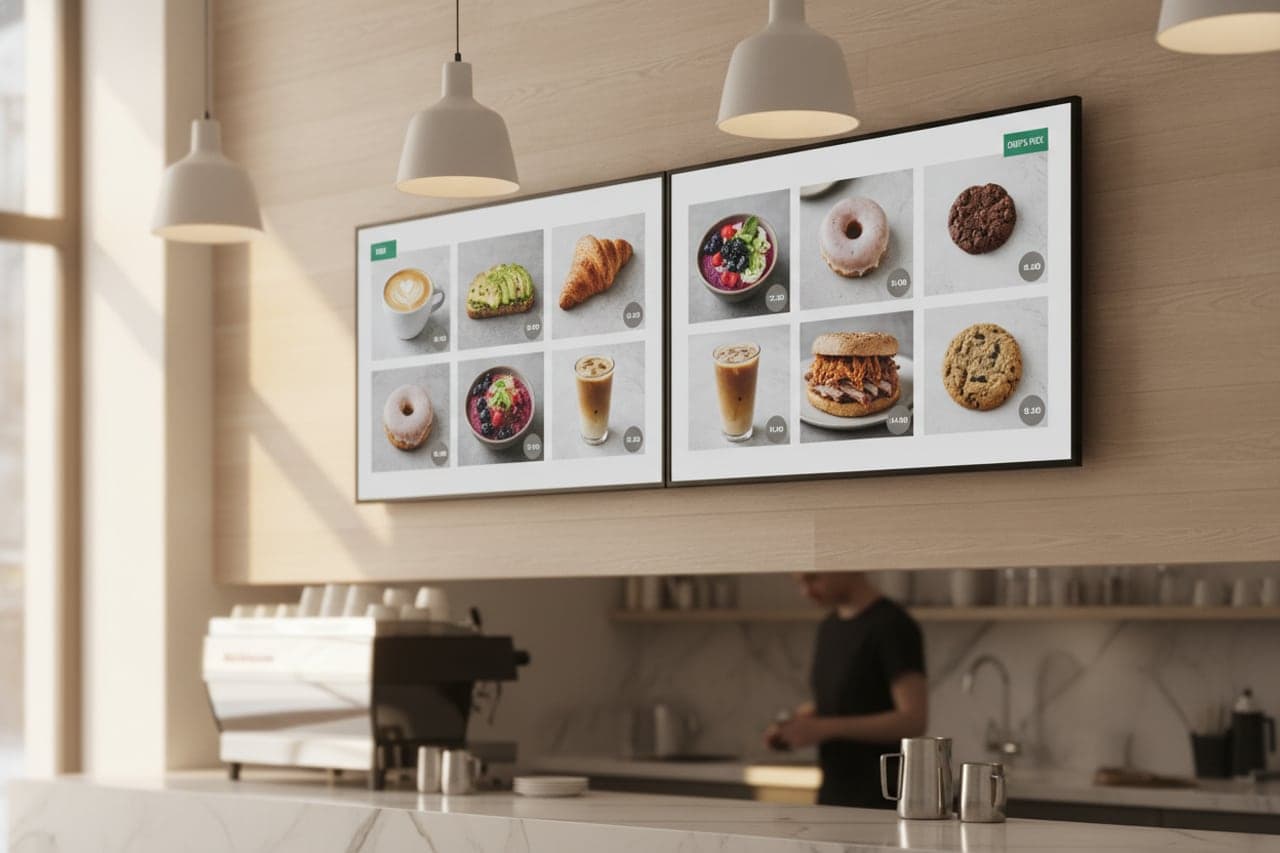
A menu board is only worth having if it is right. It is right when it is drawn from the same catalogue the register sells from.
- Built for
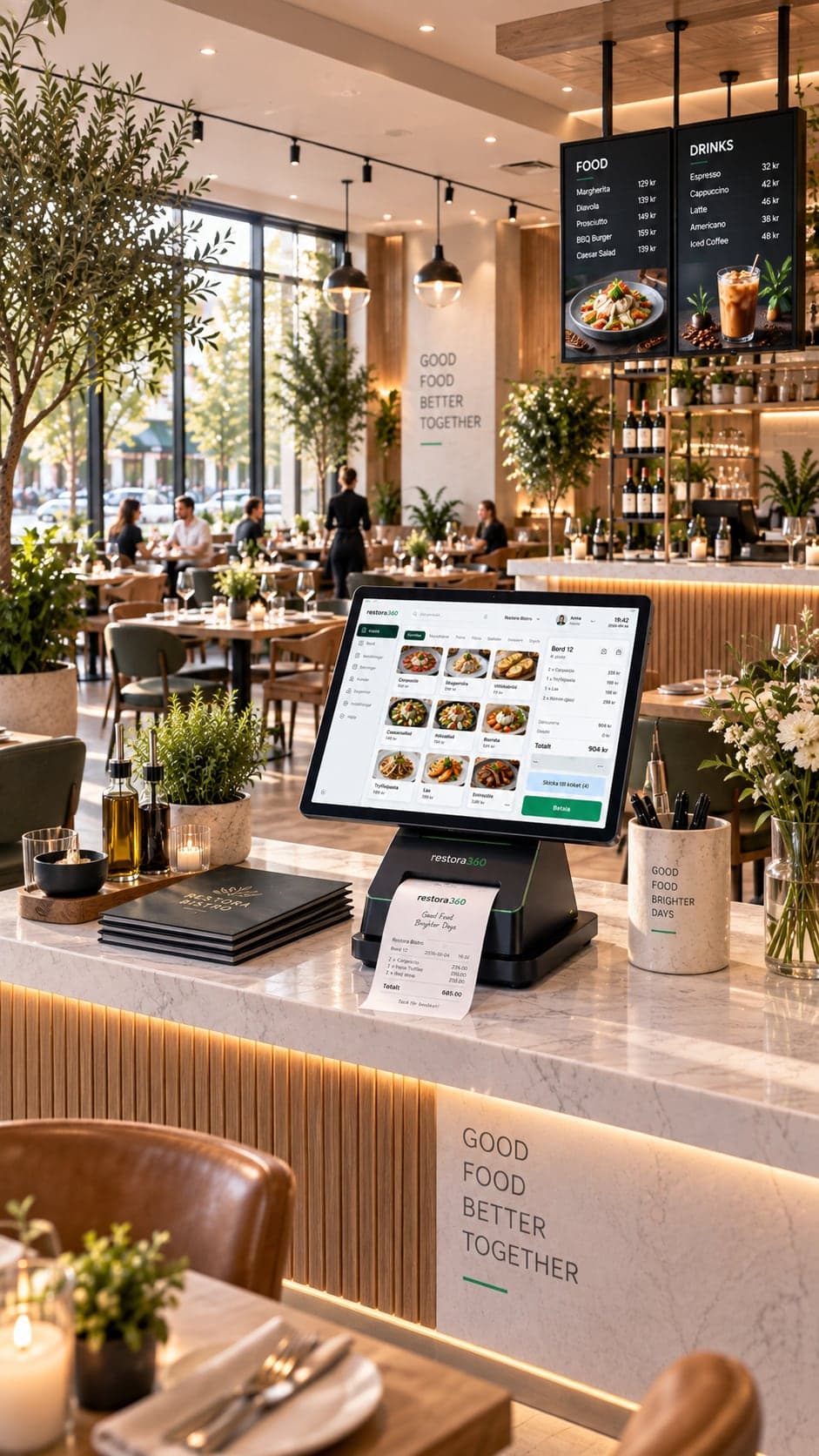
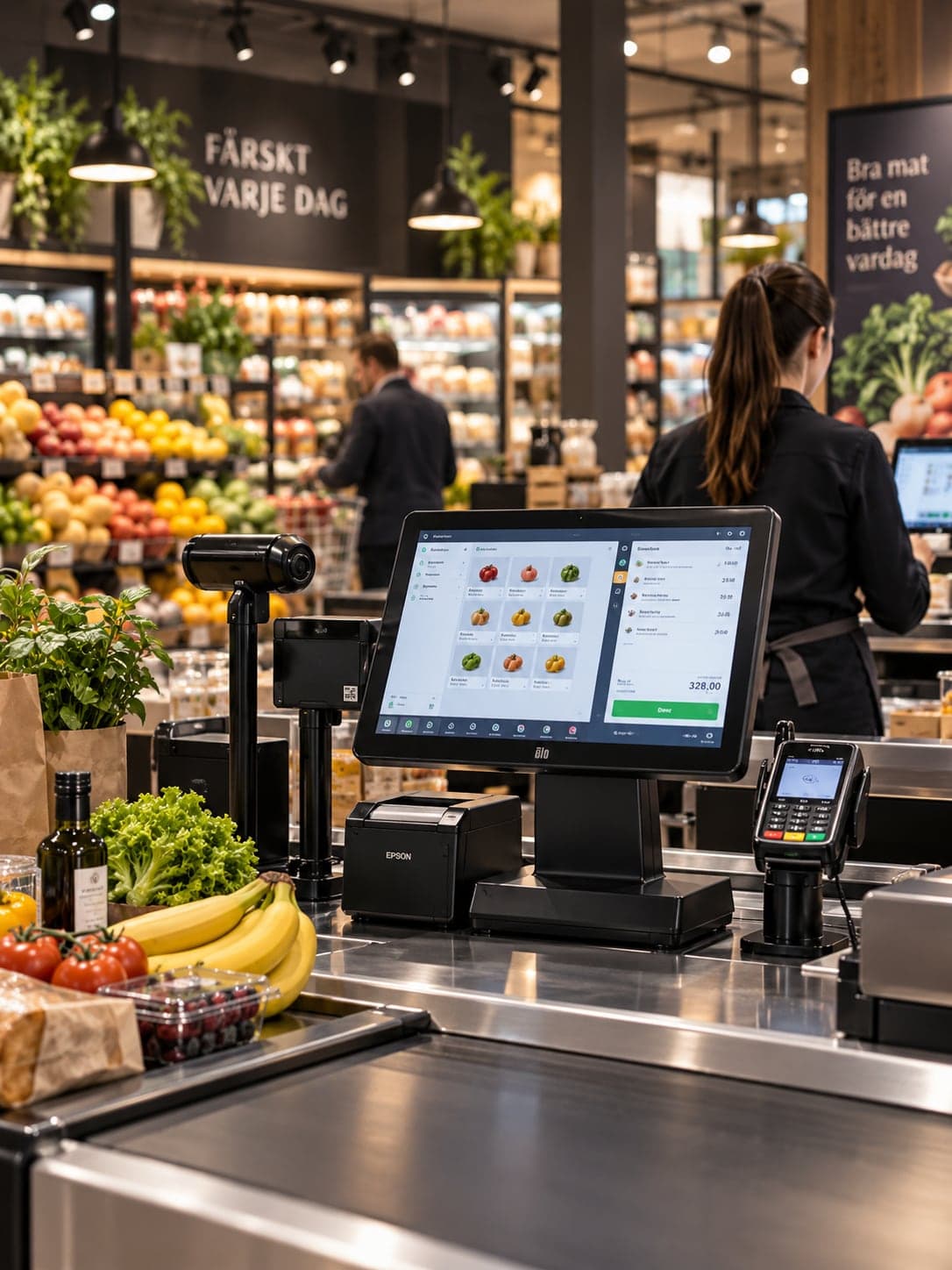
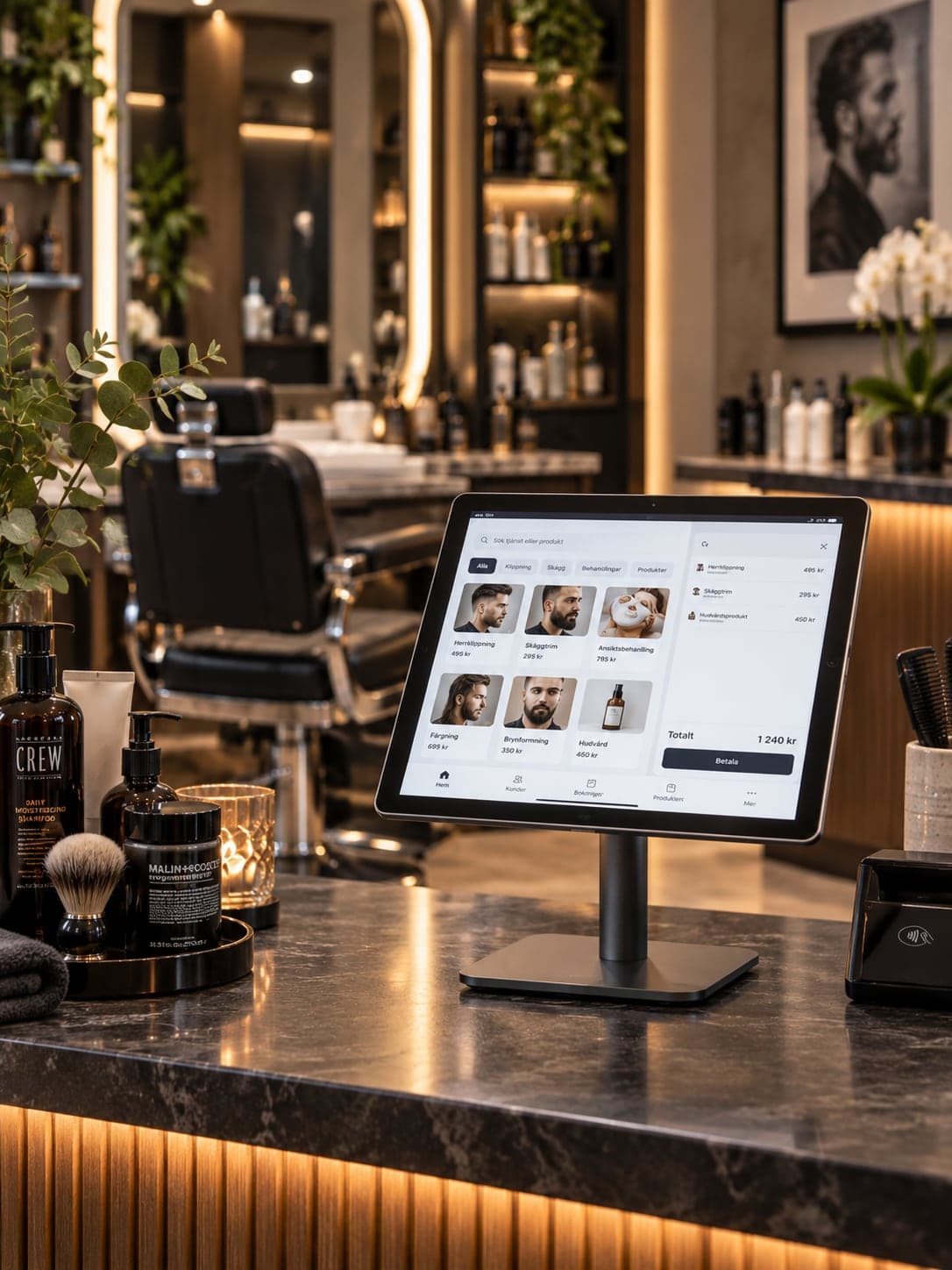
- Restaurants & cafés · Retail & stores · Barbers · Beauty
- Works on
- Any screen with a browser · Android media player
- Languages
- Swedish · English · Norwegian · Danish
- Markets
- Sweden · Norway · Denmark
In short
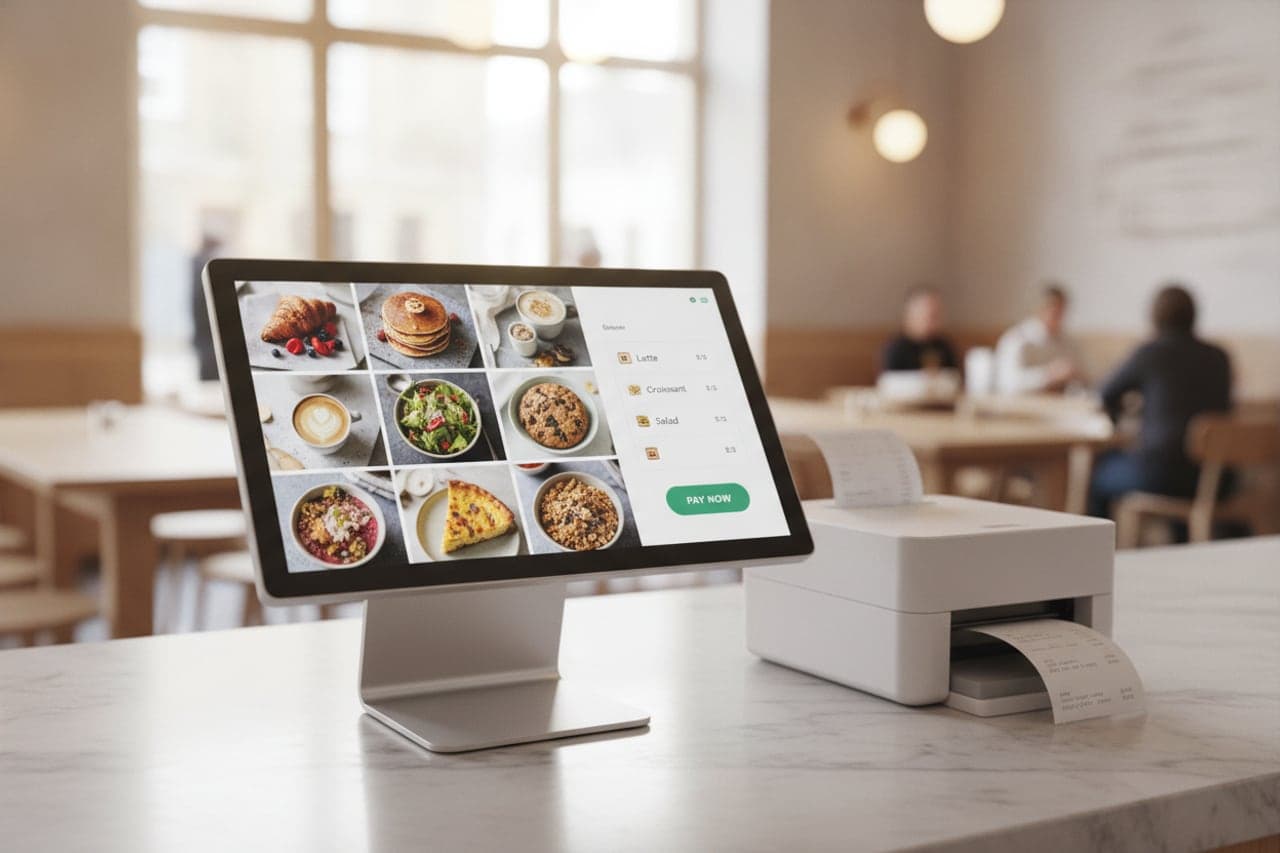
Restora360 Digital signage turns any screen into a menu board, an offer wall or an order-status display, driven by the same catalogue the register sells from. A price change at the till reaches every screen without anyone opening a design tool, and an item that runs out is dimmed on the board the moment the kitchen says so.
KEY FEATURES
What you get with Digital signage.
- 01
Menu boards from live data
The board shows the products, prices and allergens in the catalogue. Change one, and the wall is right within seconds.
- 02
Sold out, without a sticker
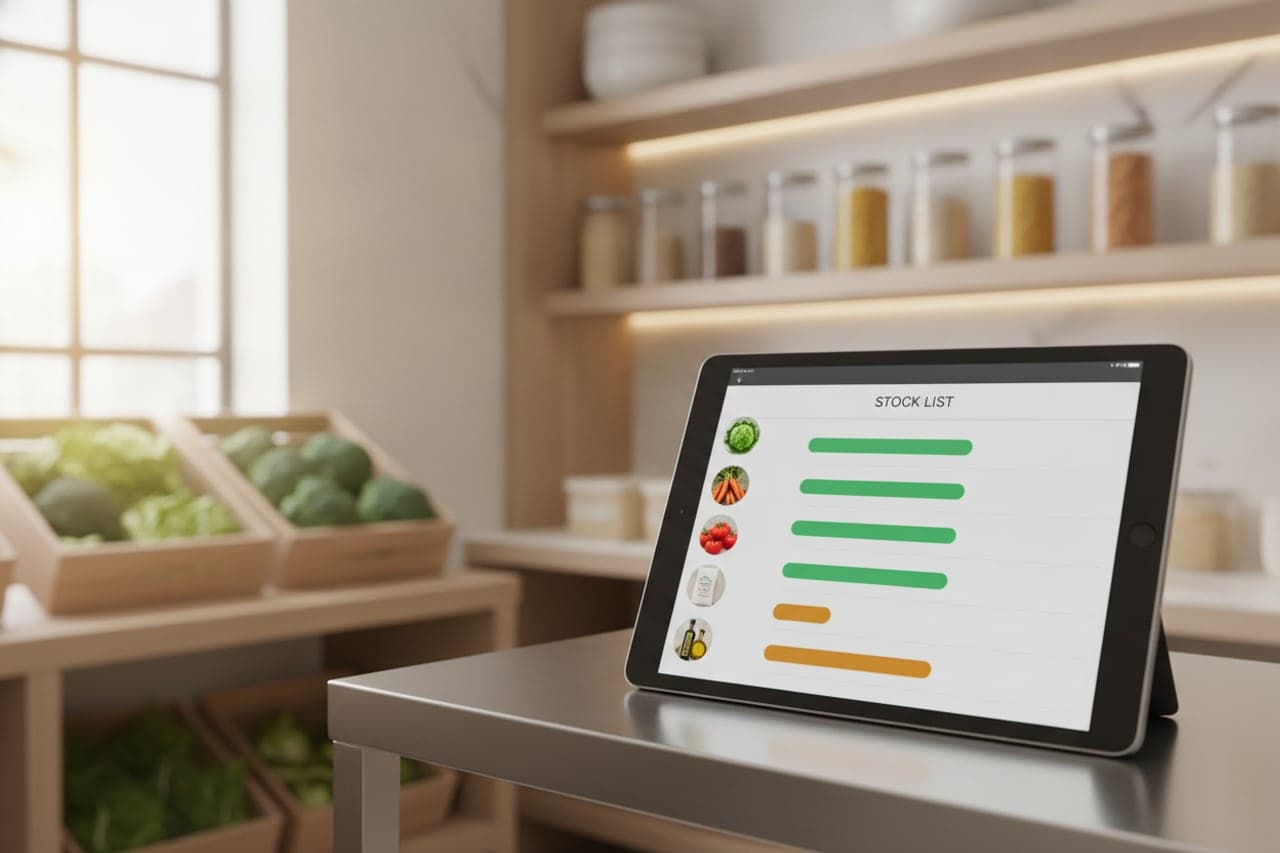
When an item runs out it dims on the board instead of being ordered, cooked-for and refunded.
- 03
Order status for the counter
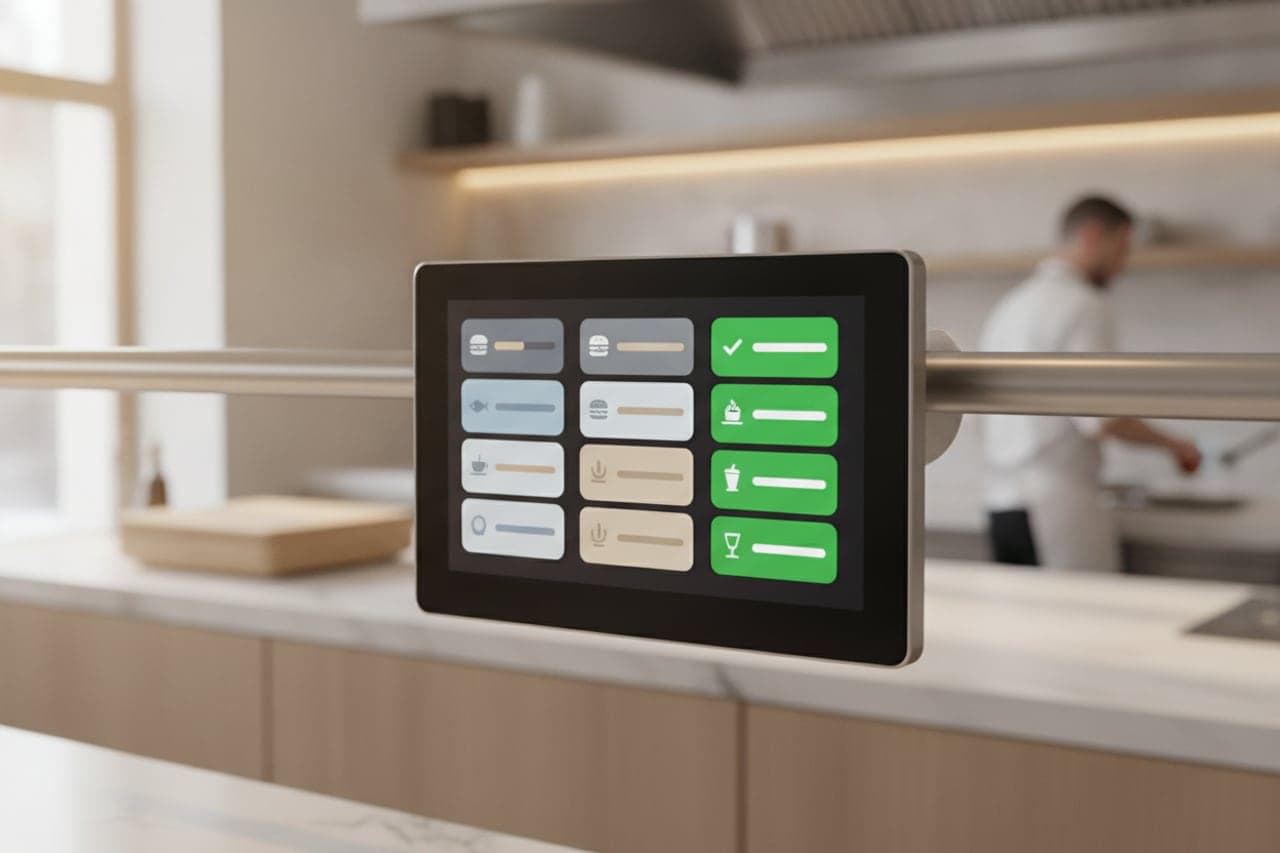
A preparing-and-ready screen calls the number, so guests stop asking at the pass and the kitchen keeps working.
- 04
Day-parted content
Breakfast until eleven, lunch until three, the evening menu after that — scheduled once and then left alone.
- 05
Many screens, one place to change them
Group screens by room or by site and push a change to the whole group; each screen keeps its own layout and orientation.
- 06
Designed to be read across a room
Type sizes, contrast and layout are built for a screen two metres away, in portrait or landscape — not for a desktop browser.
HOW IT WORKS
From first login to everyday use.
Point a screen at it
Any screen with a browser, or an ordinary TV with a small Android player behind it. It pairs with a code.
Choose the layout
Menu board, offer wall or order status; portrait or landscape.
Pick what it shows
A category, a price list, a campaign — drawn from the catalogue you already keep.
Leave it running
Prices, sold-out items and day parts change themselves, and the screen restarts into the same view after a power cut.
WHO IT IS FOR
The trades that run on it.
Every trade uses the platform differently. See which products go together for yours.
QUESTIONS
Frequently asked questions
What hardware do we need?
A screen with a browser, or an ordinary TV with a small Android media player behind it. There is no dedicated signage box to buy.
Do we have to design the menu twice?
No. The board renders the catalogue the register already sells from; the design is chosen once as a layout.
Can different screens show different things?
Yes. Screens are grouped, and each group has its own content and schedule — one screen can show the menu while the next shows order status.
What happens after a power cut?
The screen comes back to the same view on its own. Nobody has to open a browser or log in.
NEXT STEP
See it running on your own business.
Tell us how you work today and we will show you this product in your own flow — and say honestly if you do not need it.