RESTORA360 PRODUCT · INVENTORY
Know what you have,
before you run out of it.
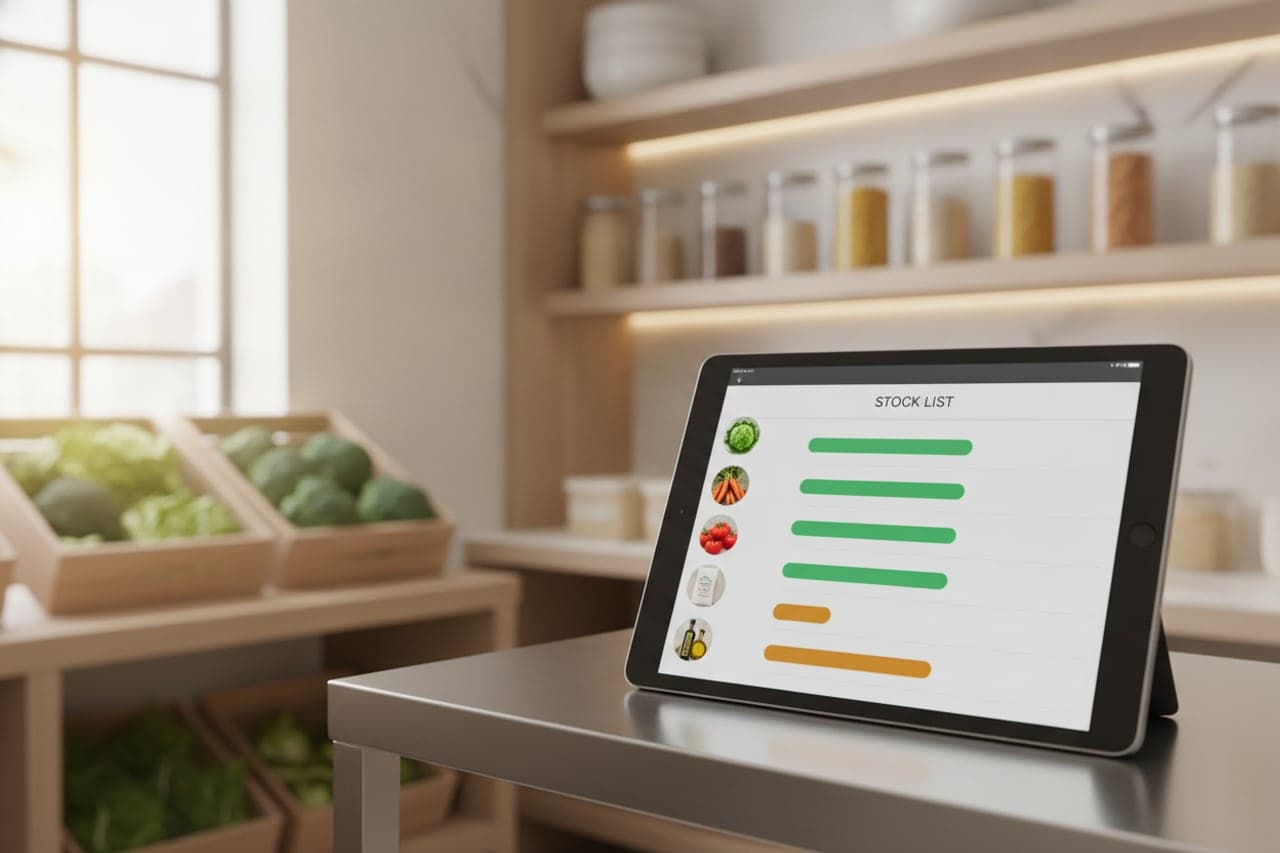
Stock counts are only worth doing if the number survives the week. It survives when selling, receiving and wasting all book against the same ledger.
- Built for
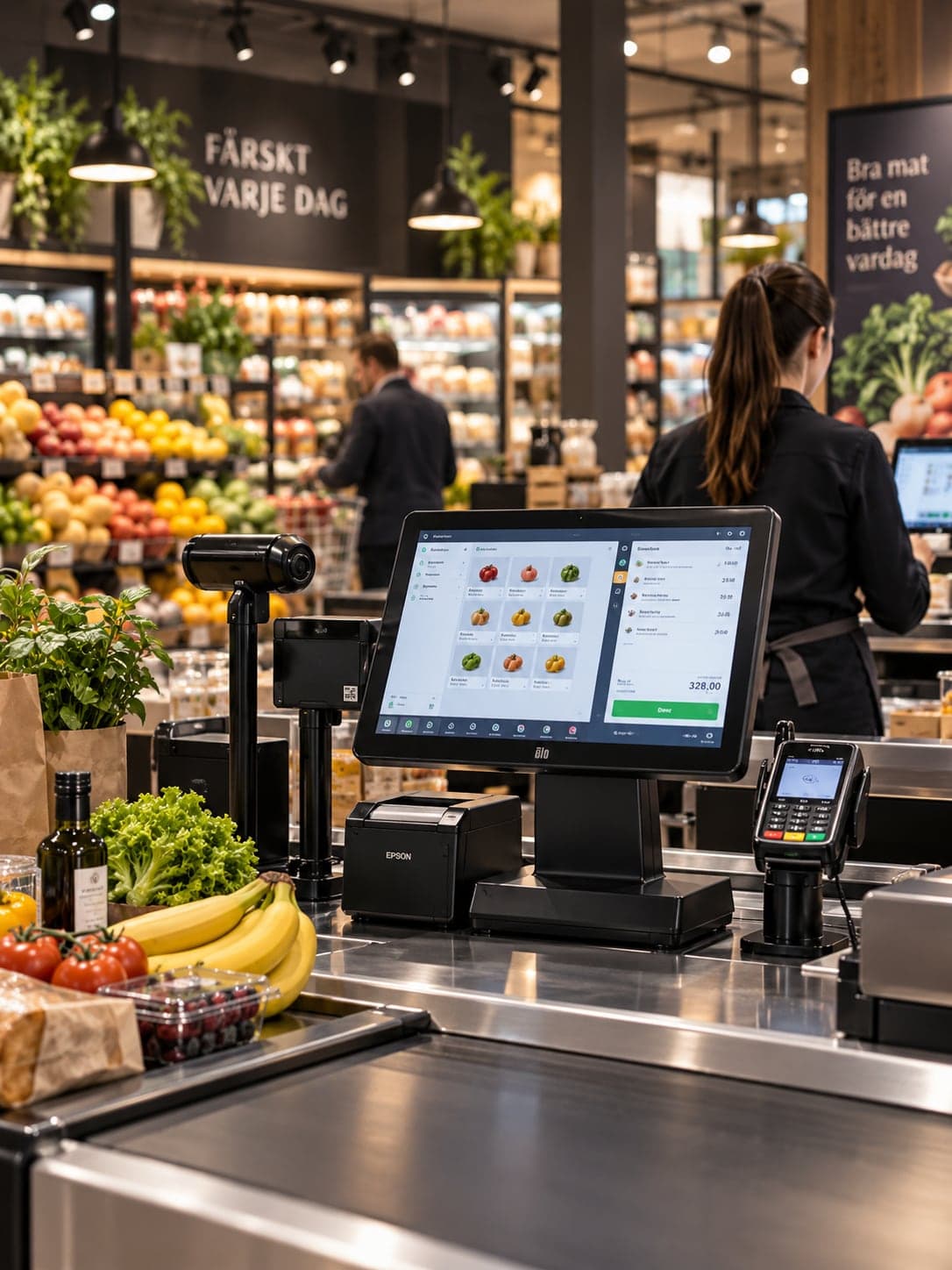
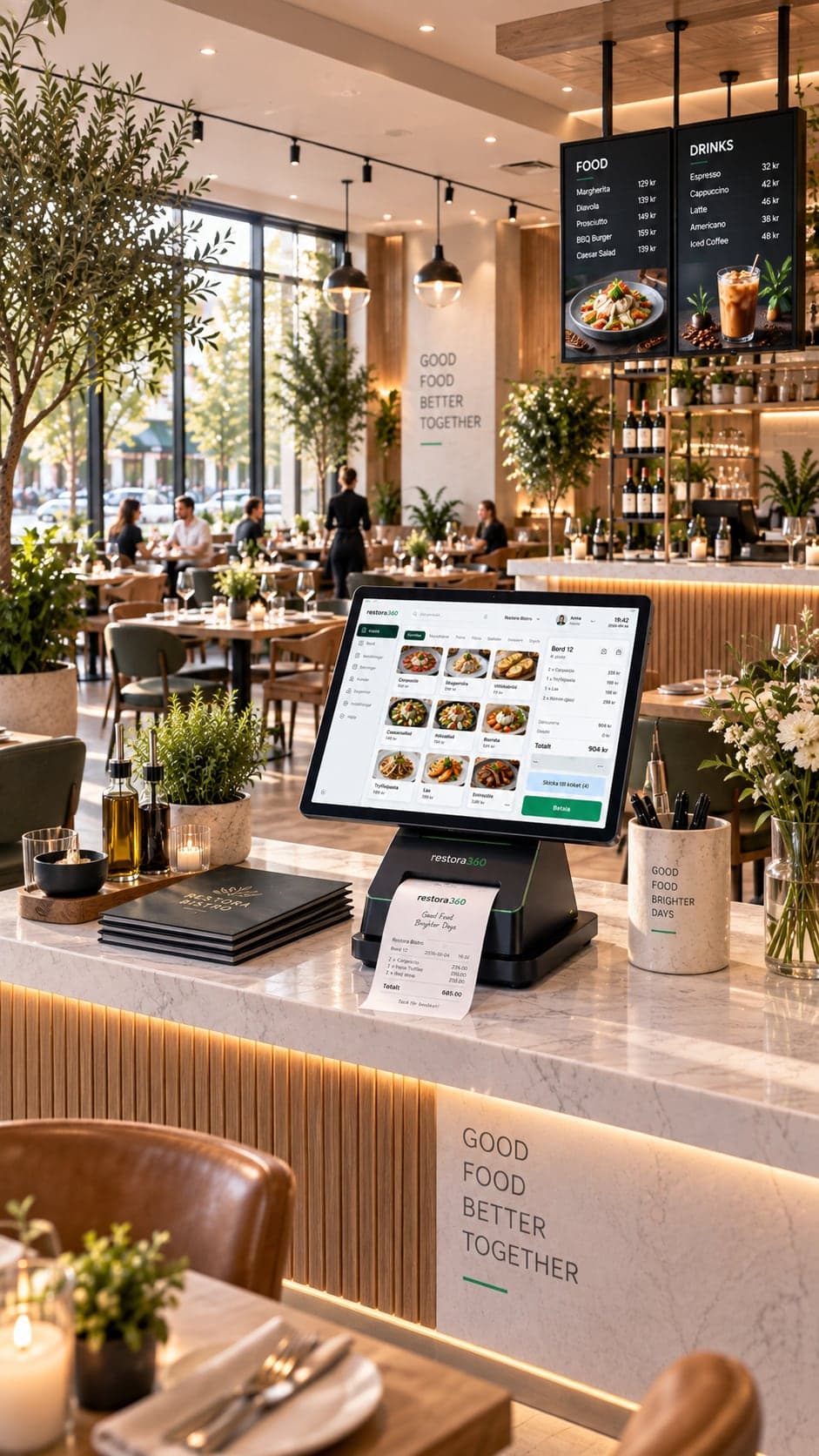
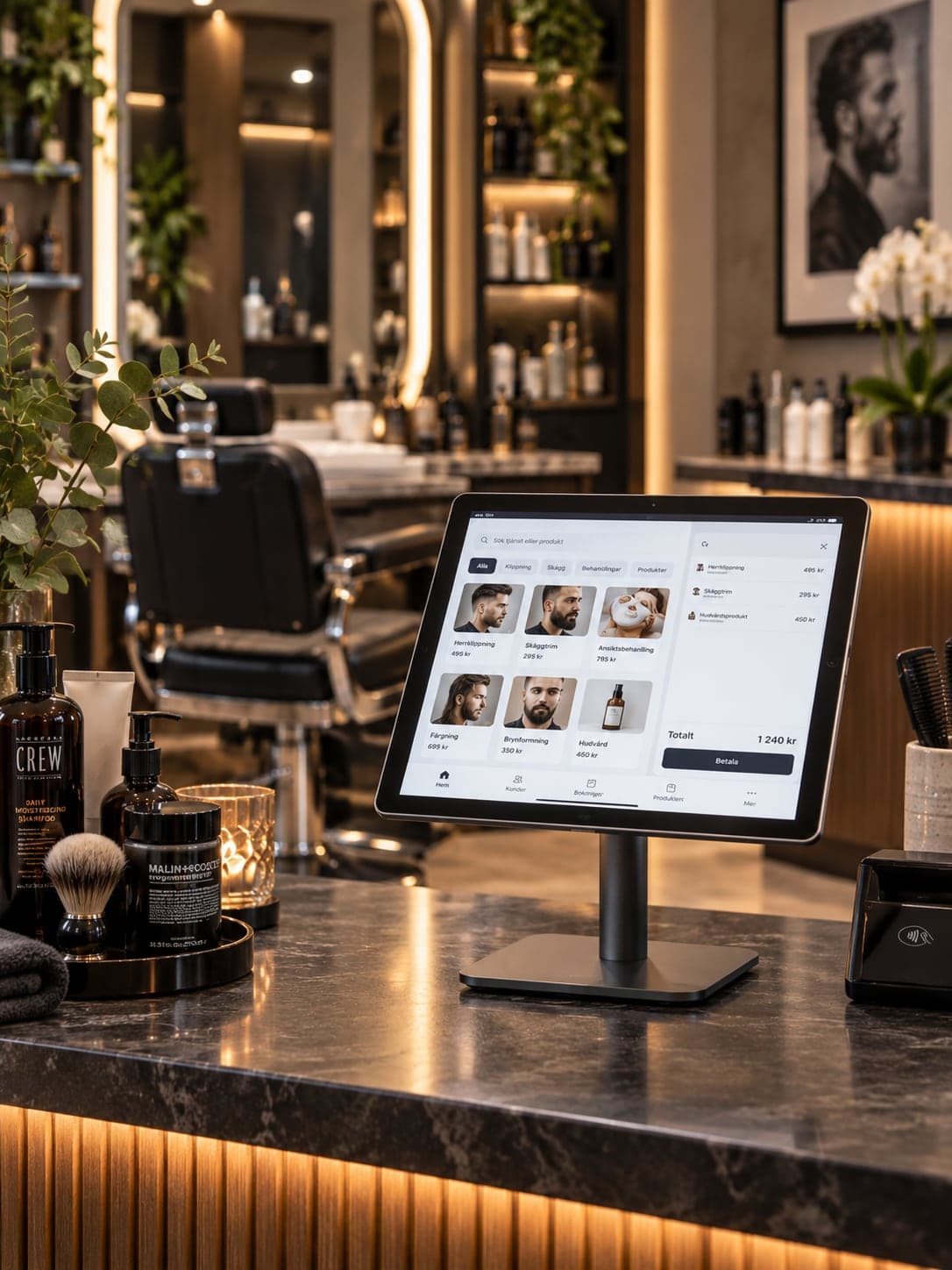
- Retail & stores · Restaurants & cafés · Beauty & wellness
- Works on
- Web · Windows · Android tablet · Barcode scanner
- Languages
- Swedish · English · Norwegian · Danish
- Markets
- Sweden · Norway · Denmark
In short
Restora360 Inventory keeps stock in step with sales. Every sale at the till subtracts what it used — the item in a shop, the ingredients behind a dish in a kitchen — so the figure on screen is the figure on the shelf. Deliveries, wastage, counts and supplier orders all book against the same ledger, and reorder points turn the day’s sales into a short list of what to buy.
KEY FEATURES
What you get with Inventory management.
- 01
Stock moves as you sell
A sale subtracts the item — or, in a kitchen, the ingredients behind the dish. No end-of-day sync, and no spreadsheet keeping a second opinion.
- 02
Count with a scanner
Walk the shelf, scan, type the count. Differences are shown against the expected figure and posted as one adjustment with a reason on it.
- 03
Recipes and portions
Say what a dish is made of and how much of it. Selling ten of them moves ten portions of every ingredient, garnish included.
- 04
Suppliers and purchase orders
Keep supplier prices, pack sizes and lead times, and raise an order from what is genuinely low rather than from memory.
- 05
Wastage with a reason
Breakage, spoilage, staff food and returns are each booked with a reason, so the gap between what sold and what is gone can be explained.
- 06
A shelf map you can walk
Locations and shelves are part of the record, so a count, a delivery or a stock check follows the route the shop is actually laid out in.
HOW IT WORKS
From first login to everyday use.
Bring in your goods
Import a product list or scan your way along the shelf. Barcodes, pack sizes and VAT categories come with them.
Say what a sale consumes
A retail item consumes itself; a dish consumes its recipe. Set it once per product.
Book deliveries and counts
Receive against a supplier order, count with the scanner, and let the system post the difference for you.
Order from the numbers
Reorder points turn today’s sales into a proposed order per supplier — before the shelf is empty, not after.
WHO IT IS FOR
The trades that run on it.
Every trade uses the platform differently. See which products go together for yours.
QUESTIONS
Frequently asked questions
Does stock update automatically when we sell?
Yes. Every sale posts against the stock ledger the moment it is settled, including the ingredients behind a dish when you use recipes.
Can we use a barcode scanner?
Yes — for selling, receiving and counting. A wedge scanner needs no driver, and scanning during a count fills the line and moves on to the next.
Does it work for a kitchen as well as a shop?
Both. A shop tracks the item it sells; a kitchen tracks ingredients through recipes and portions, so a plate of pasta moves pasta, sauce and garnish.
Can we see what needs ordering?
Yes. Reorder points and recent sales produce a proposed order per supplier, which you edit and send.
NEXT STEP
See it running on your own business.
Tell us how you work today and we will show you this product in your own flow — and say honestly if you do not need it.