RESTORA360 PRODUCT · ONLINE ORDERING
Your orders,
on your own channel.
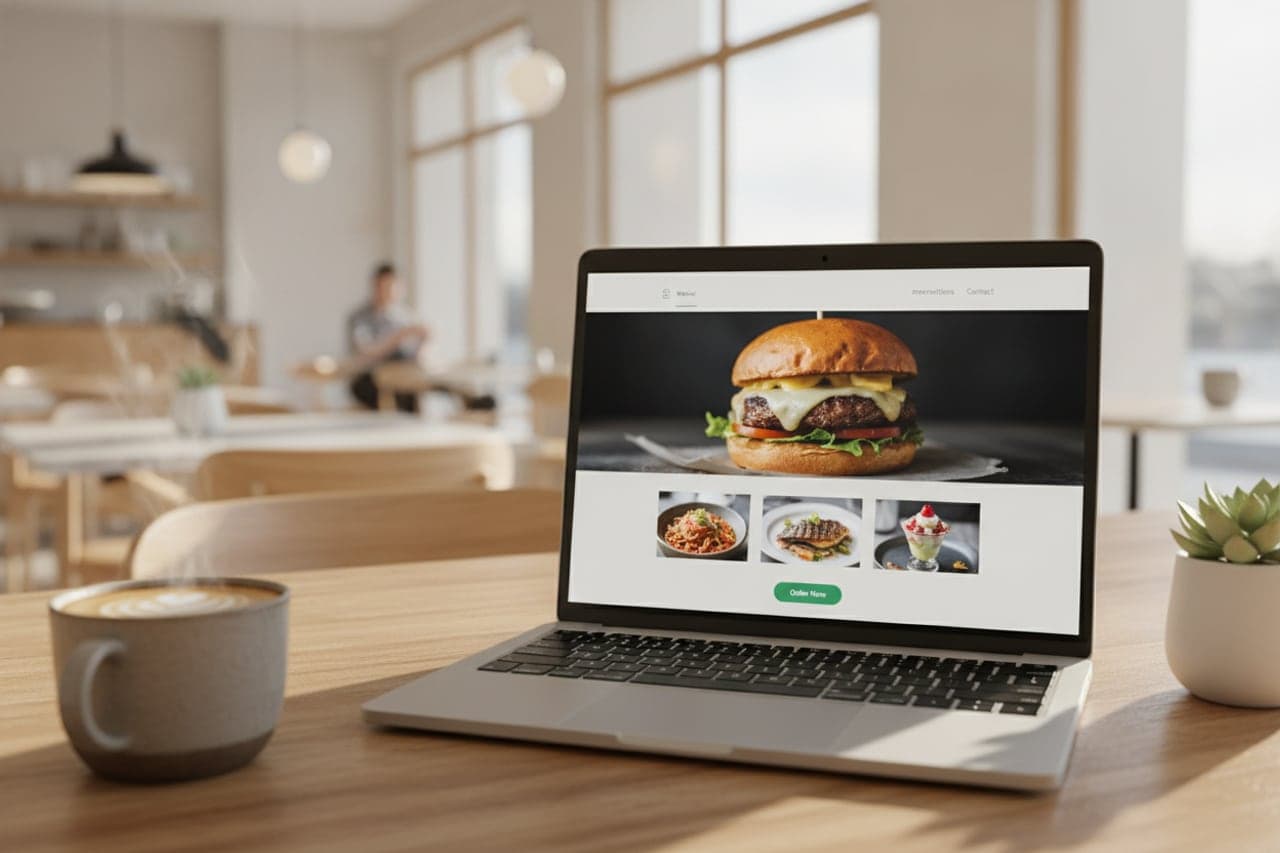
A marketplace rents you your own guests. Ordering on your own site keeps the relationship, the data and the margin where they were earned.
- Built for
- Restaurants & cafés · Bakeries · Food trucks
- Works on
- Any browser · Your own domain
- Languages
- Swedish · English · Norwegian · Danish
- Markets
- Sweden · Norway · Denmark
In short
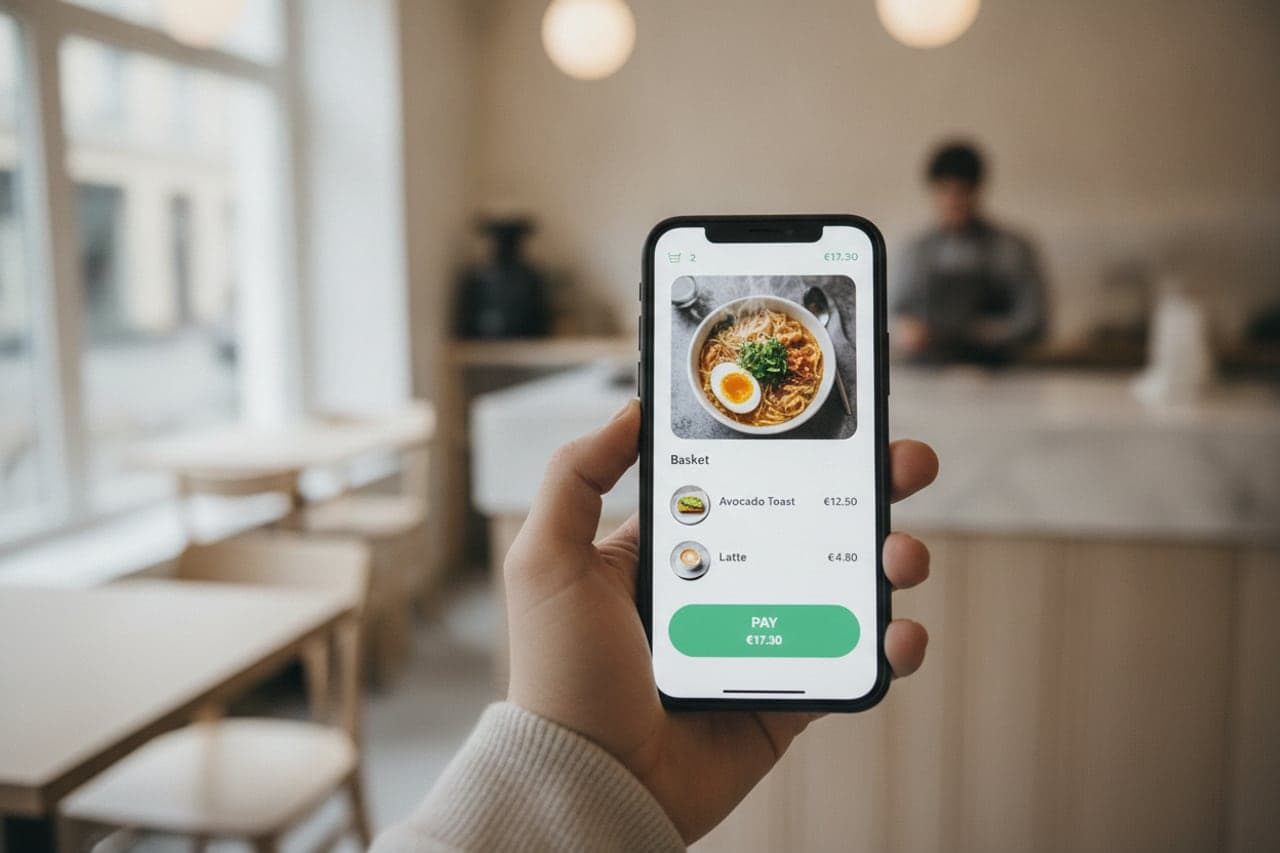
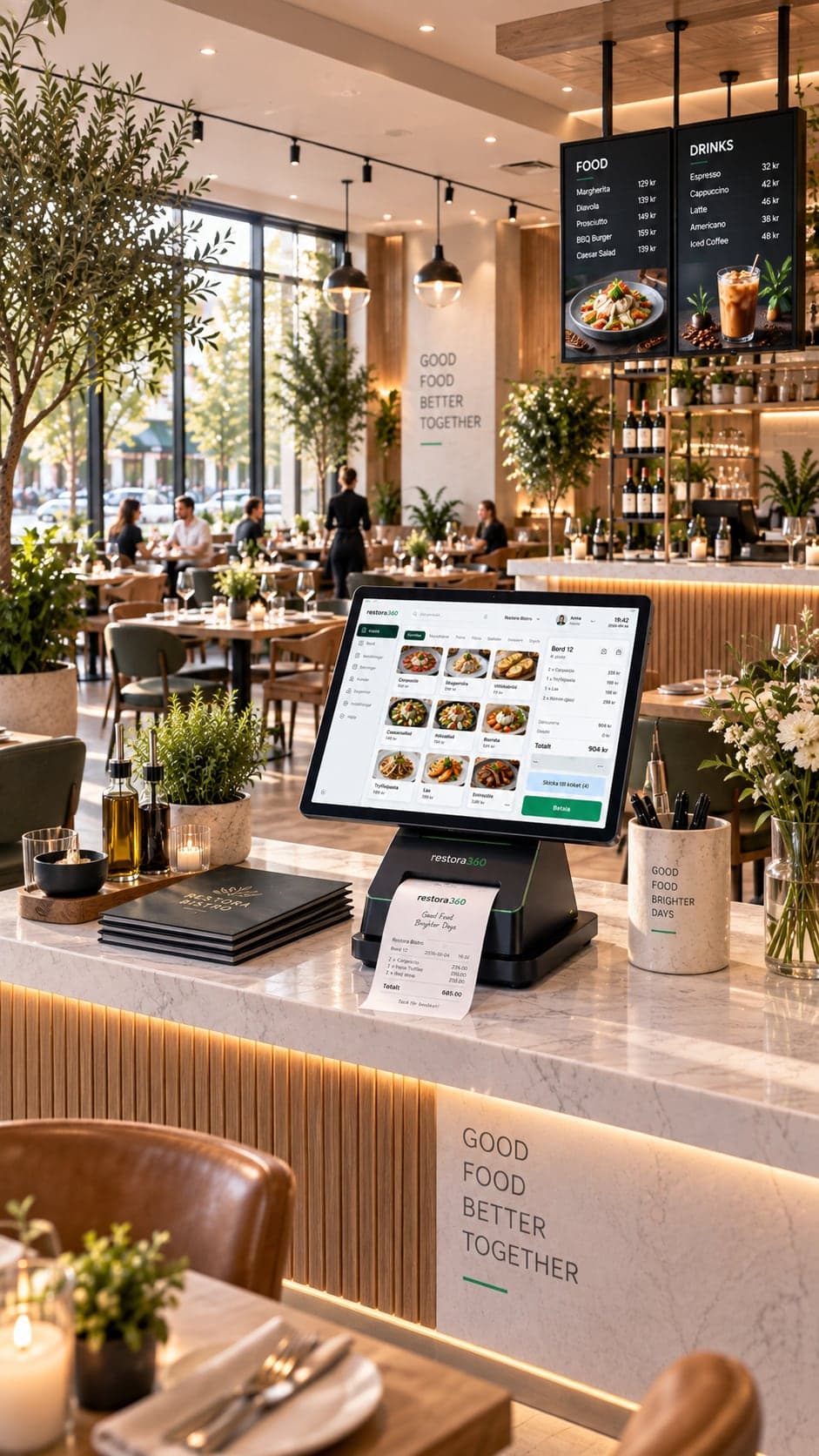
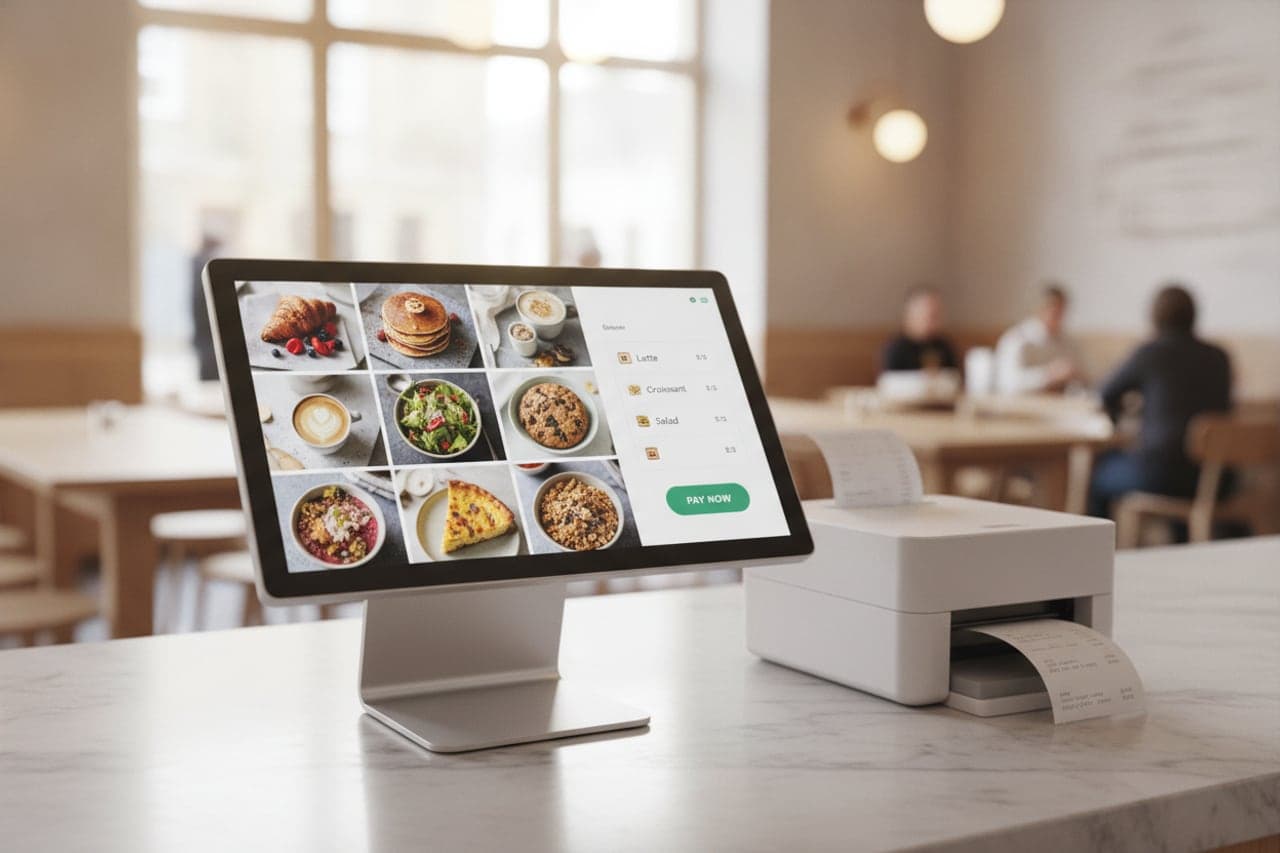
Restora360 Online ordering is a checkout on your own website. Guests order for pickup or delivery from the same menu the till sells, pay by card or on collection, and the order lands directly on the kitchen display under the same order-number series as the counter. There is no third-party tablet on the pass and no commission taken out of the sale.
KEY FEATURES
What you get with Online ordering.
- 01
One menu, one price
The online menu is the till’s menu. Nothing is maintained twice, and a price cannot drift between the counter and the web.
- 02
Open when you are open
Ordering follows your real opening hours and holiday closures — and one switch on the till pauses the online door the moment the kitchen is under water.
- 03
Straight into the kitchen
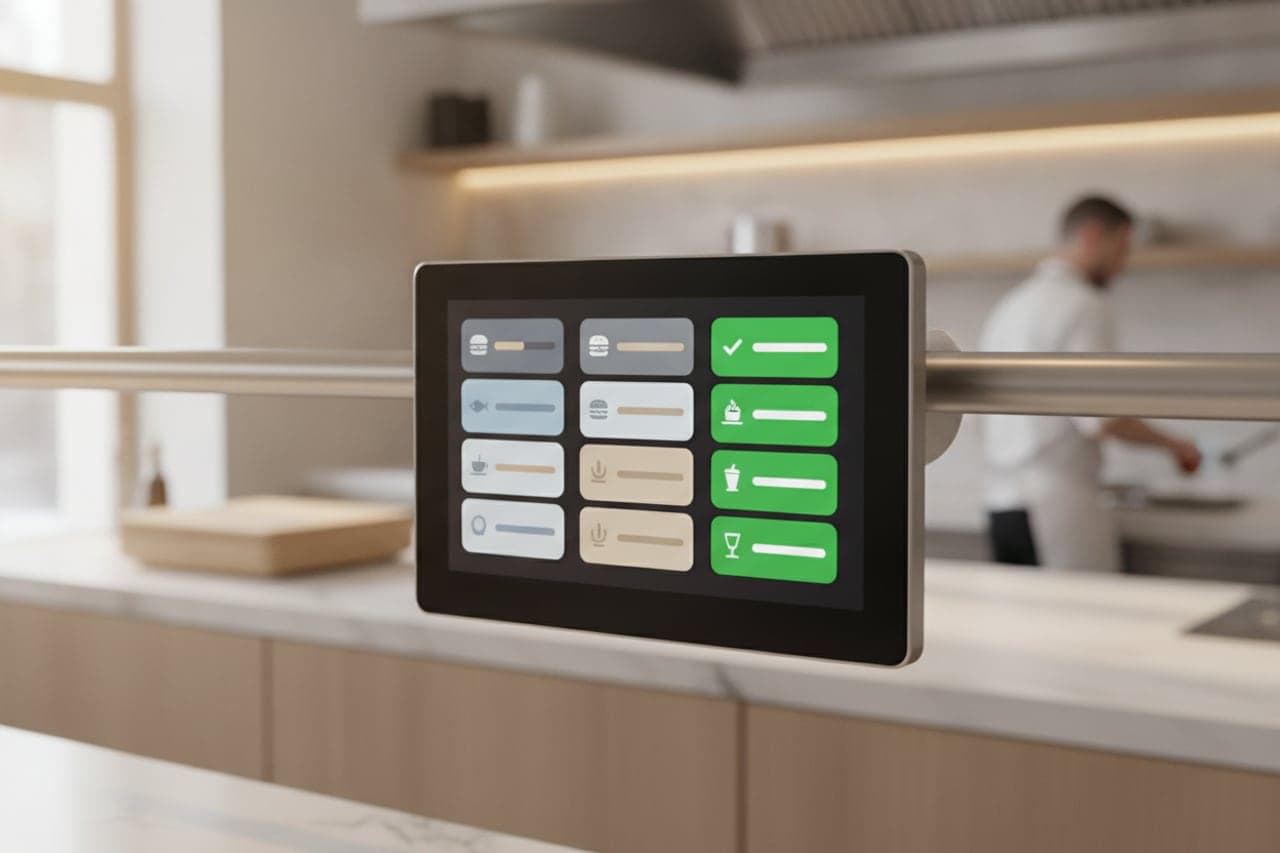
Accepted orders appear on the kitchen display in the same queue as the counter, under one order-number series, so nothing jumps the line.
- 04
Pickup, delivery or later
Take it now, collect at six, or have it delivered — with the time the guest chose shown to the kitchen so it is cooked to that time.
- 05
A second order joins the first
When a guest checks out again before the food is started, the new items join the order they already placed: one number, one ticket, one bag.
- 06
Paid or unpaid, your call
Card at checkout or payment on collection. Either way the bill exists at the till, and can be changed, refunded or credited there.
HOW IT WORKS
From first login to everyday use.
Publish the menu you already have
Categories, options and allergens come from the catalogue; you choose what is orderable online.
Set the rules
Pickup and delivery zones, preparation time, minimum order, and the hours the door is open.
Take the order
The guest orders on your own site, and the kitchen sees it the moment it is accepted.
Hand it over
The number on the ticket is the number the guest is called by, and the bill is at the till if anything has to change.
WHO IT IS FOR
The trades that run on it.
Every trade uses the platform differently. See which products go together for yours.
QUESTIONS
Frequently asked questions
Do you charge commission per order?
No. Ordering runs on your own site and your own domain, and there is no per-order commission taken out of the sale.
Can we pause online orders when the kitchen is full?
Yes. A switch on the register pauses the online door immediately, and the website says so rather than taking an order nobody can cook.
Where do online orders appear?
On the kitchen display, in the same queue and the same order-number series as counter orders, and as a bill at the till.
Can a guest add to an order they already placed?
Yes. If the kitchen has not started it, a second checkout joins the existing order — one number, one ticket.
NEXT STEP
See it running on your own business.
Tell us how you work today and we will show you this product in your own flow — and say honestly if you do not need it.