RESTORA360 PRODUCT · POS
The POS your team
learns in one shift.
A till is not a feature list — it is the thing a new hire has to be fast on by Friday. Restora360 POS is built for that, and for the audit that comes later.
- Built for
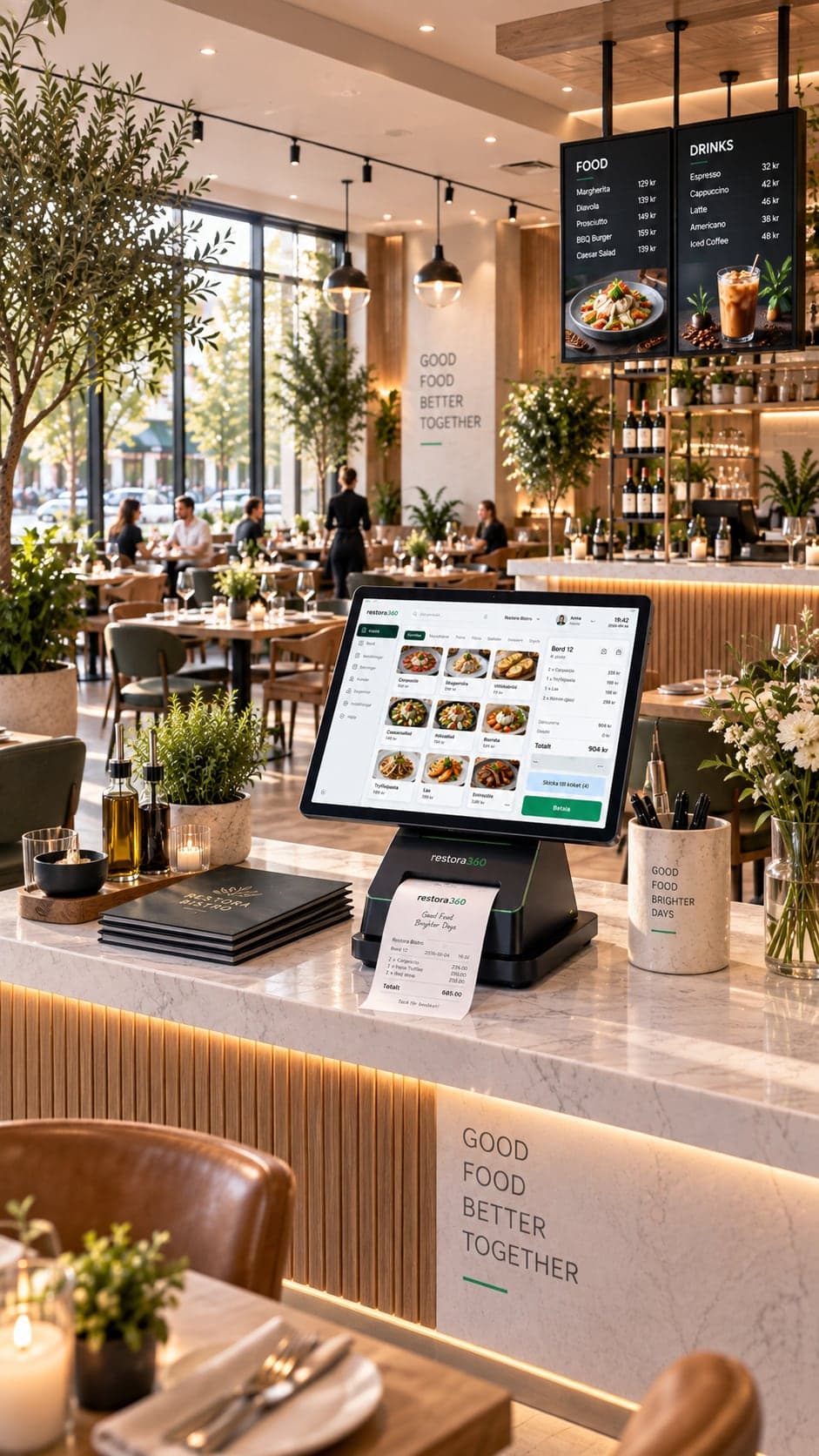
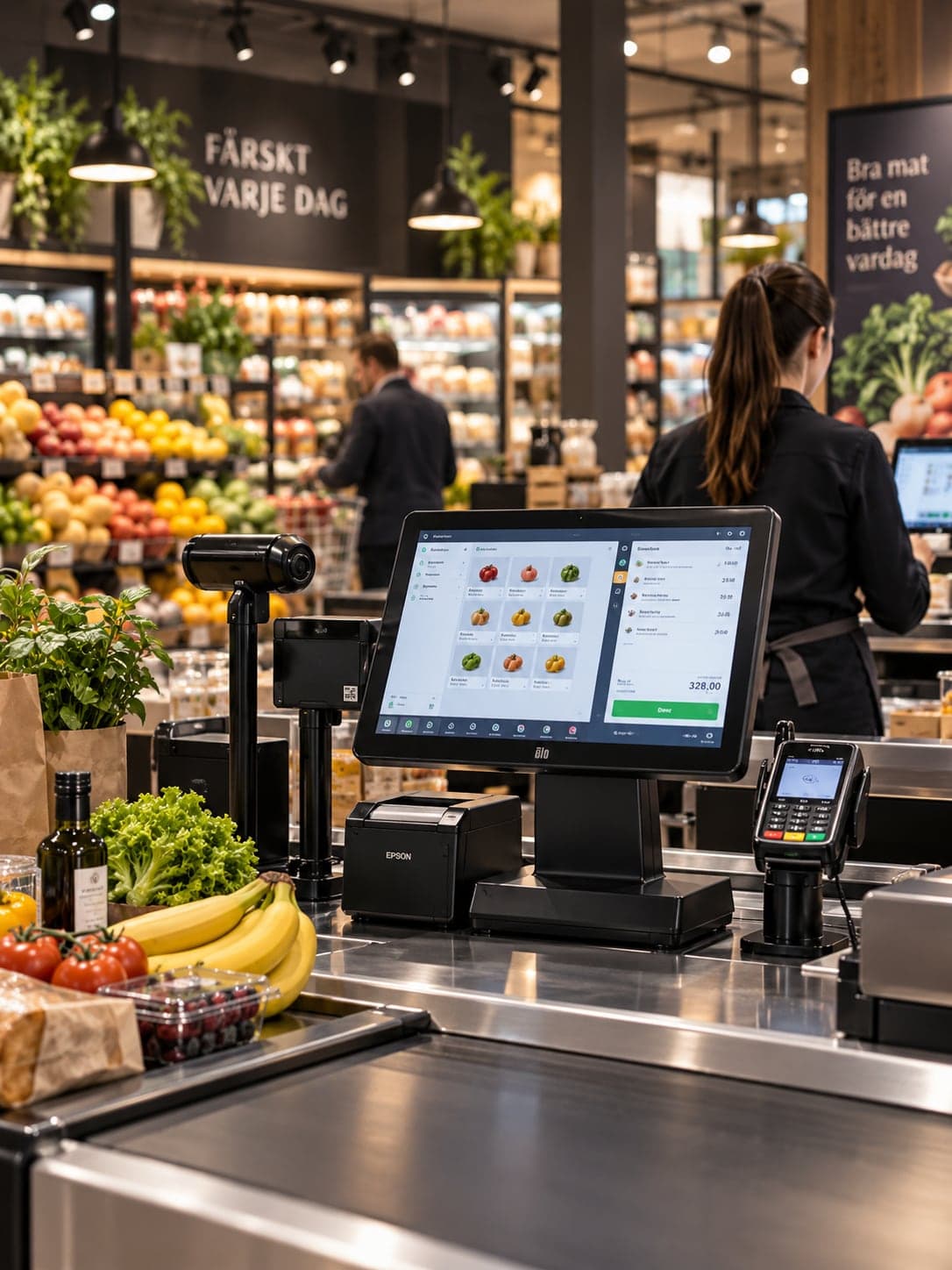
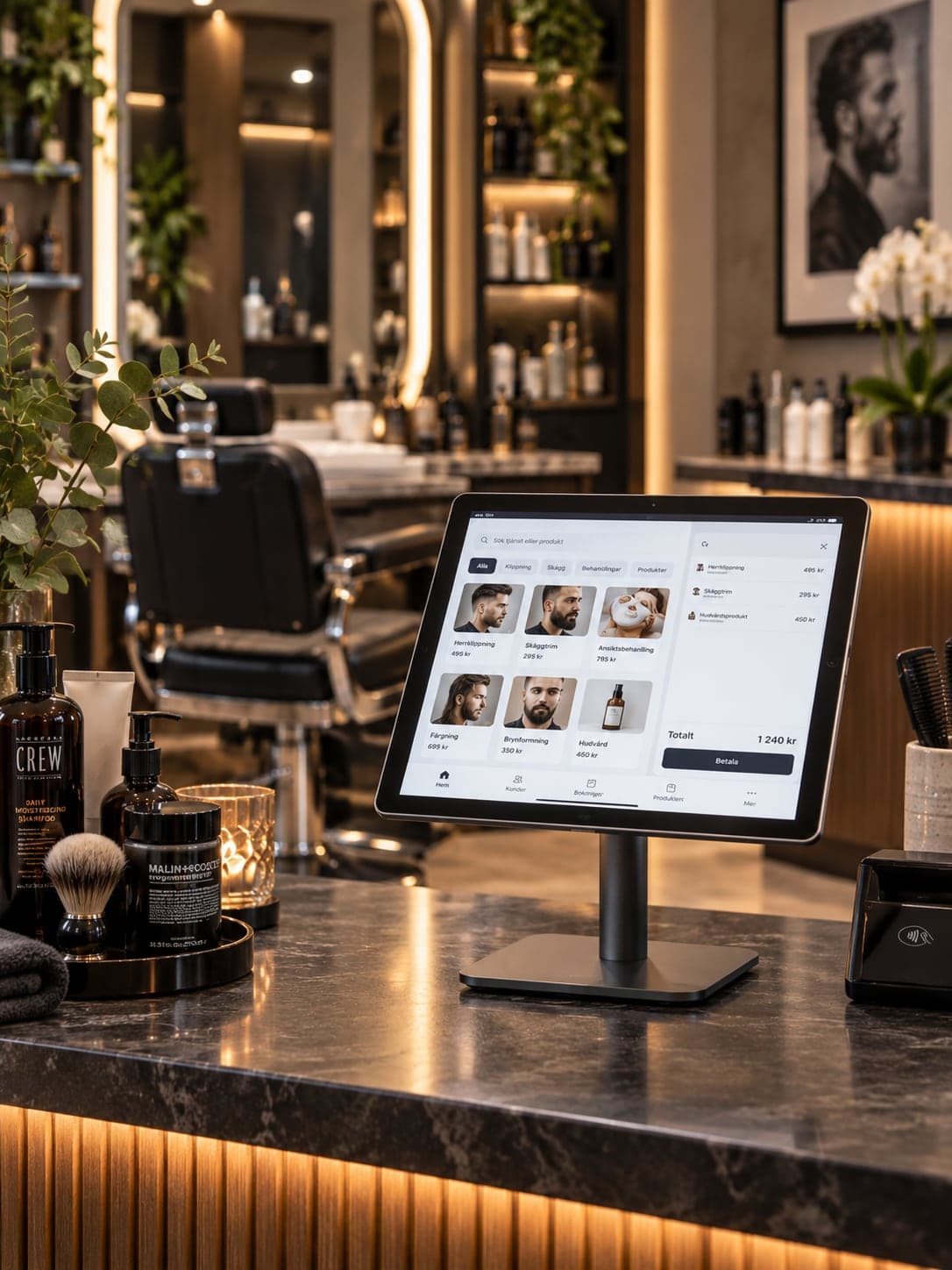
- Restaurants & cafés · Retail & stores · Barbers · Salons & clinics
- Works on
- Web · Windows · Android tablet
- Languages
- Swedish · English · Norwegian · Danish
- Markets
- Sweden · Norway · Denmark
In short
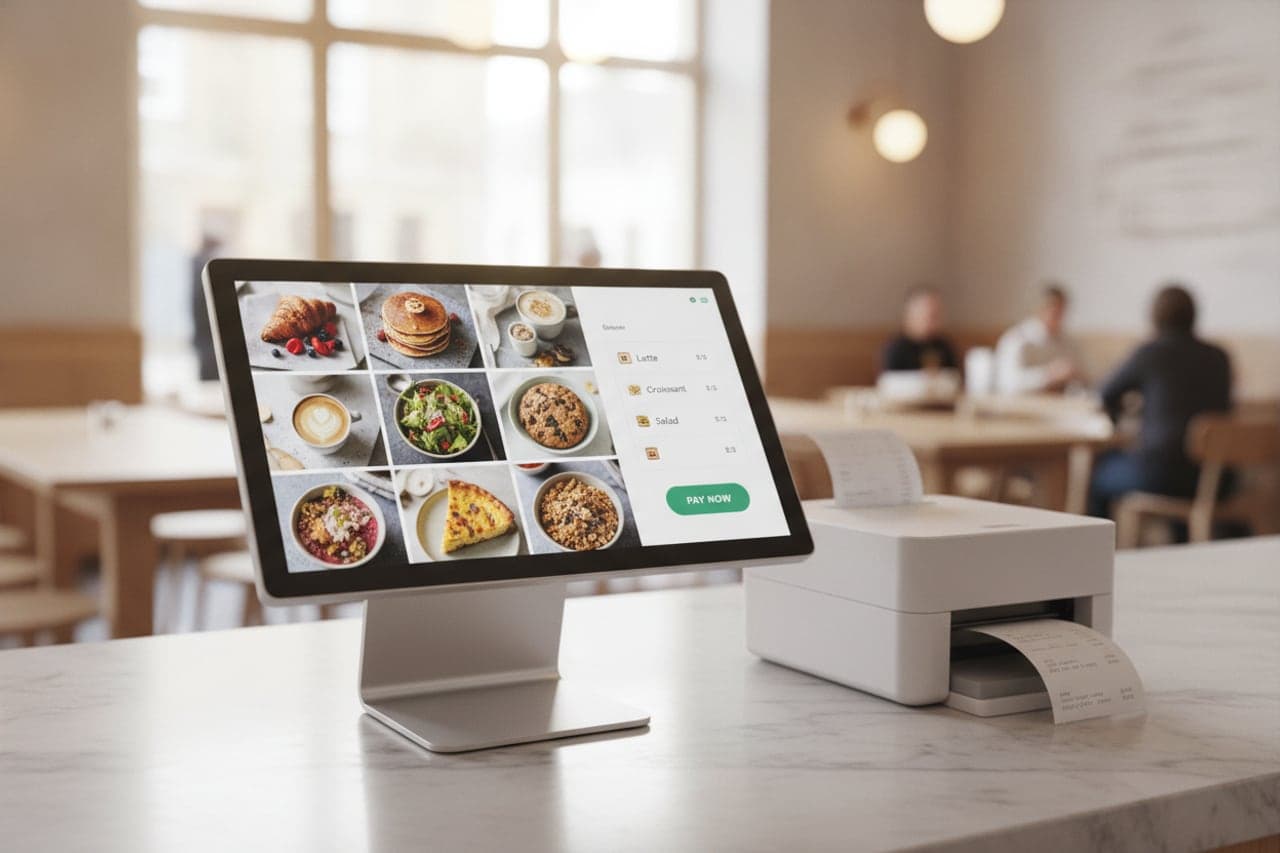
Restora360 POS is the till at the centre of the platform. It takes the order, prices it, splits it, takes payment and books it — identically on a browser, a Windows till and an Android tablet, because all three run the same money engine. Every sale flows straight into inventory, staff, reports and the kitchen, so nothing has to be entered a second time.
KEY FEATURES
What you get with POS system.
- 01
One money engine, three surfaces
A bill priced on the web till prices identically on Windows and on Android. Rounding, tax and discounts are decided in one place, so no surface can quietly disagree with another.
- 02
Split, leave open, pick back up
Split by guest, by item or by amount. Leave a table open and re-open it from any till on the floor — an open bill belongs to the venue, not to the device it was started on.
- 03
Every way your customers pay
Card terminal, cash drawer, gift card, mobile wallet and online payments settle onto one receipt, with change and tip recorded on the same bill.
- 04
Discounts and gift cards with a rule behind them
Percentage or amount, per line or per bill, with a manager PIN where the venue wants one. Gift cards are issued, part-spent and topped up from the till.
- 05
Built for a busy counter
Large tiles, one fixed action row and popups sized for a fast tap — or a full keyboard mode for a shop that works by scanner and number pad.
- 06
Receipts that stand up to an audit
Sequential receipt numbers, VAT per line, credit notes that carry their reason, and a journal of every action, kept per register.
HOW IT WORKS
From first login to everyday use.
Pick your trade
The register loads the layout your trade works in — tables and courses, scanner lanes, or the treatment column. Nobody scrolls past another trade’s features.
Load your prices
Import or type your products, set VAT categories and the modifiers or treatments that go with them. Prices change once and every surface follows.
Pair your hardware
A pairing code connects the register to receipt and kitchen printers, the card terminal, the cash drawer and the customer display.
Sell, and watch it flow
Each sale moves stock, credits the person who made it and lands in reports the same minute — no nightly export, no second system to reconcile.
WHO IT IS FOR
The trades that run on it.
Every trade uses the platform differently. See which products go together for yours.
QUESTIONS
Frequently asked questions
Does the Restora360 POS work on a tablet?
Yes. The same register runs as an Android app on a tablet, as a native Windows application on a counter till and in a browser on any laptop. All three share one money engine, so a bill behaves identically wherever it is opened.
Can we keep selling if the internet drops?
The native Windows and Android registers keep taking orders while offline and settle them when the connection returns. The browser register needs a connection, so a venue that cannot risk an outage should run at least one native till.
Can several tills share the same open tables?
Yes. Open bills belong to the venue rather than to a device: a table opened at the bar can be added to at the counter and paid on a handheld.
Do we have to use the whole platform to use the POS?
No. The POS stands on its own. Website, ordering, booking, inventory, staff, signage and reports switch on when you want them, and they read the same catalogue and the same sales, so nothing is entered twice.
NEXT STEP
See it running on your own business.
Tell us how you work today and we will show you this product in your own flow — and say honestly if you do not need it.