RESTORA360 PRODUCT · SELF-SERVICE
Let the queue
serve itself.
At lunchtime the queue is the reason people walk out. A kiosk turns the busiest twenty minutes into throughput instead of lost covers.
- Built for
- Restaurants & cafés · Bakeries · Food courts
- Works on
- Android kiosk · Windows terminal
- Languages
- Swedish · English · Norwegian · Danish
- Markets
- Sweden · Norway · Denmark
In short
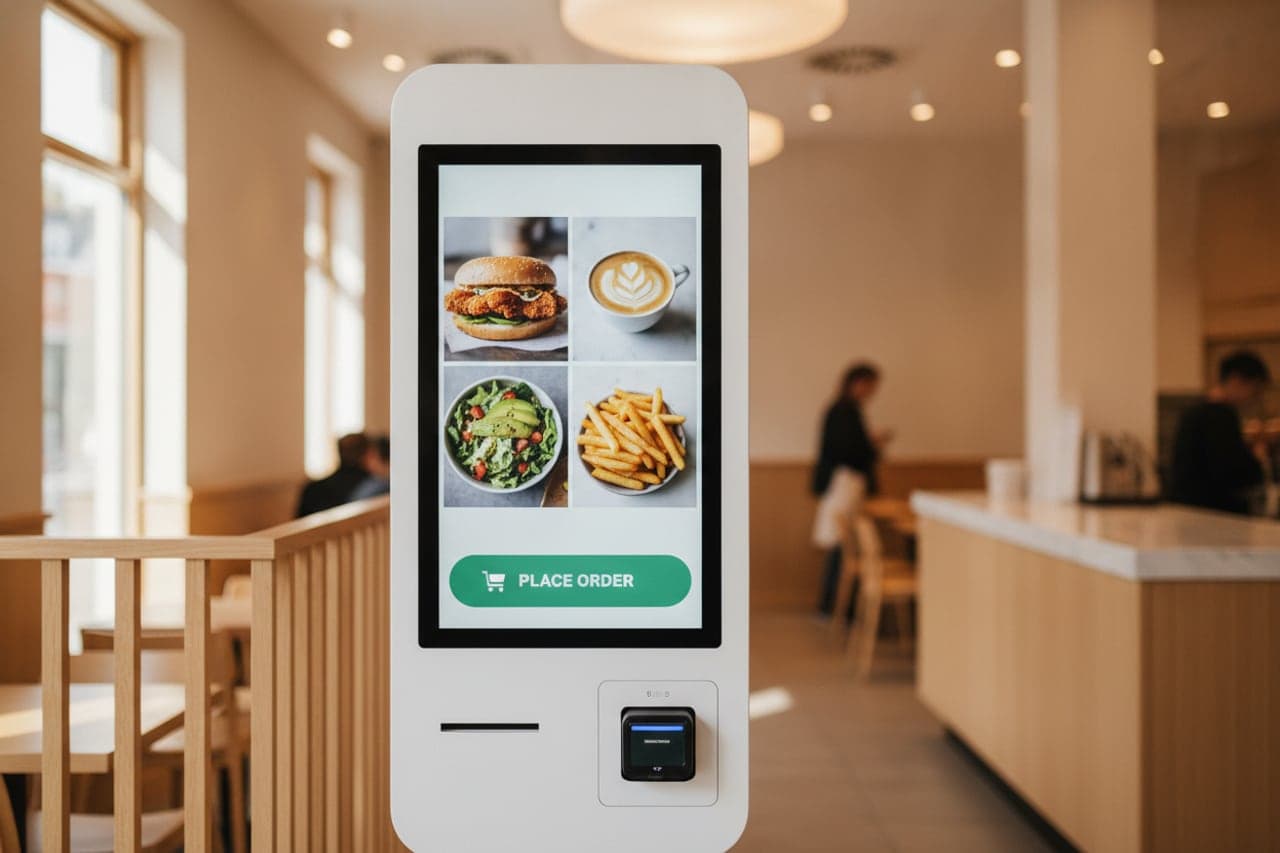
Restora360 Express is a self-service kiosk running your own menu. A guest orders and pays at the screen, the ticket joins the same kitchen queue as the counter, and the number they are called by comes from the same series everyone else uses. Staff keep serving and cooking instead of taking orders, and the kiosk stays locked to the menu with no way out to the tablet underneath.
KEY FEATURES
What you get with Express checkout.
- 01
Your menu, big enough to touch
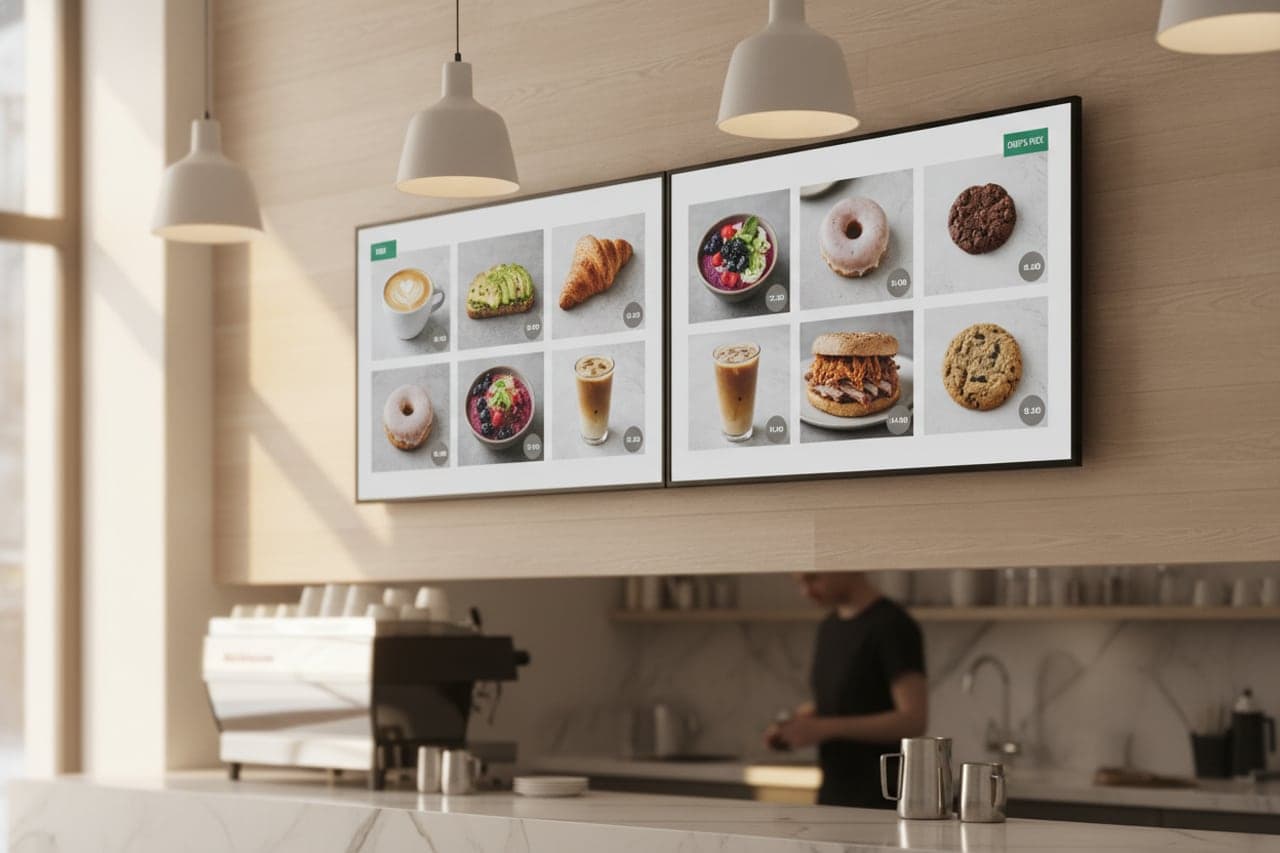
The same catalogue the till sells, laid out for a standing guest holding a tray — pictures, categories and options sized for a finger, not a mouse.
- 02
Options without a dead end
Sizes, extras and swaps are asked in the order a person makes them, with the price updating as they choose. A sold-out item is greyed out, not offered.
- 03
Pays for itself at the screen
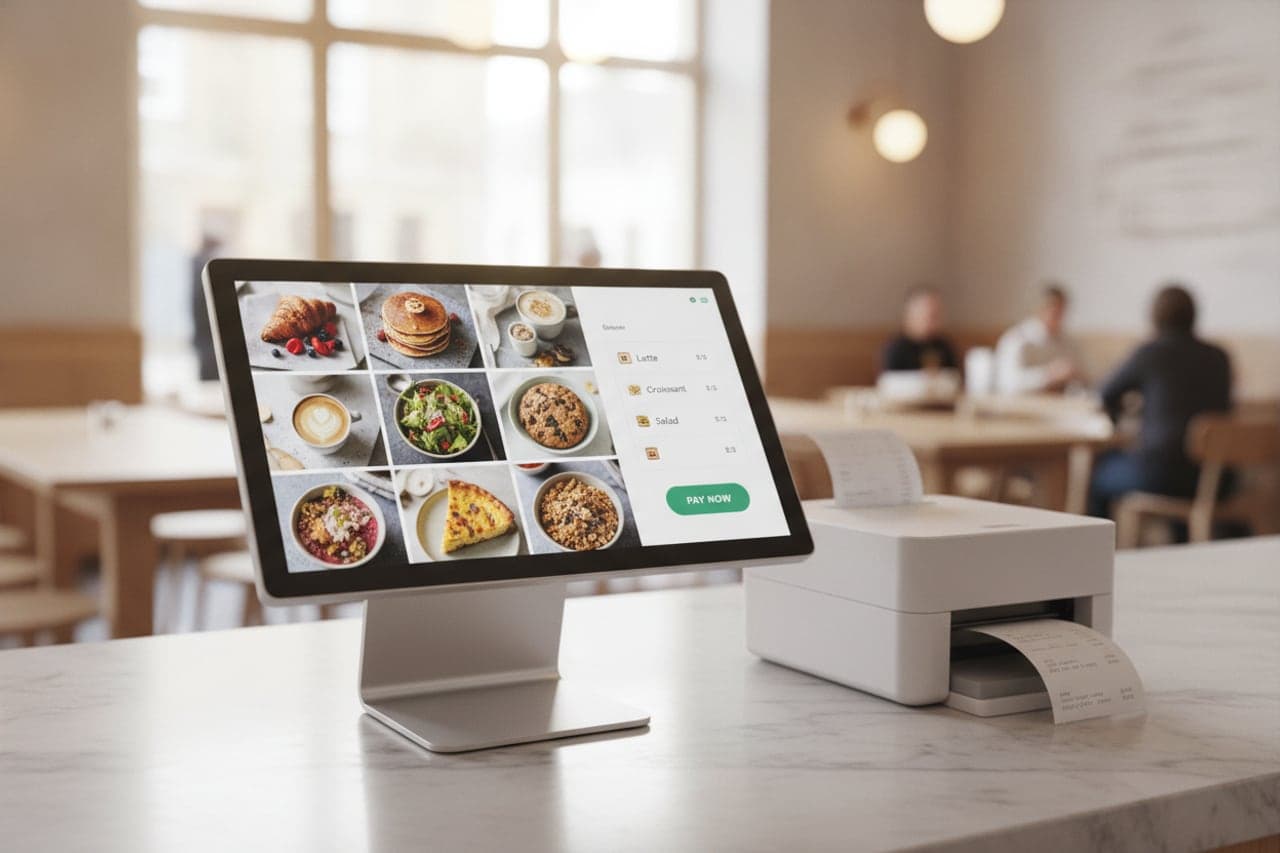
Card and mobile payment at the kiosk, with the receipt printed, shown or emailed — nobody has to queue a second time to pay.
- 04
Straight onto the kitchen board
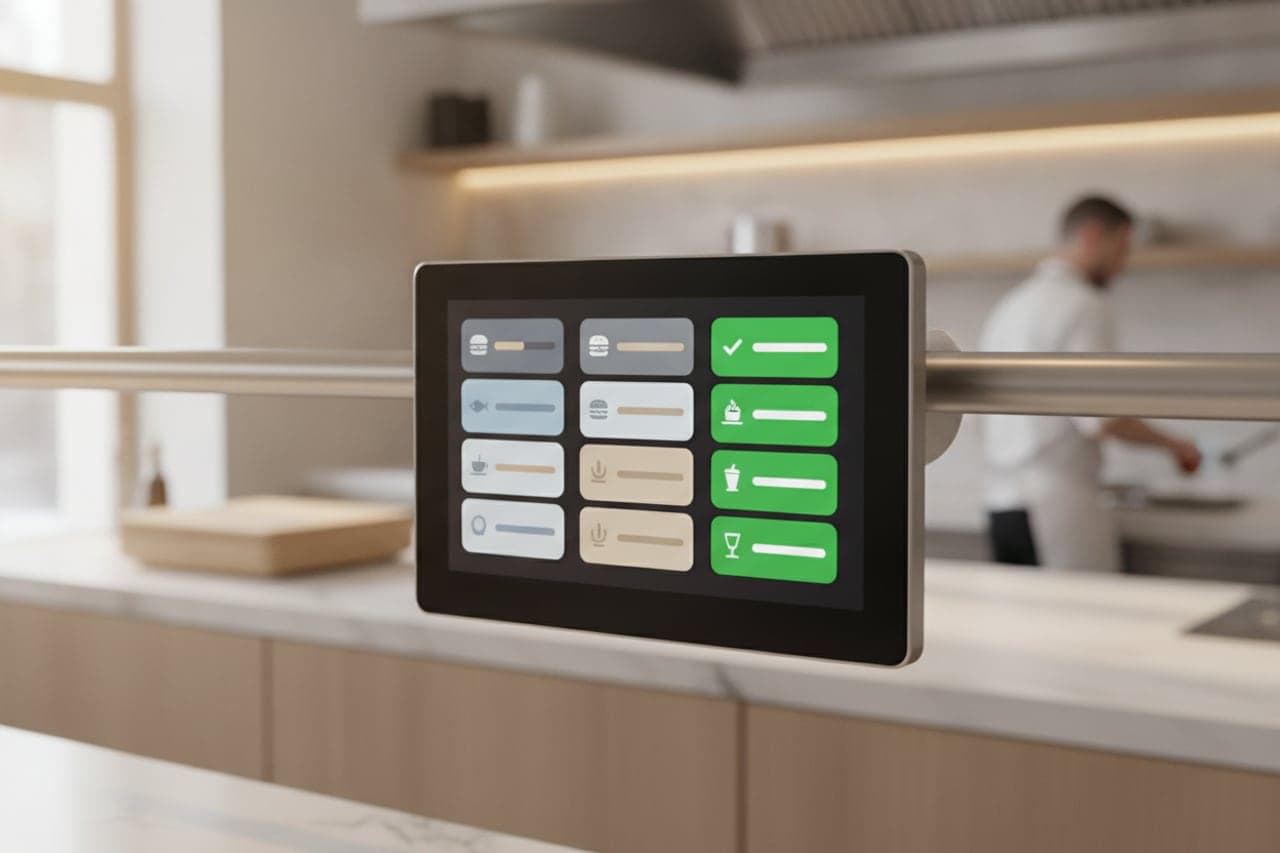
The order joins the same queue as the counter under one number series, so the kitchen cooks in the order things were actually ordered.
- 05
Suggestions, not nagging
One relevant add-on at the right moment — the drink with the meal, the sauce with the fries — instead of a wall of upsells between the guest and the pay button.
- 06
Built to stand in a room
Runs full-screen with no way out to the tablet, returns to the menu after an idle timeout, and restarts into it after a power cut.
HOW IT WORKS
From first login to everyday use.
Stand it up
An Android kiosk or a Windows terminal, paired with a code and locked to the menu.
Choose what it sells
Pick the categories and options the kiosk offers; everything else stays behind the counter.
Take orders and payment
The guest orders, pays and takes a number — without waiting for a member of staff.
Cook and call
The ticket is on the kitchen board with the counter’s, and the order-status screen calls the number when it is ready.
WHO IT IS FOR
The trades that run on it.
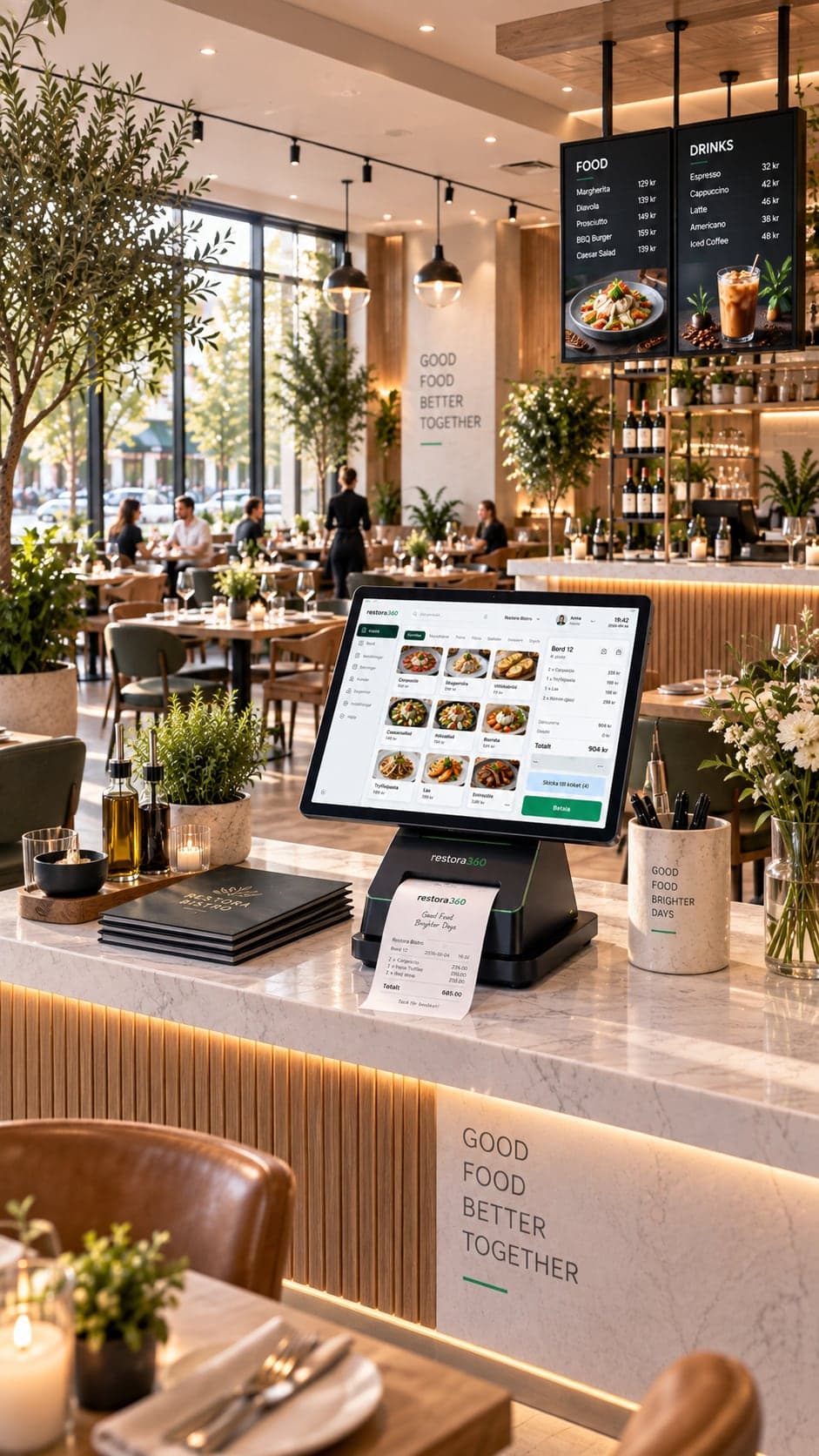
Every trade uses the platform differently. See which products go together for yours.
QUESTIONS
Frequently asked questions
Does the kiosk take payment itself?
Yes. Card and mobile payment happen at the screen, and the receipt is printed, shown or emailed.
Do kiosk orders mix with counter orders?
They join the same kitchen queue and the same order-number series, so tickets are cooked in the order they were placed.
What happens if an item runs out?
It is greyed out on the kiosk as soon as it is marked out of stock, so a guest cannot order something that then has to be refunded.
Can a guest leave the kiosk app?
No. It runs locked full-screen, and returns to the menu on its own after an idle timeout or a power cut.
NEXT STEP
See it running on your own business.
Tell us how you work today and we will show you this product in your own flow — and say honestly if you do not need it.