RESTORA360 PRODUCT · STAFF
Your team, your rota,
and a ledger that holds.
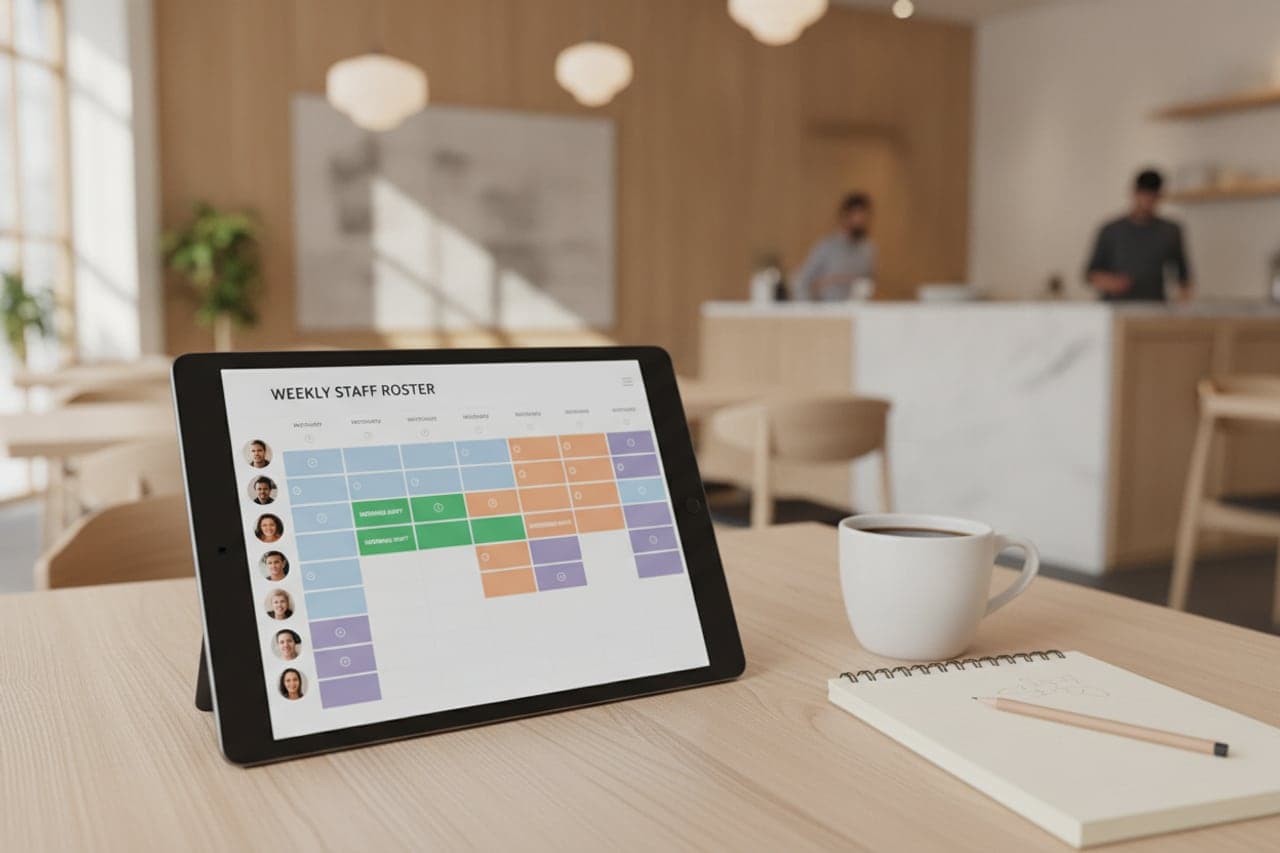
The people side of a business is usually three systems and a paper folder. Here it is one record, filled in by the shift as it happens.
- Built for
- All trades
- Works on
- Web · Windows · Android tablet
- Languages
- Swedish · English · Norwegian · Danish
- Markets
- Sweden · Norway · Denmark
In short
Restora360 Staff keeps the people side of the business in one record: who works here, what they are allowed to do, when they work, and when they were actually present. Staff clock in and out at the till with a PIN, every sale is signed with a name, and the Swedish personalliggare is kept as a by-product of the day rather than as a separate chore.
KEY FEATURES
What you get with Staff management.
- 01
Clock in where you already stand
Staff punch in and out on the register with a PIN. The staff ledger fills itself, and the day’s attendance sits on the same screen as the day’s sales.
- 02
Roles that mean something
A role decides who may discount, void a line, open the drawer, see other people’s bills or change a price. Anything above a person’s level asks for a manager PIN instead of quietly failing.
- 03
Plan the week you actually need
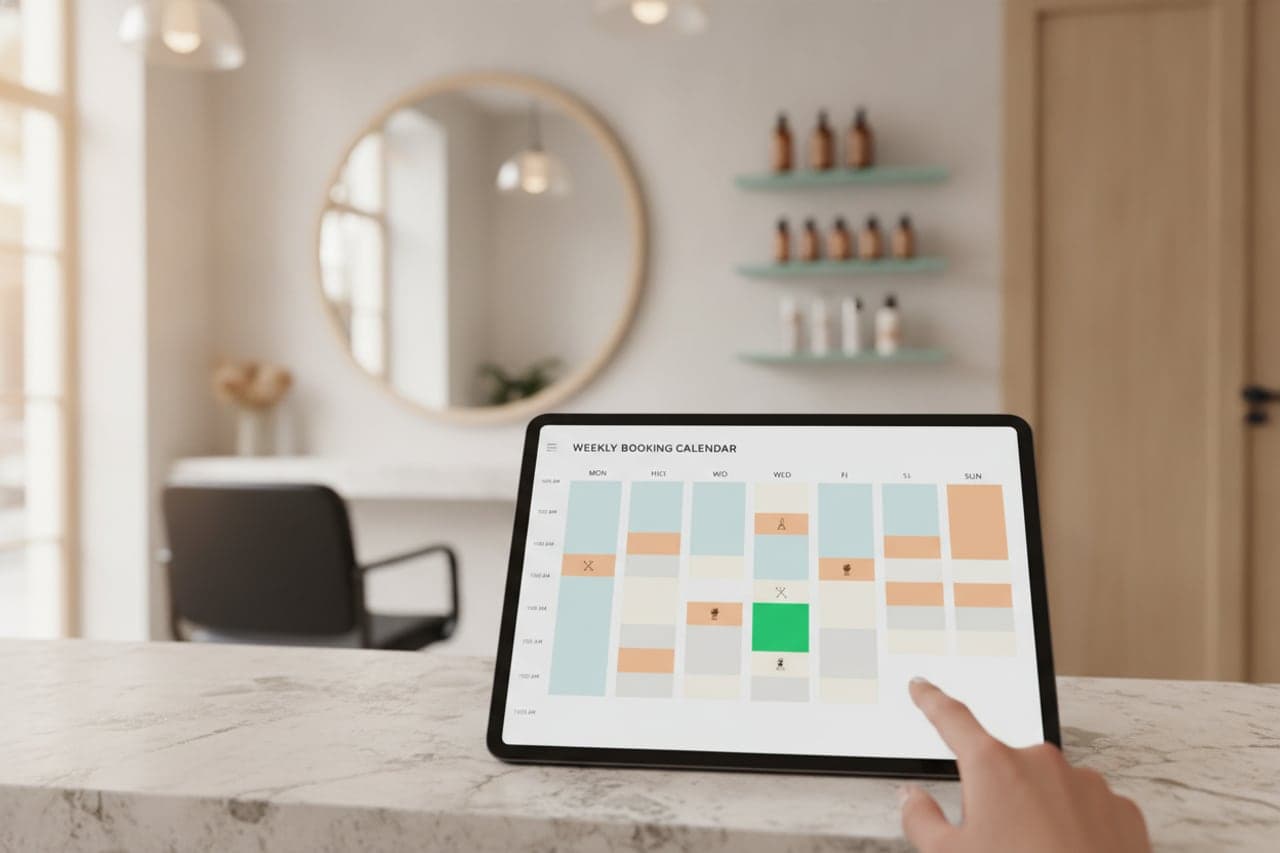
Build the rota against opening hours and expected load, copy a good week forward, and see the gaps before they turn into a short shift.
- 04
Every sale has a name on it
Sales, discounts, voids and refunds all carry the person who made them, so a question about a receipt has an answer.
- 05
Ready for a control visit
The staff ledger is kept in the form the Swedish Tax Agency asks for, with corrections recorded rather than overwritten, and it can be shown on the spot.
- 06
Temporary staff without a back door
Bring in an extra pair of hands for a weekend with ledger access only — they can clock in and out, and reach nothing else.
HOW IT WORKS
From first login to everyday use.
Add your people
Name, role and a PIN. That is enough to start.
Decide what each role may do
Set the permissions per role once; everyone in that role inherits them.
Build the rota
Plan shifts against opening hours and publish, so the team can see the week.
Let the day record itself
Punches, sales and approvals accumulate as the shift runs — the ledger and the reports are simply there at the end of it.
WHO IT IS FOR
The trades that run on it.
Every trade uses the platform differently. See which products go together for yours.

QUESTIONS
Frequently asked questions
Does this keep the Swedish personalliggare?
Yes. Clock-ins and clock-outs at the register are kept in the required form, with corrections recorded rather than overwritten, and can be presented during a control visit.
Can we stop staff giving discounts?
Yes. Discounts, voids, refunds, drawer opening and price changes are each a permission on a role, and anything above a person’s level asks for a manager PIN.
Can a temporary worker use only the ledger?
Yes. A temporary worker can be given ledger access alone, so they clock in and out without reaching the till or the reports.
Do we schedule in the same place?
Yes. Shifts, roles and attendance are one record, so the rota you planned and the hours actually worked sit side by side.
NEXT STEP
See it running on your own business.
Tell us how you work today and we will show you this product in your own flow — and say honestly if you do not need it.