RESTORA360 PRODUCT · TABLE RESERVATIONS
Every table booked,
and every table found.
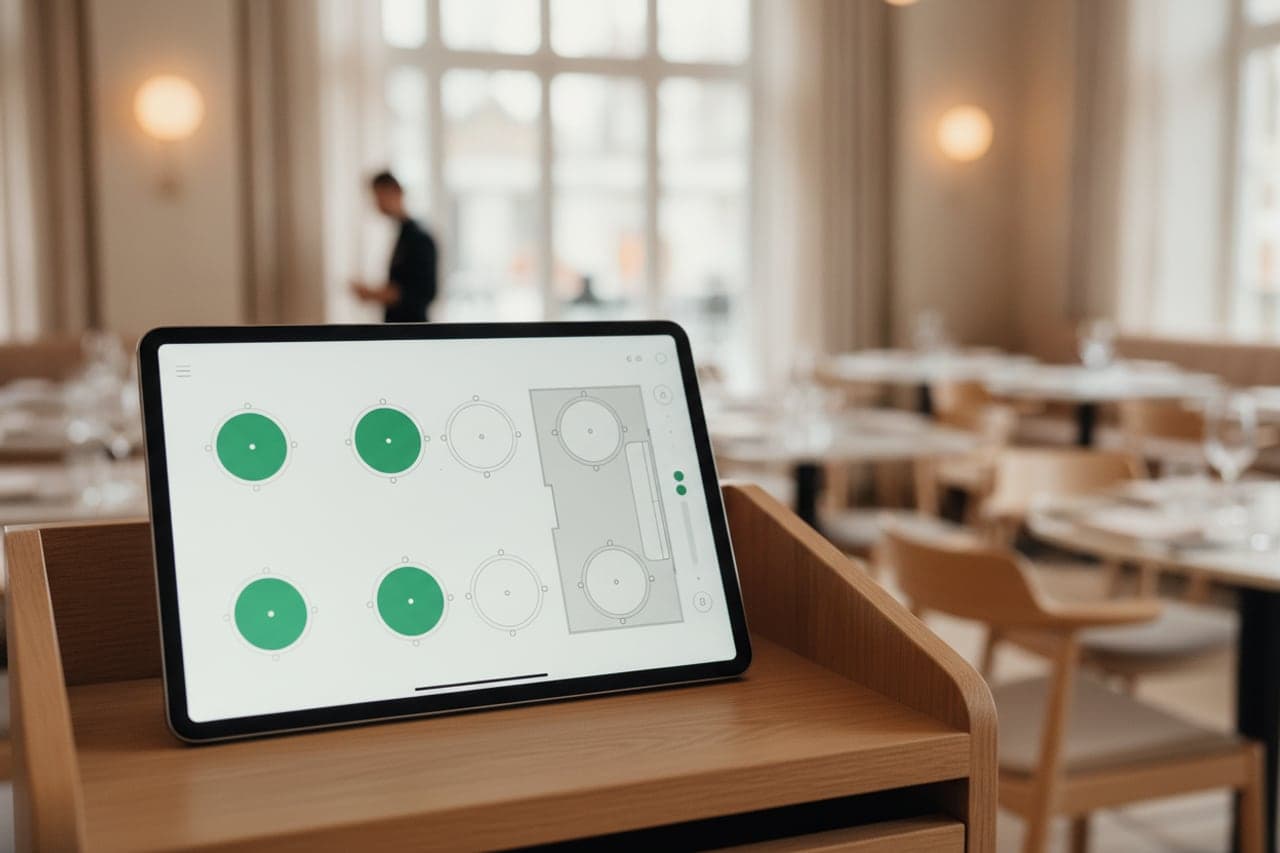
A booking system that does not know your room will either turn away business you could have taken or promise a table you do not have.
- Built for
- Restaurants · Bars · Cafés
- Works on
- Web · Windows · Android tablet
- Languages
- Swedish · English · Norwegian · Danish
- Markets
- Sweden · Norway · Denmark
In short
Restora360 Table reservations takes bookings on your own website and puts them on your actual floor plan. It offers only times where a table of the right size is genuinely free, holds the tables it promised, and hands the booking to the host stand — where arrival, seating and the bill are one continuous thread.
KEY FEATURES
What you get with Table reservations.
- 01
Your real room, not a number
Draw the floor plan once — tables, sizes, sections, the bar. Bookings are offered against the room you actually have.
- 02
A party gets the tables it needs
A large party is seated across the combination of tables that fits it, chosen biggest-first, instead of being refused because no single table is big enough.
- 03
Times that exist
Slots respect your opening hours in your own time zone, the notice you need, how long a table is held and what is already booked.
- 04
The host stand knows
Arrived, seated, running late and no-show are one tap each, and the floor shows what is free right now.
- 05
From reservation to bill
Seating a booking opens its bill with the party size already on it, so the reservation and the receipt are the same thread.
- 06
Fewer empty tables
Confirmations and reminders go out automatically, and a guest can cancel from the message rather than simply not arriving.
HOW IT WORKS
From first login to everyday use.
Draw your floor
Tables, seats, sections — and the areas you do not take bookings for online.
Set your sittings
Opening hours, how long a table is held, how much notice you need, and the party sizes you accept online.
Open the diary
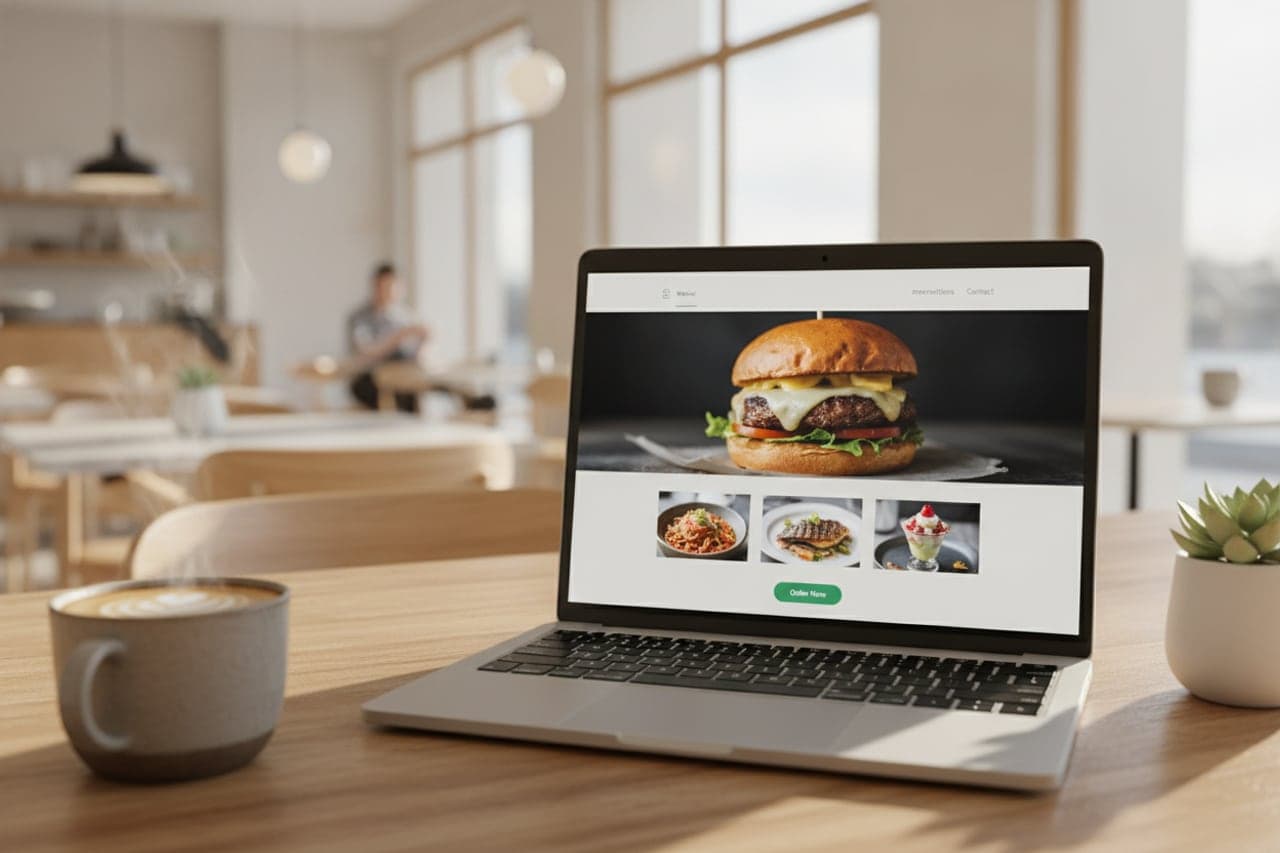
The booking form goes on your website, and phone bookings are typed into the same diary.
Run the service
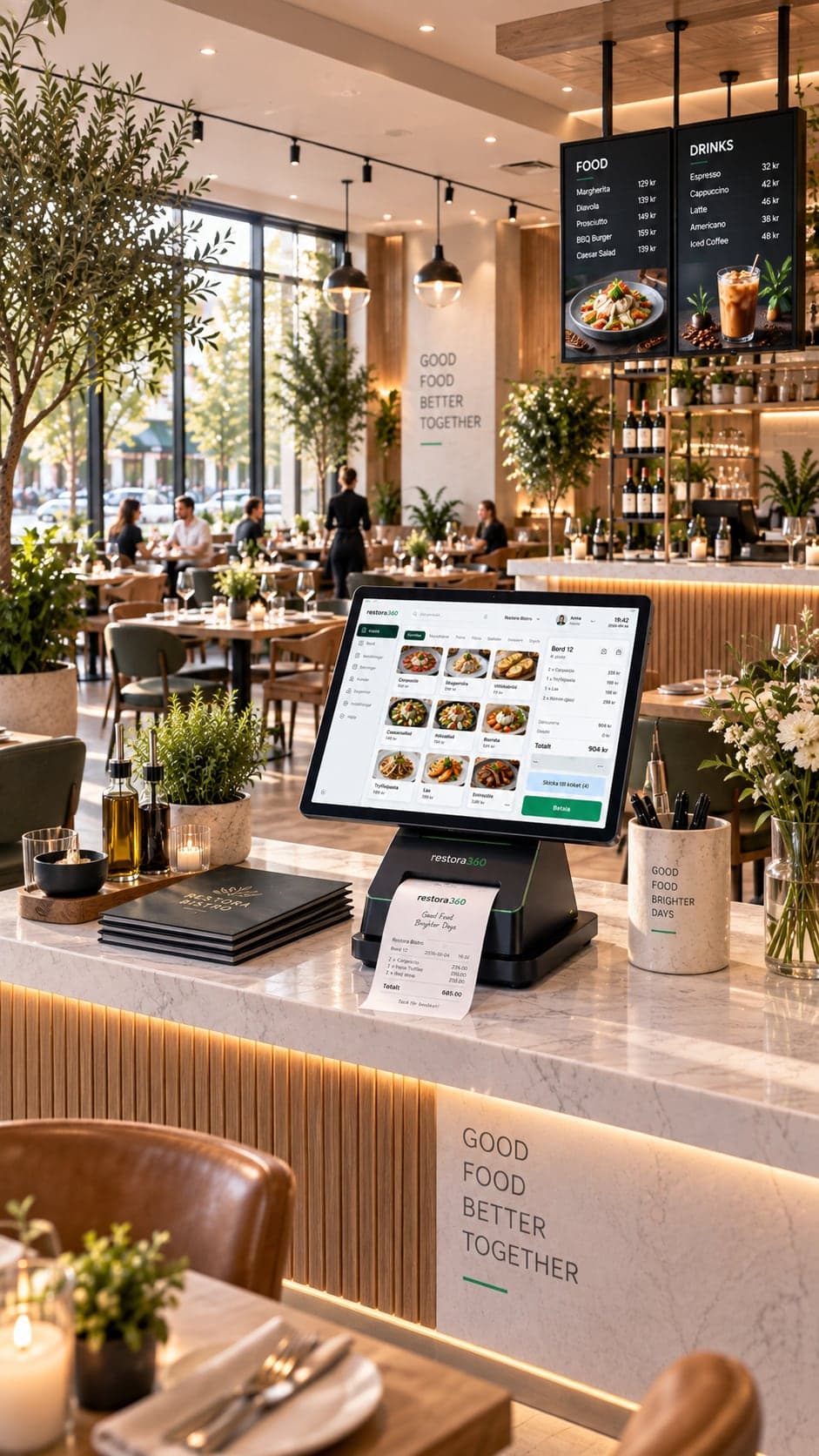
Seat, serve and settle from one screen — the reservation carries straight into the bill.
WHO IT IS FOR
The trades that run on it.
Every trade uses the platform differently. See which products go together for yours.
QUESTIONS
Frequently asked questions
Can we take a booking for twenty people?
Yes. A large party is seated across the combination of tables that fits it, rather than being turned away because no single table is big enough.
Will it offer times we cannot serve?
No. Slots are calculated against your opening hours in your own time zone, the notice you require, how long a table is held and the tables already reserved.
Do guests get a reminder?
Confirmation and reminder messages are sent automatically, and the guest can cancel from the message.
Does the booking connect to the bill?
Yes. Seating a reservation opens its bill with the party on it, so arrival, service and payment are one thread.
NEXT STEP
See it running on your own business.
Tell us how you work today and we will show you this product in your own flow — and say honestly if you do not need it.