Twelve situations every till and bar eventually meets — what the system does on its own, and what you do.
01
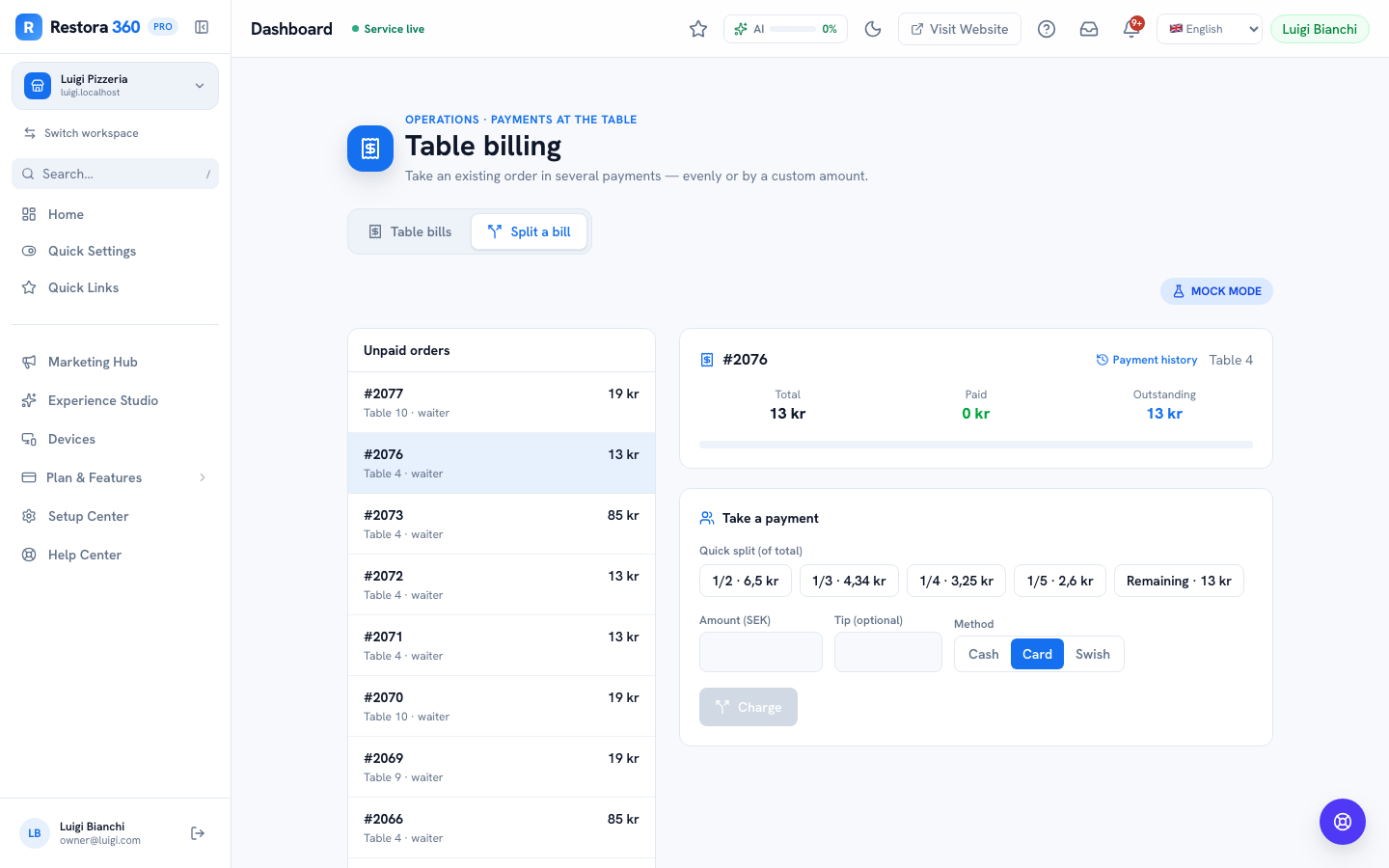
A card declines mid-split
Situation: Splitting a table four ways, the third card is declined.
What the system does: Split a Bill only marks a share paid once its charge actually succeeds — a declined attempt leaves that share outstanding, and the running "settled so far" total stays accurate.
What you do: Ask the guest to try again, switch tender to cash or Swish, or let another guest cover the share — the split panel doesn't care which guest pays which portion, only that the total clears.
02
A guest walks out on an open bar tab
Situation: A tab with a pre-auth hold is abandoned — the guest left without settling.
What the system does: The pre-authorization already holds funds up to the authorized amount on the guest's card; it can be captured for the tab's actual total (up to the hold) without the guest present.
What you do: Capture the hold to settle the tab, and note it in the refusals/incident log if the venue tracks walk-outs separately from declined-service refusals.
03
Wi-Fi drops mid-service
Situation: The dining room loses its connection while three tables are actively ordering.
What the system does: Take an order queues unsent tickets in an offline outbox and shows "Saved — will send when back online" instead of failing outright.
What you do: Keep taking orders as normal. Everything in the outbox sends automatically the moment connectivity returns — nothing needs to be re-entered.
04
A terminal's battery dies mid-shift
Situation: The counter terminal goes dark during a busy lunch service.
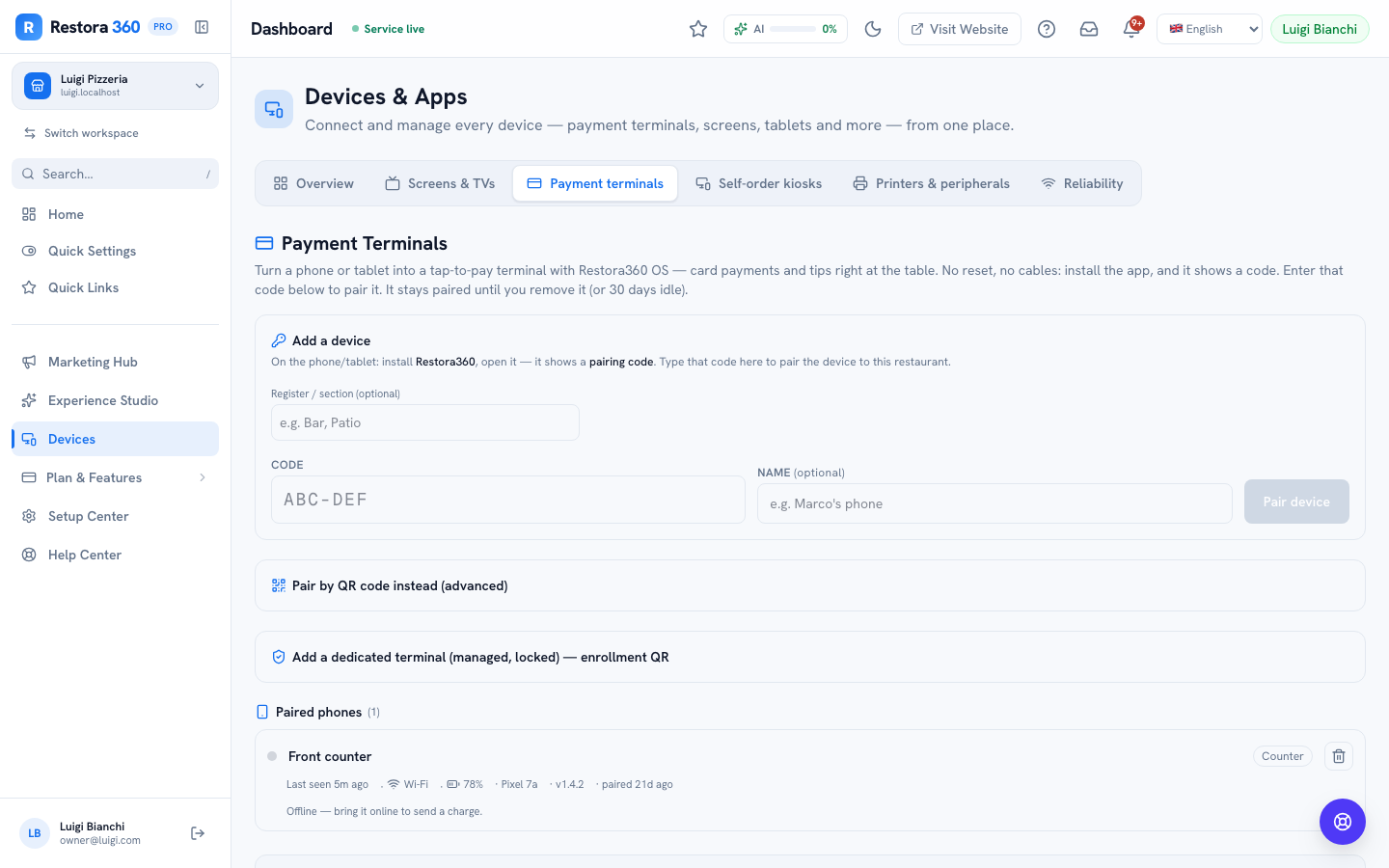
What the system does: The fleet list on Devices → Terminals shows it drop offline immediately, so it's obvious at a glance rather than discovered when a payment fails.
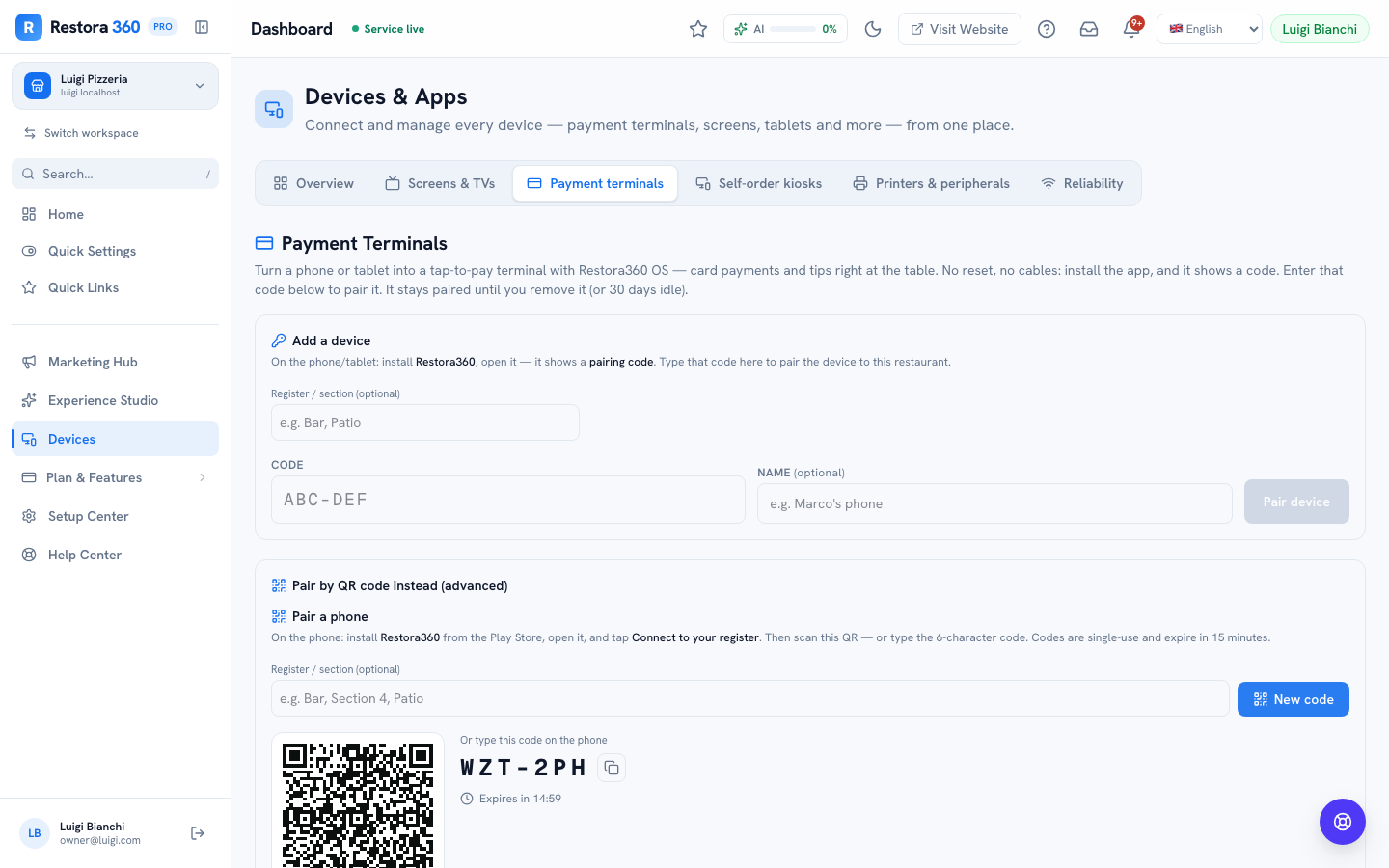
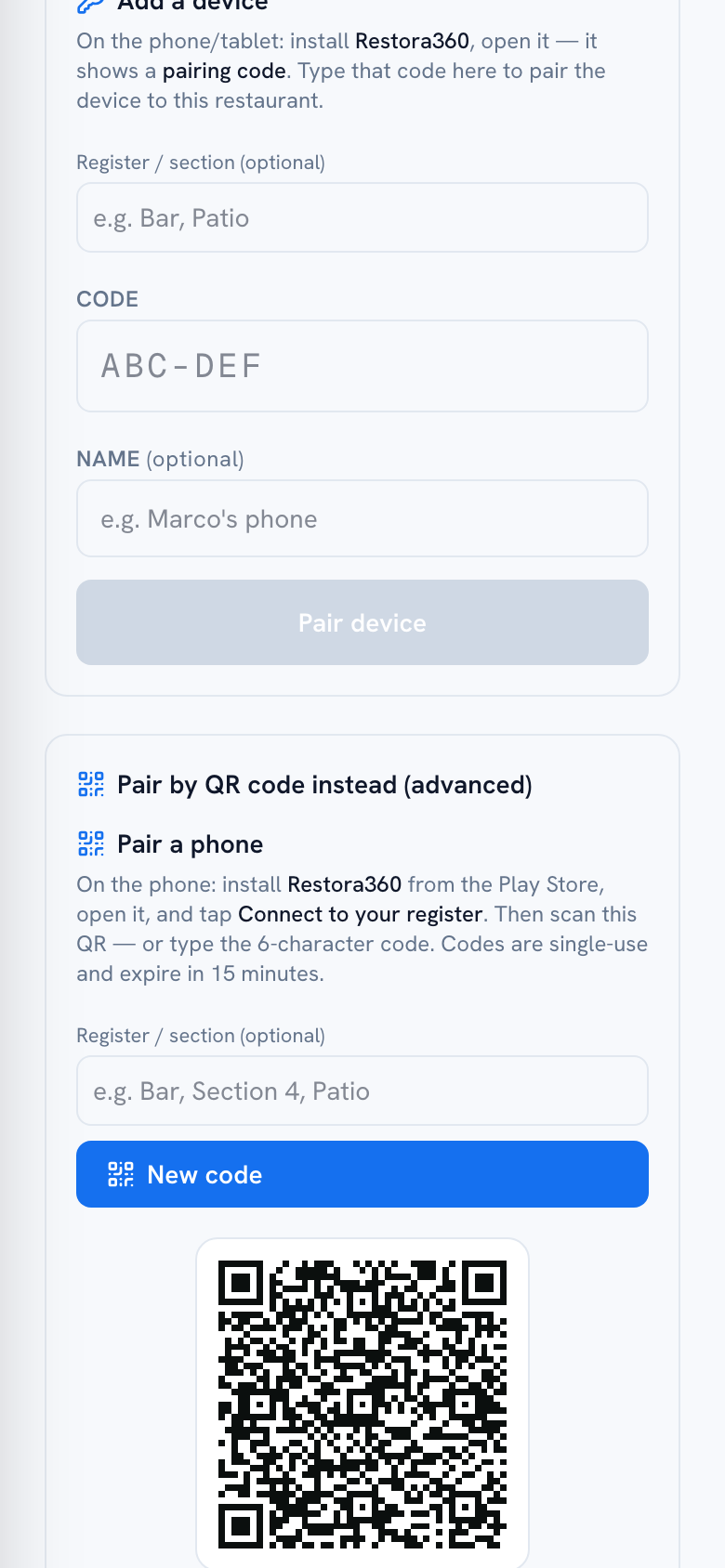
What you do: Plug it in or swap to a charged backup device and pair it — pairing takes under a minute with a typed code.
05
The wrong item got fired to the kitchen
Situation: A waiter sent "salmon" when the guest ordered "cod."
What the system does: Nothing prevents a correction before the item is paid for — it's still an open, unpaid line on the table.
What you do: Add the correct item, and void or adjust the mistaken line from the bill before it's charged. If the kitchen already started cooking the wrong dish, that's a floor conversation, not a system one — flag it to the kitchen directly.
06
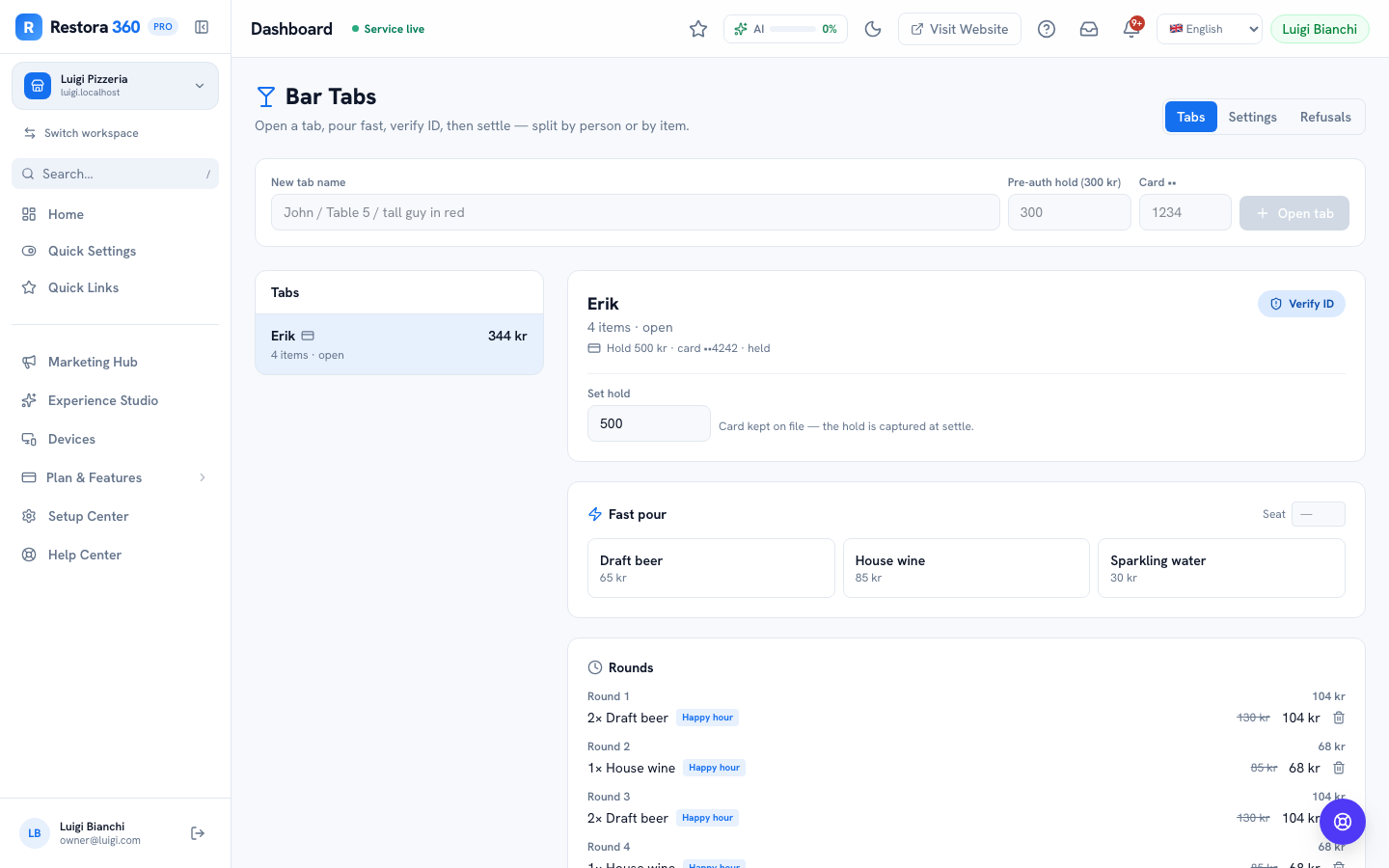
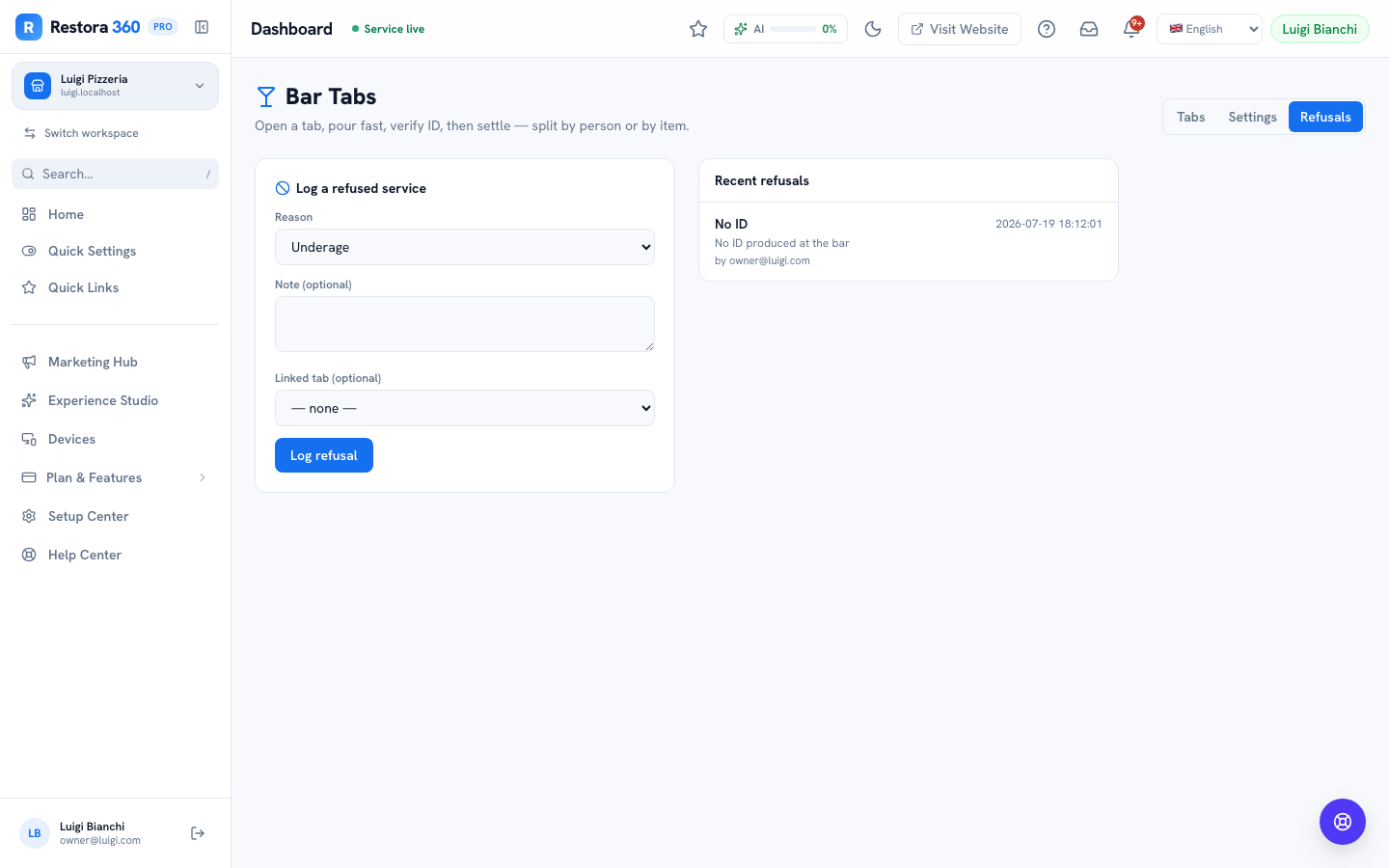
An age-verification refusal
Situation: A guest at the bar can't produce ID for an alcoholic drink.
What the system does: The tab can be marked age-verified only once ID is actually checked — settling stays blocked on an age-restricted tab until then, if your settings require it.
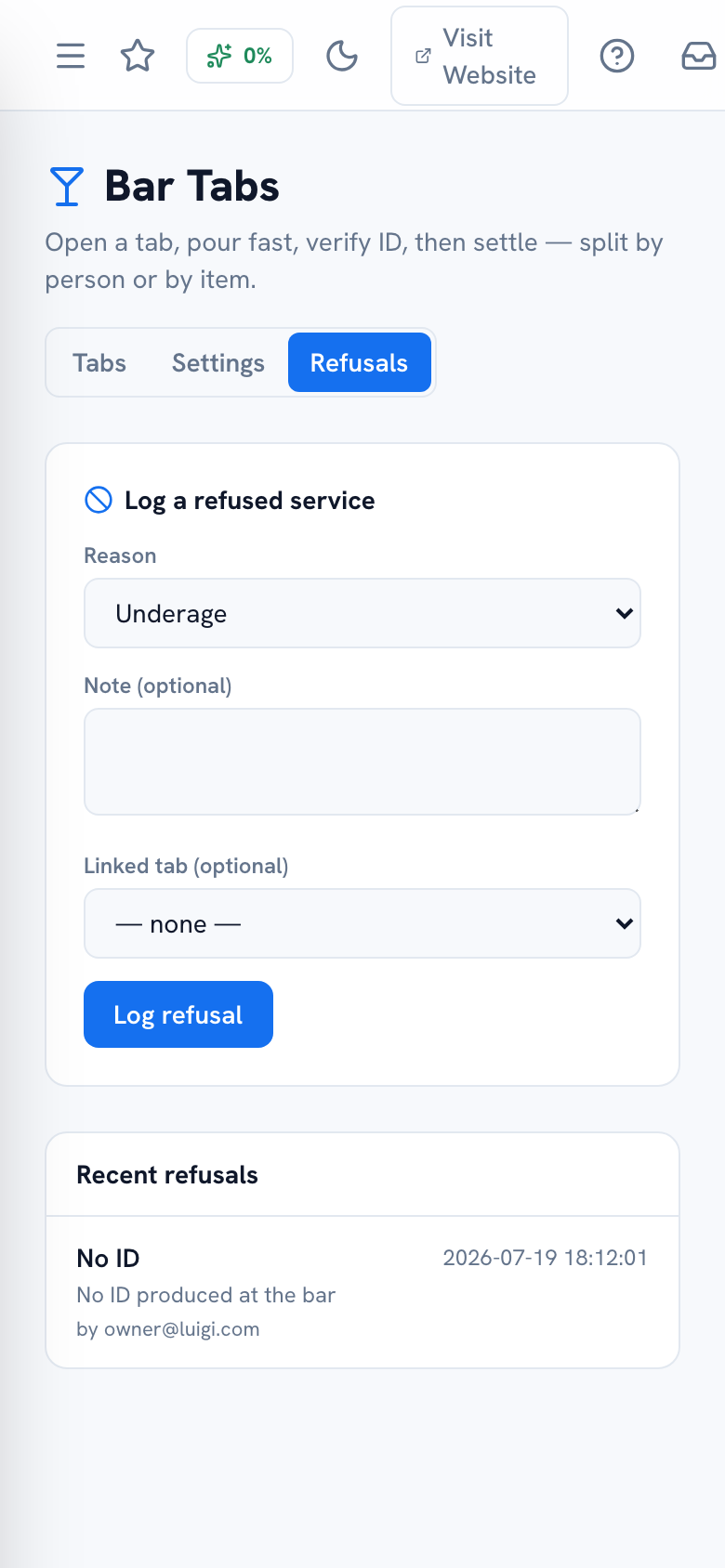
What you do: Decline the order and log it in Bar → Refusals with a reason (no ID). The rest of the tab (non-alcoholic items) can still be served and settled normally.
07
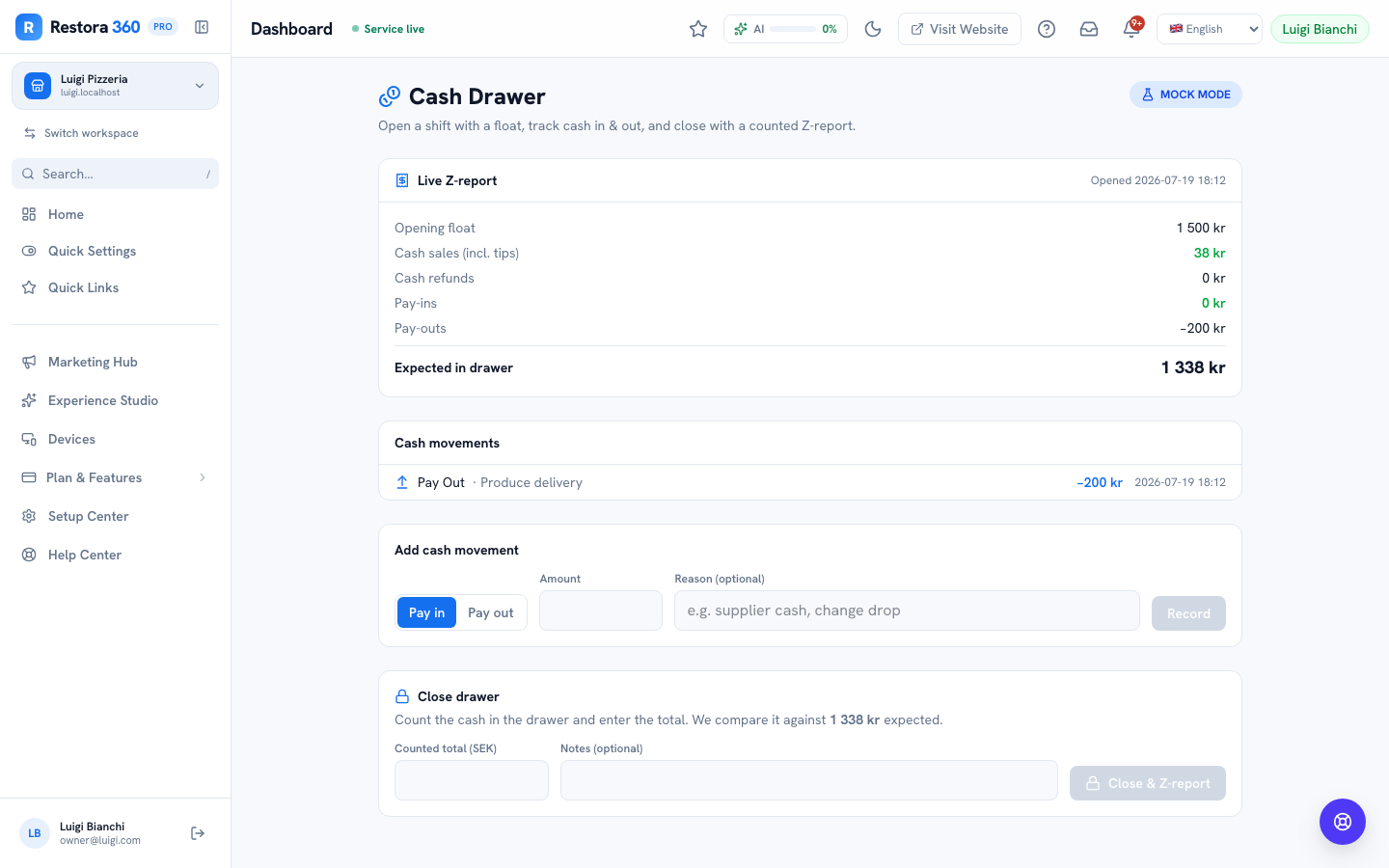
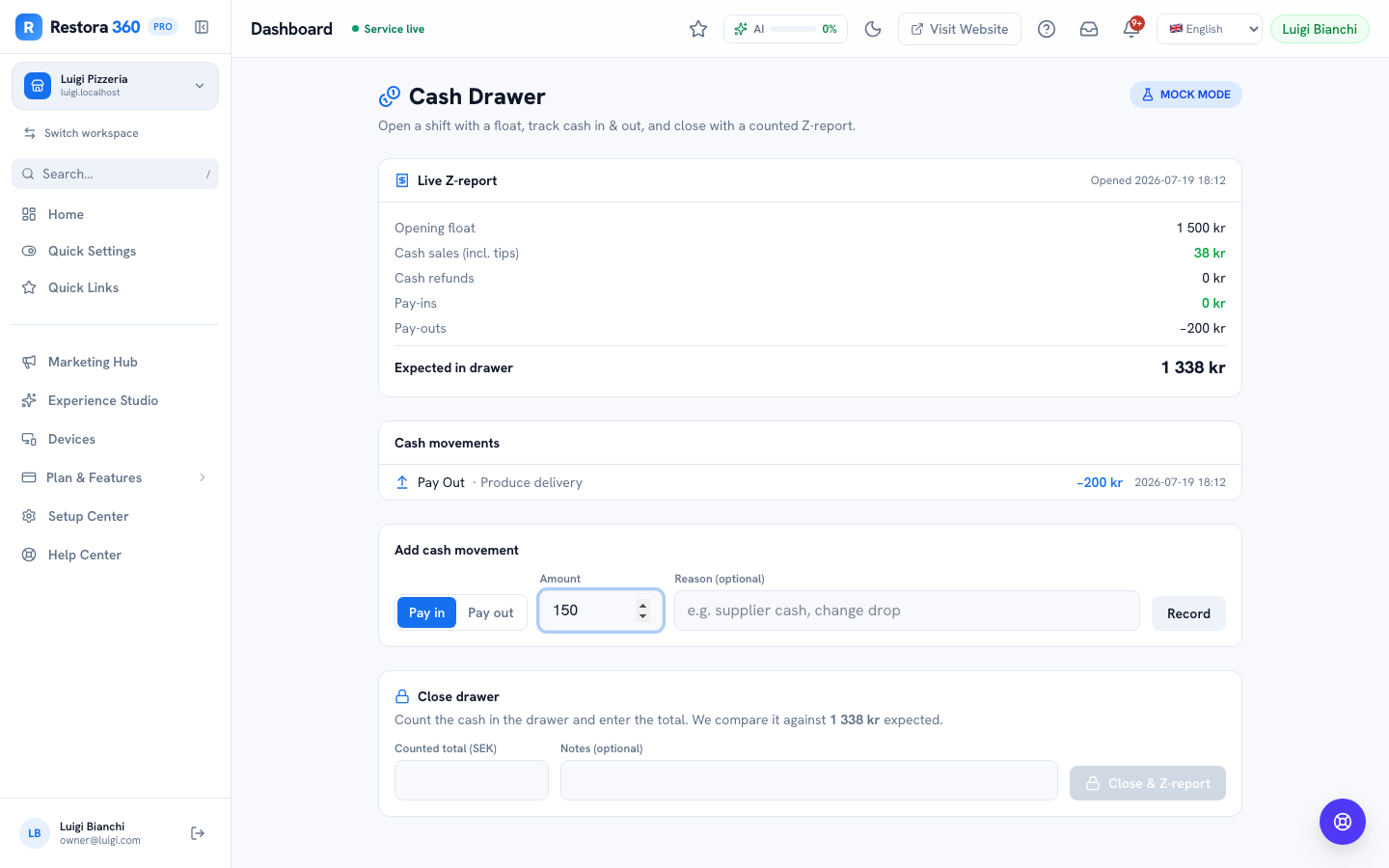
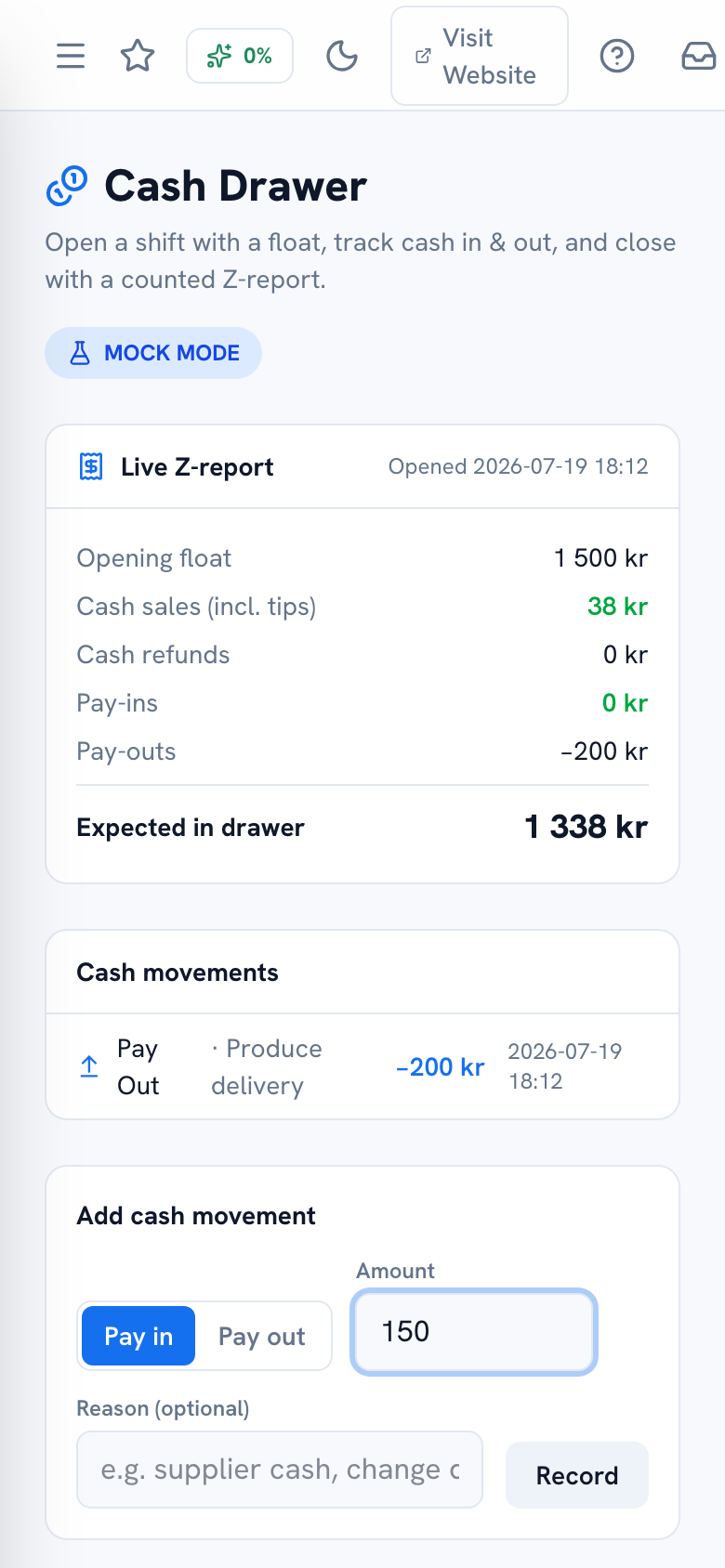
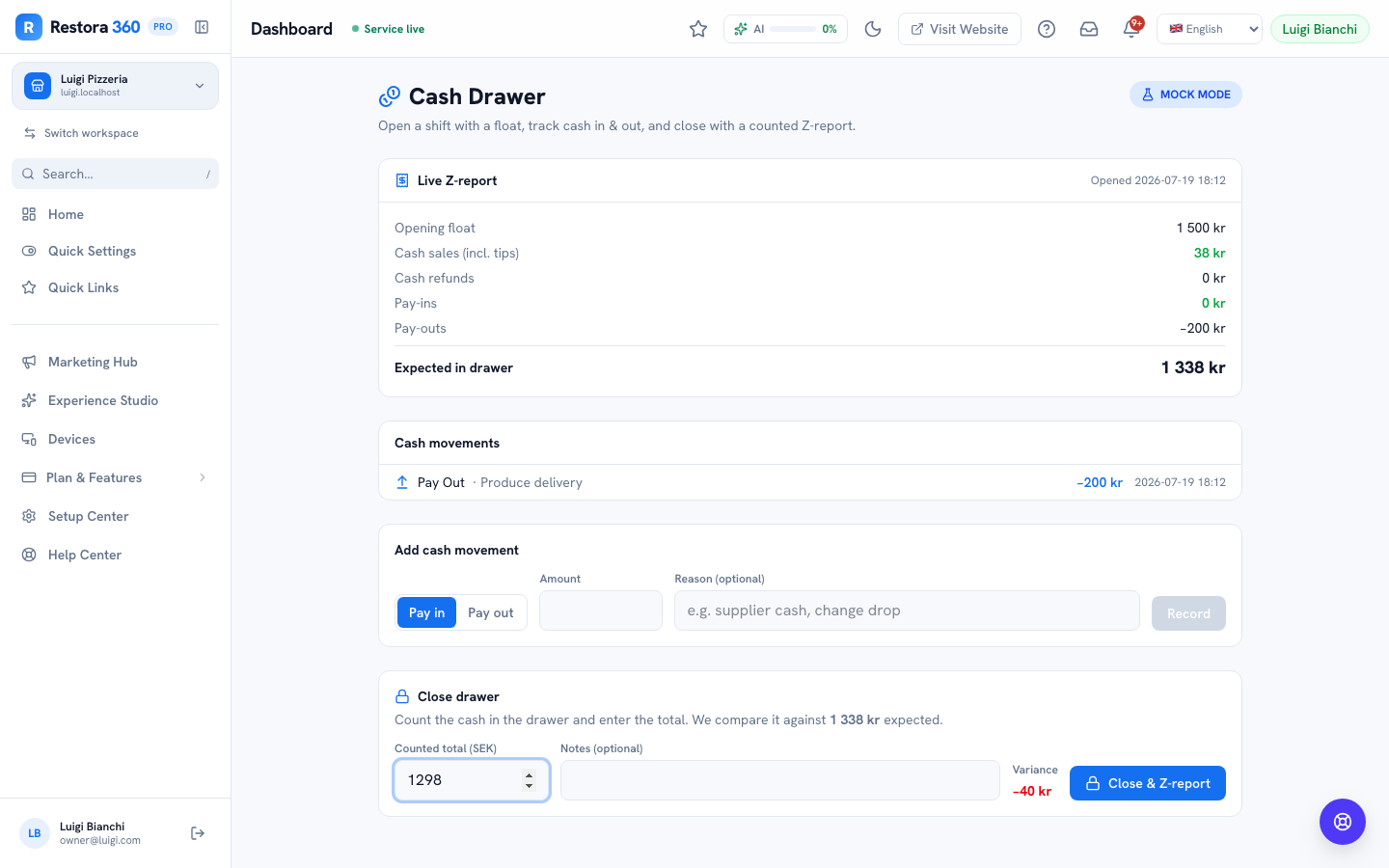
The cash drawer doesn't balance at close
Situation: Counted cash comes up 85 kr short of the expected total.
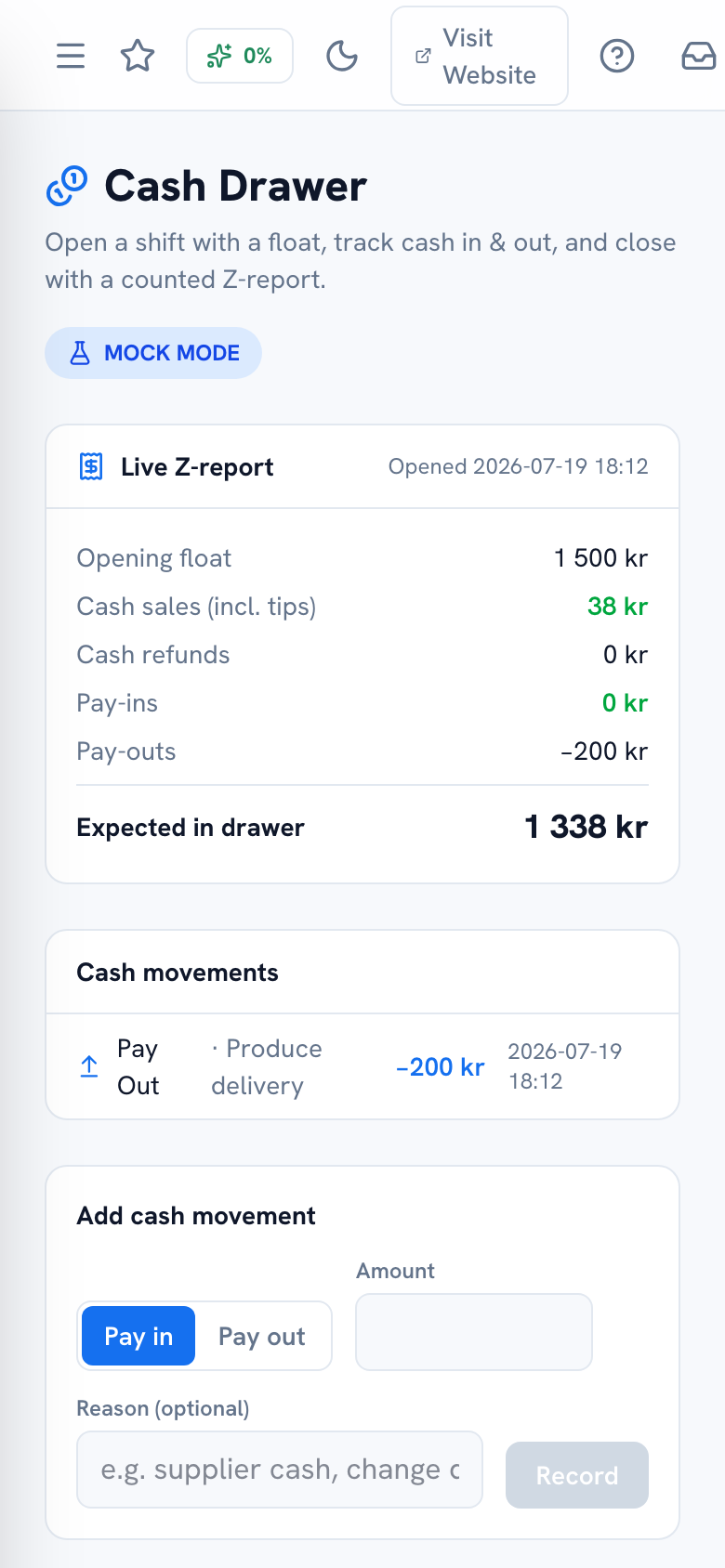
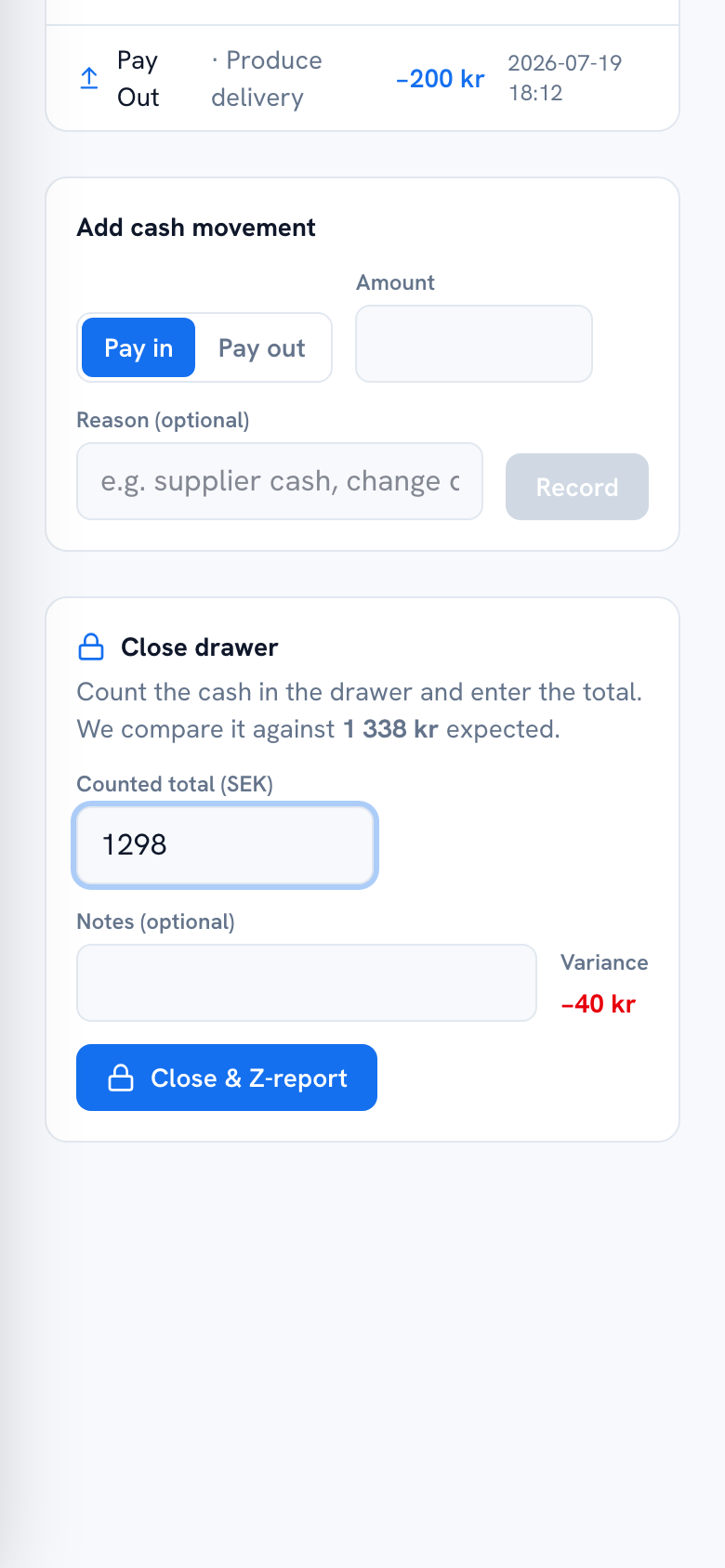
What the system does: The close screen shows the variance plainly rather than forcing a match — it records what was counted, not what "should" have been there.
What you do: Recount before finalising, check for an unlogged pay-out, and if it still doesn't reconcile, close it with the honest variance and flag it — the Recent Shifts history makes a recurring pattern visible.
08
A Skatteverket kassaregister control visit
Situation: An inspector makes a test purchase, then asks to see the receipt and the register's records.
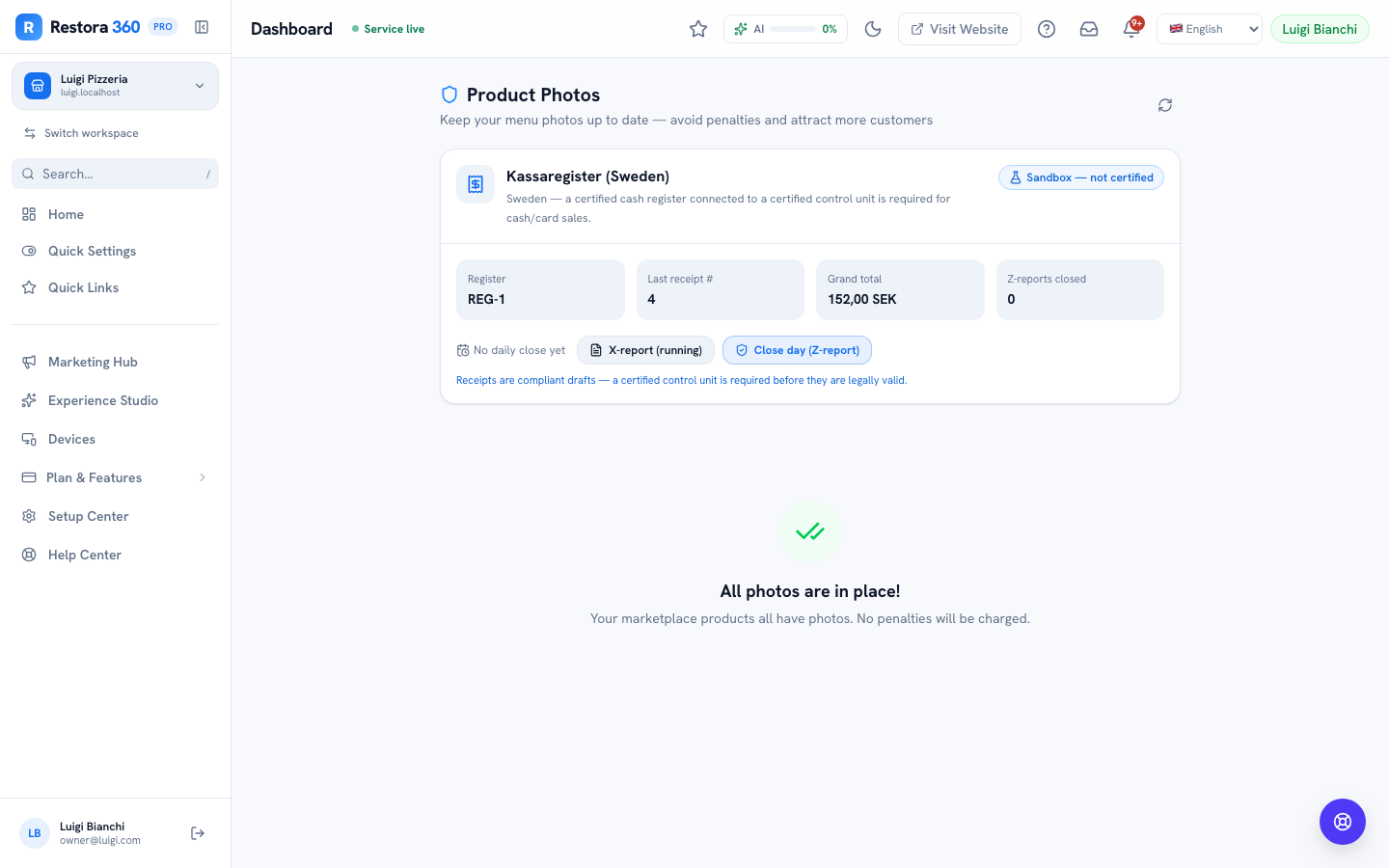
What the system does: The receipt handed over already carries the sequential number, VAT breakdown and required markings; the Compliance panel can pull the day's X-report on the spot.
What you do: Hand over the receipt and, if asked, show the Compliance panel. If your control unit is still running in sandbox mode and your turnover is above the exemption threshold, that's the honest gap to close before the visit, not after — see the legal chapter.
09
A big party wants an exact per-person split, not even shares
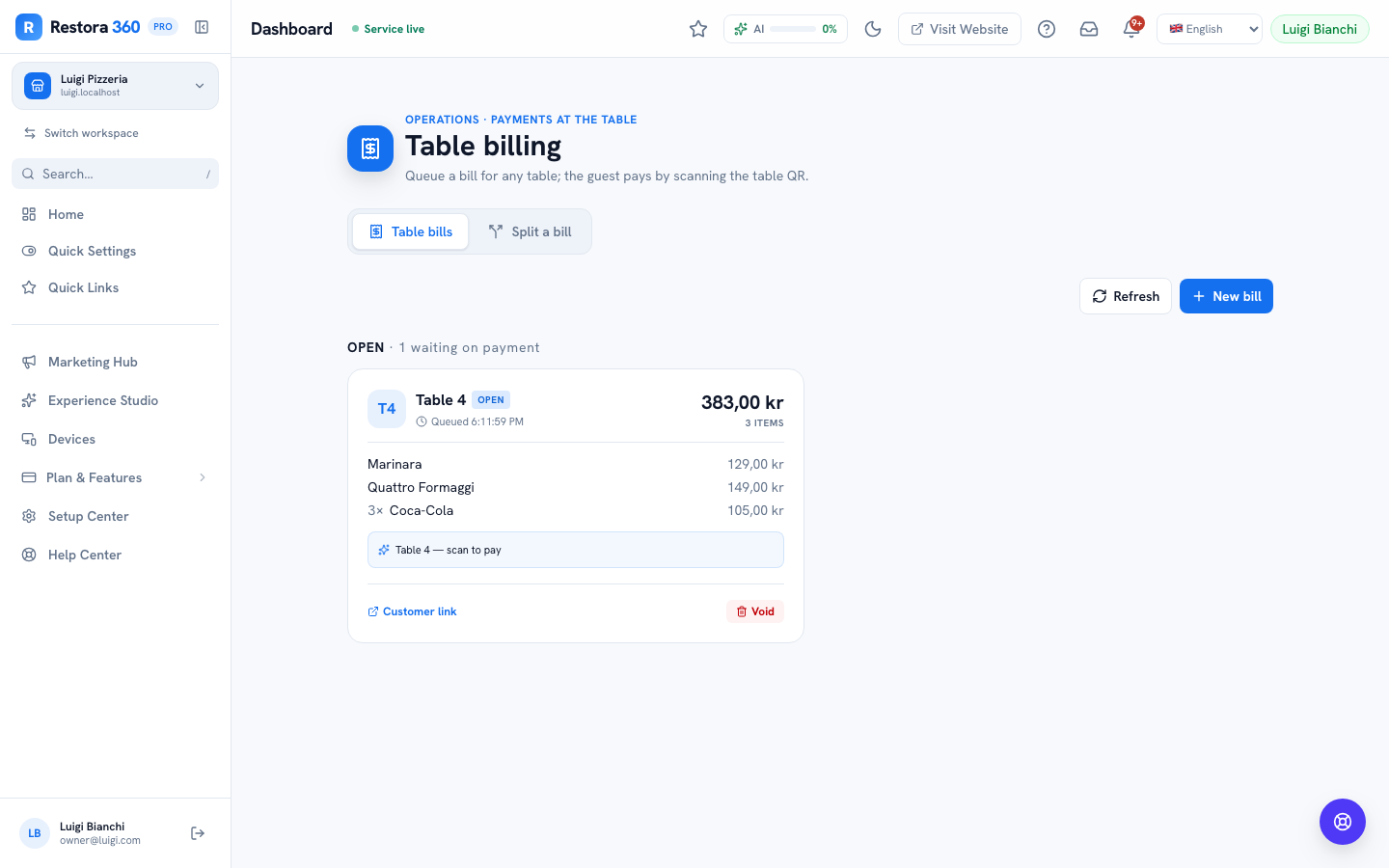
Situation: Eight guests each want to pay for exactly what they ordered.
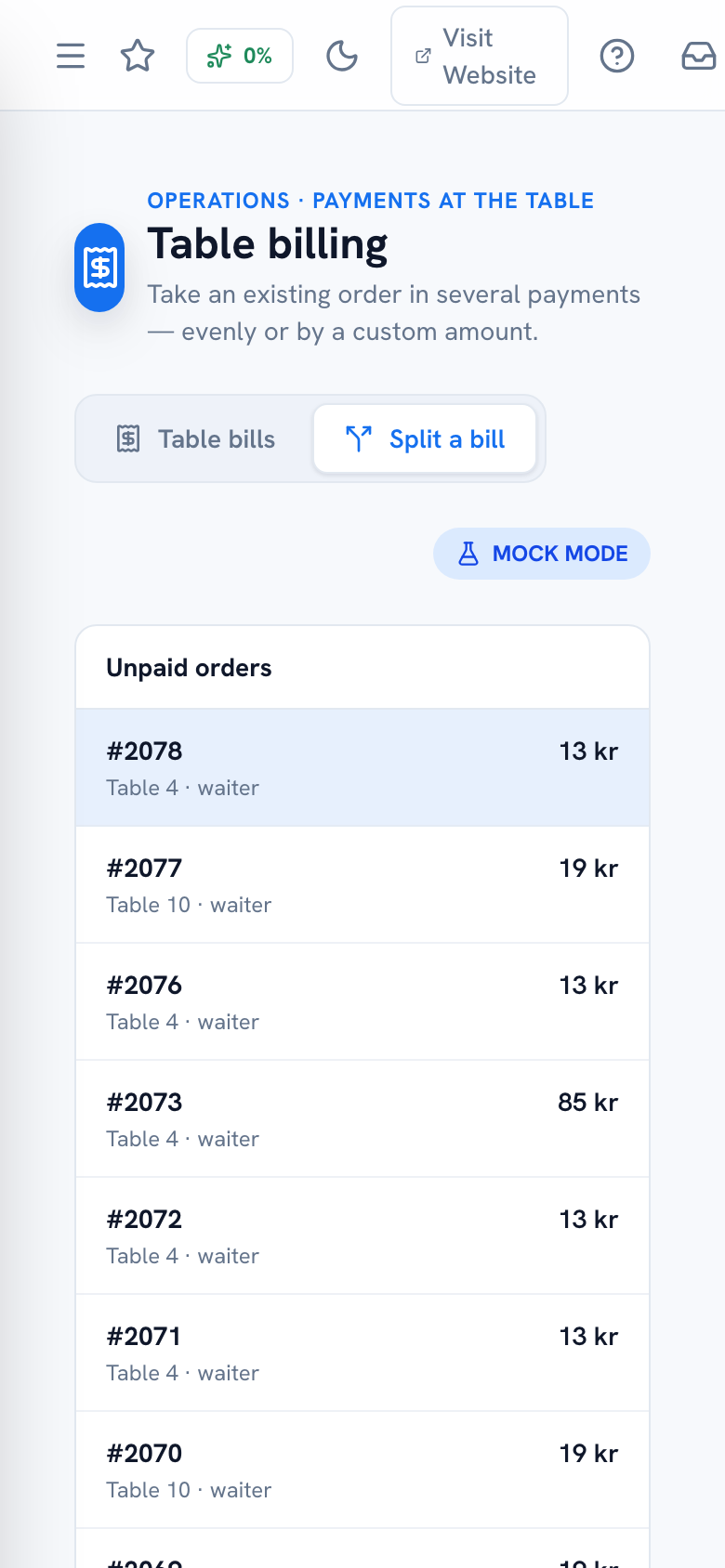
What the system does: The web Split-a-bill tab only offers even or custom-amount splits — it has no per-item or per-seat picker.
What you do: Reach for the Android POS app for this table: its Split Bill screen offers guests/items/amount modes, including checking off exactly which items each guest is paying for.
10
A guest wants to pay with two different tenders
Situation: One guest wants to put half on a gift card and half on a card.
What the system does: Both Table Billing and Bar Tabs support repeated partial charges against the same order or tab — each charge can use a different tender.
What you do: Charge the gift-card amount first, then charge the remainder to their card — the outstanding balance updates after each charge.
11
Happy hour ends mid-round
Situation: A round is poured at 18:59, happy hour ends at 19:00.
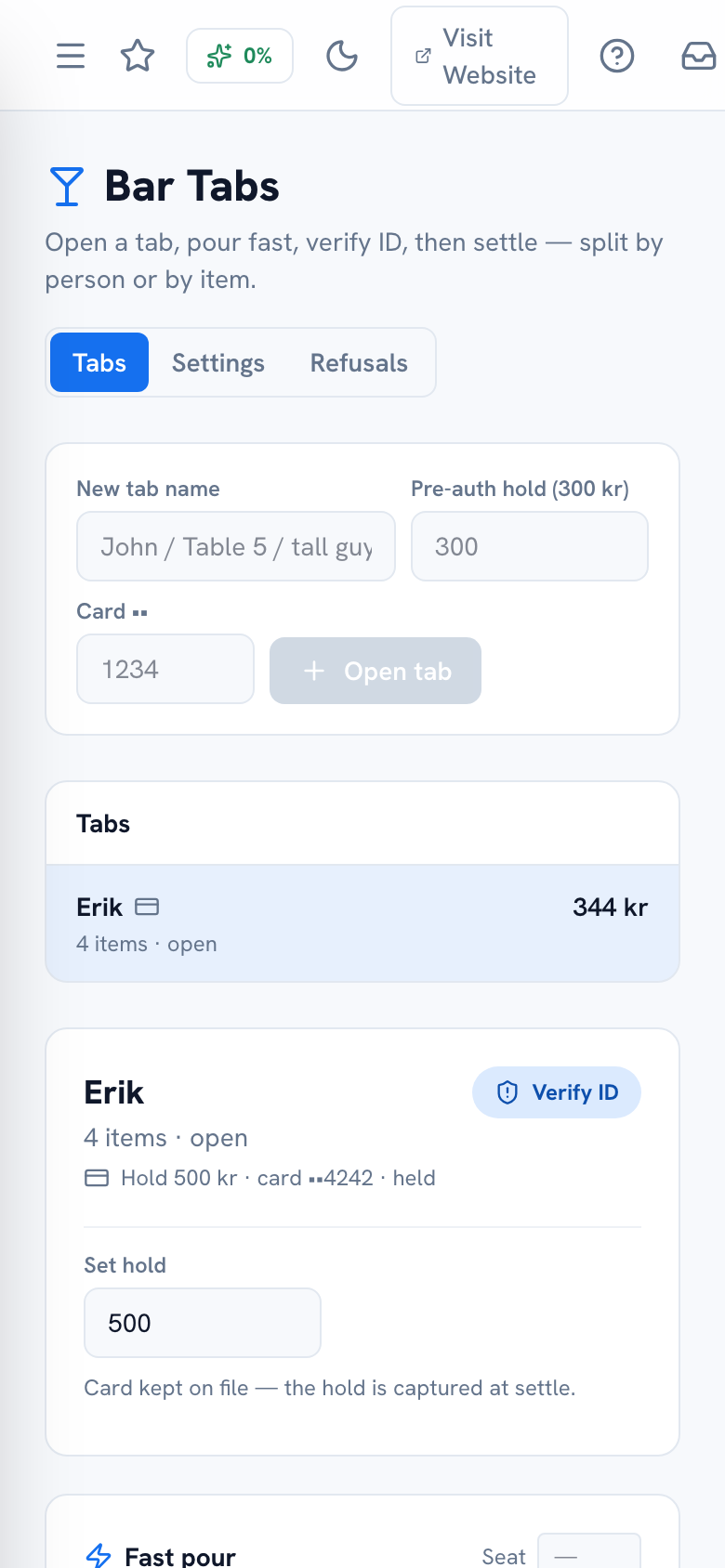
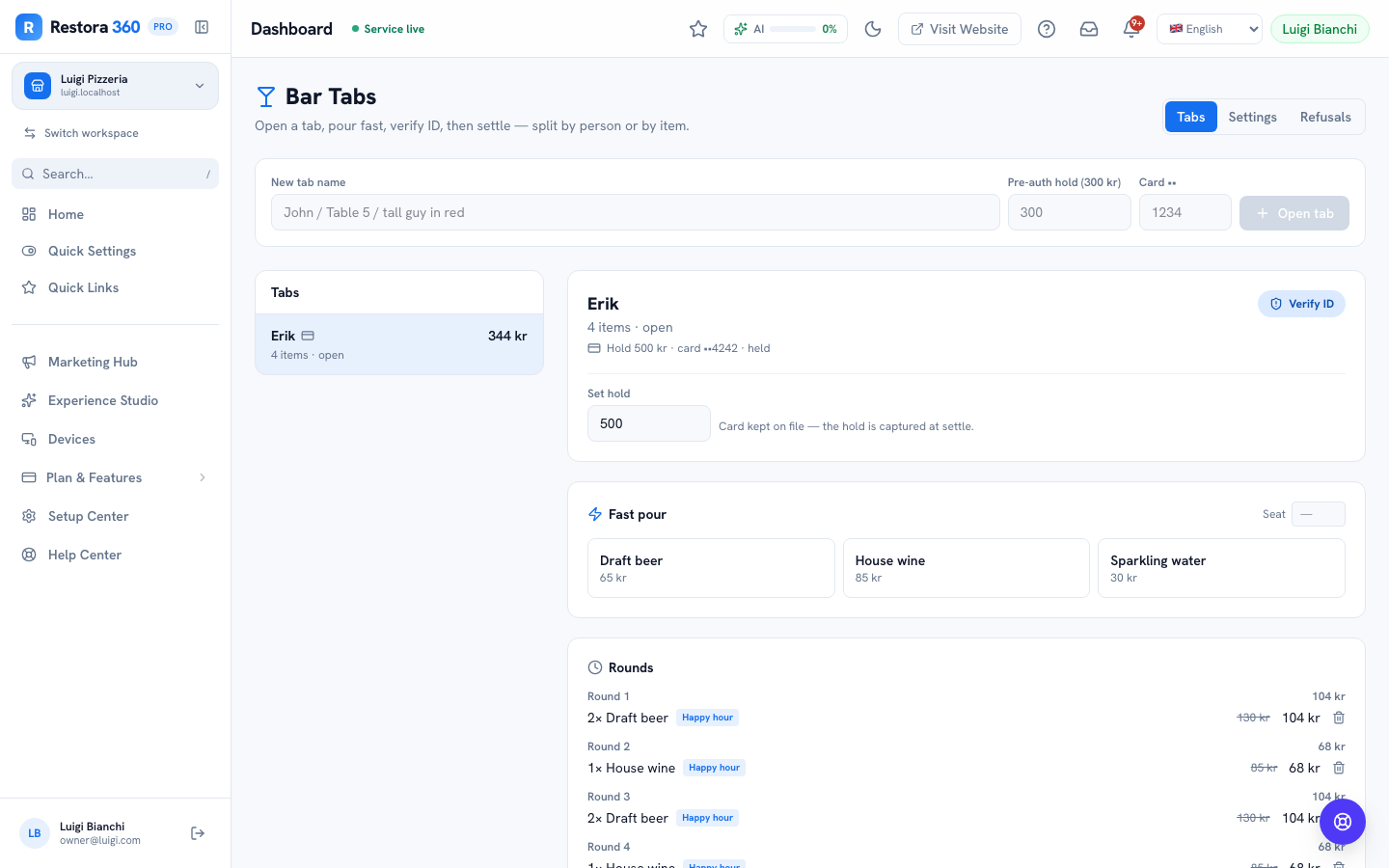
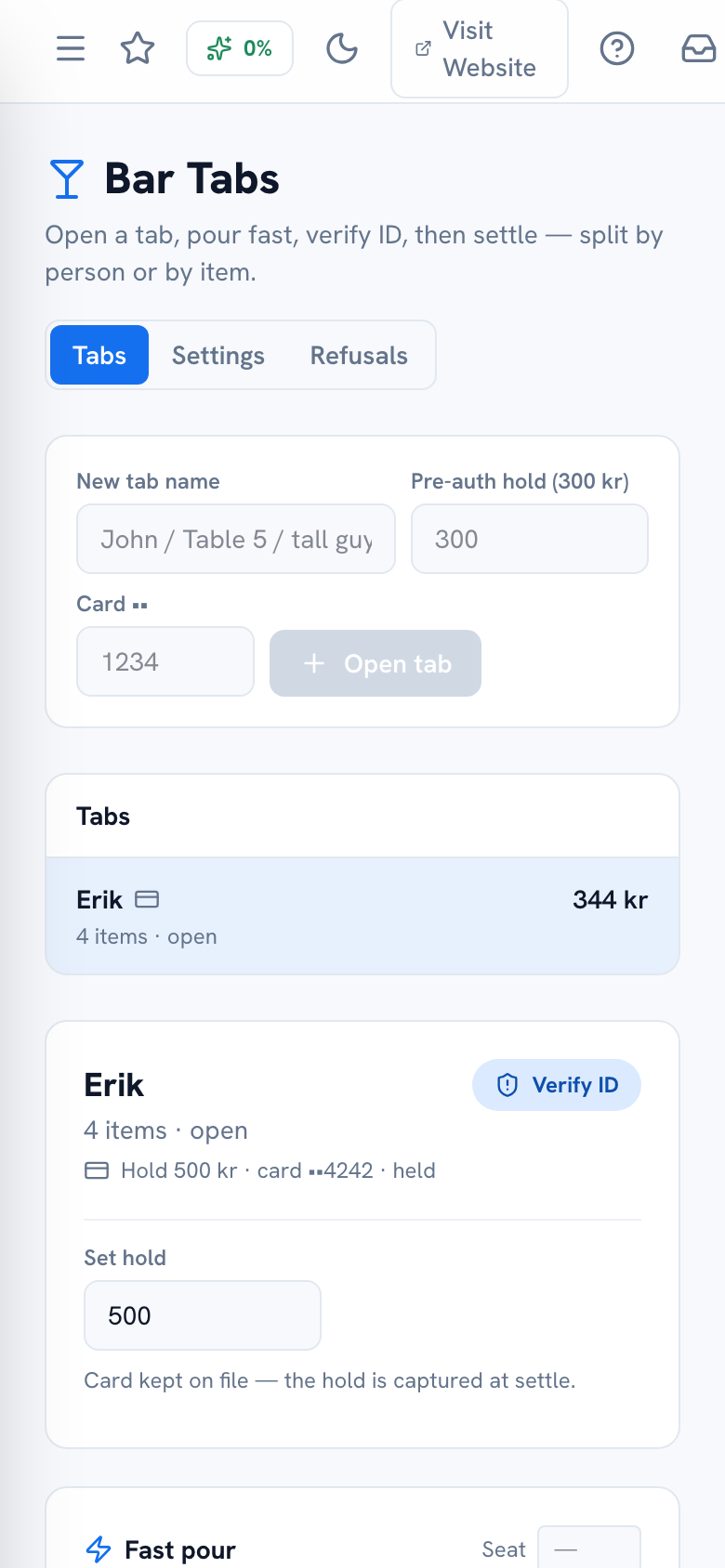
What the system does: Each item is priced (and happy-hour-badged) at the moment it's added to the tab — a round poured while the window was active keeps its discounted price even after the window closes.
What you do: Nothing — the tab's history is the honest record of when each round was actually poured.
12
A refund is needed after the guest has already left
Situation: A guest calls the next day disputing a charge on their bill.
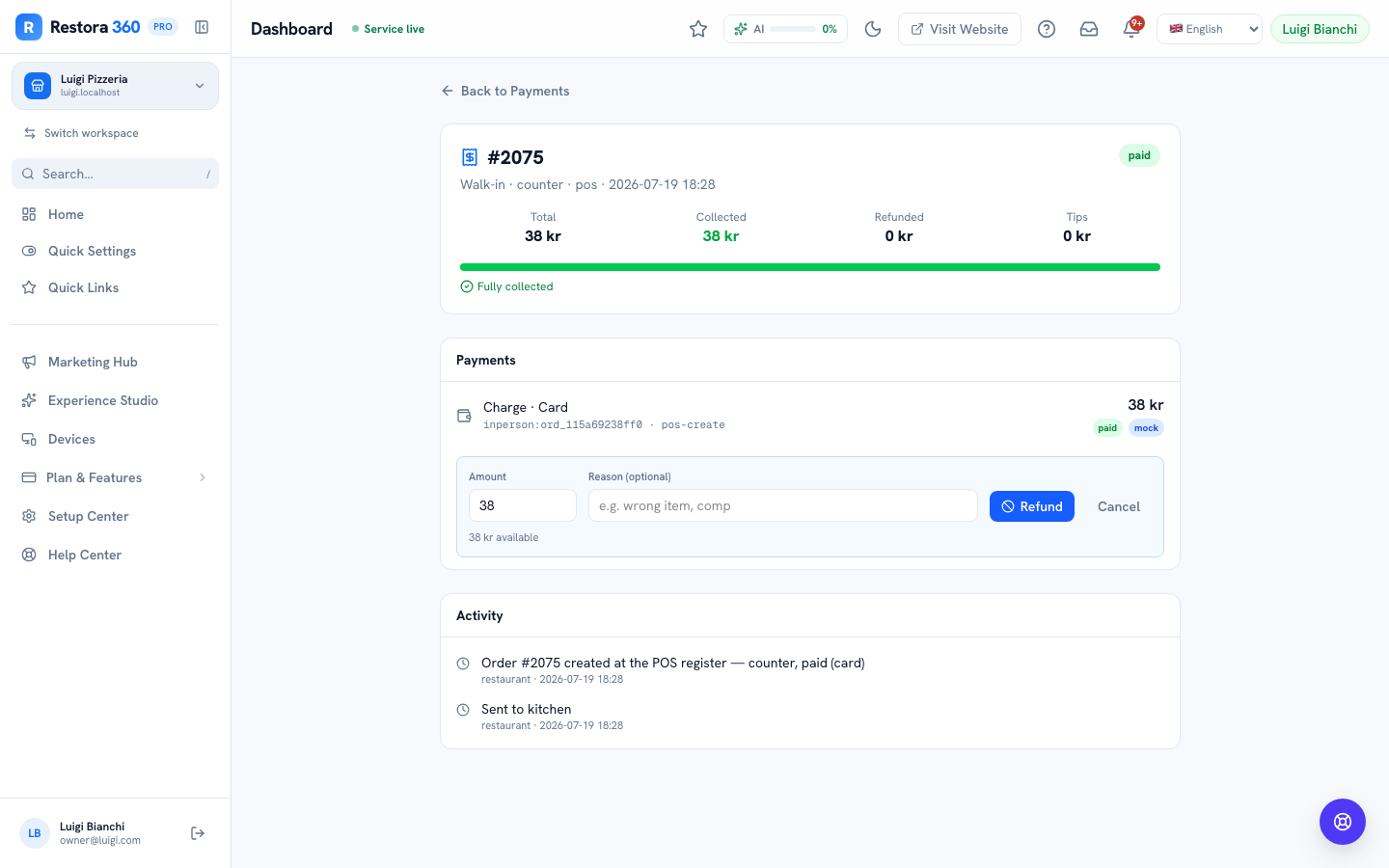
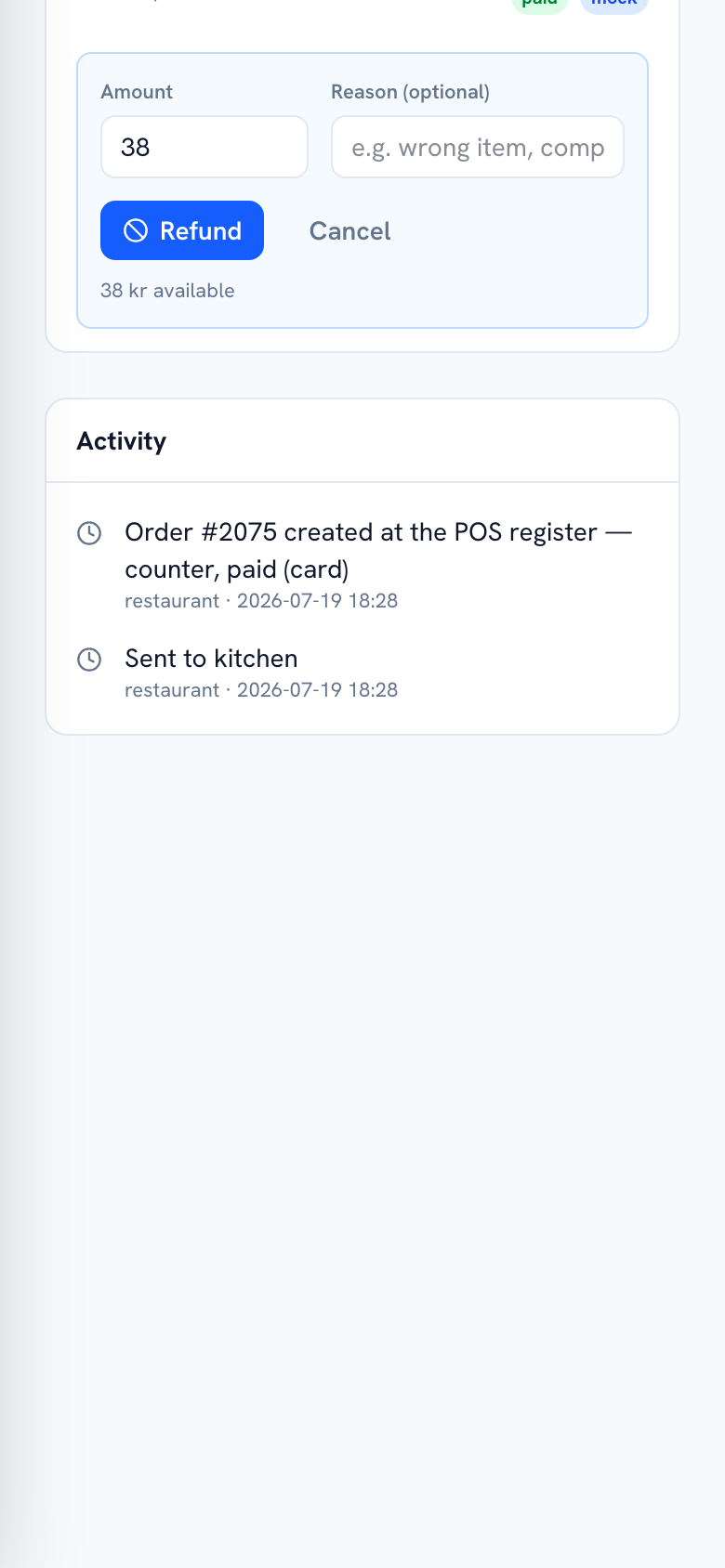
What the system does: Every order keeps its full payment history — charges and any refunds, each with an optional reason when one was given — reachable from the Payments page regardless of when the order was closed.
What you do: Open the order under Payments, review the charge, and issue a refund if it's warranted — add a reason if you want one on record. Only owners and managers can do this, and it's logged either way.